Run your entire training academy from one platform.
Manage courses, cohorts, instructors, live sessions, learner engagement, certificates and performance across web and mobile.
- Cohorts, attendance and grading built in
- Your own domain and branding
- 2% platform fee
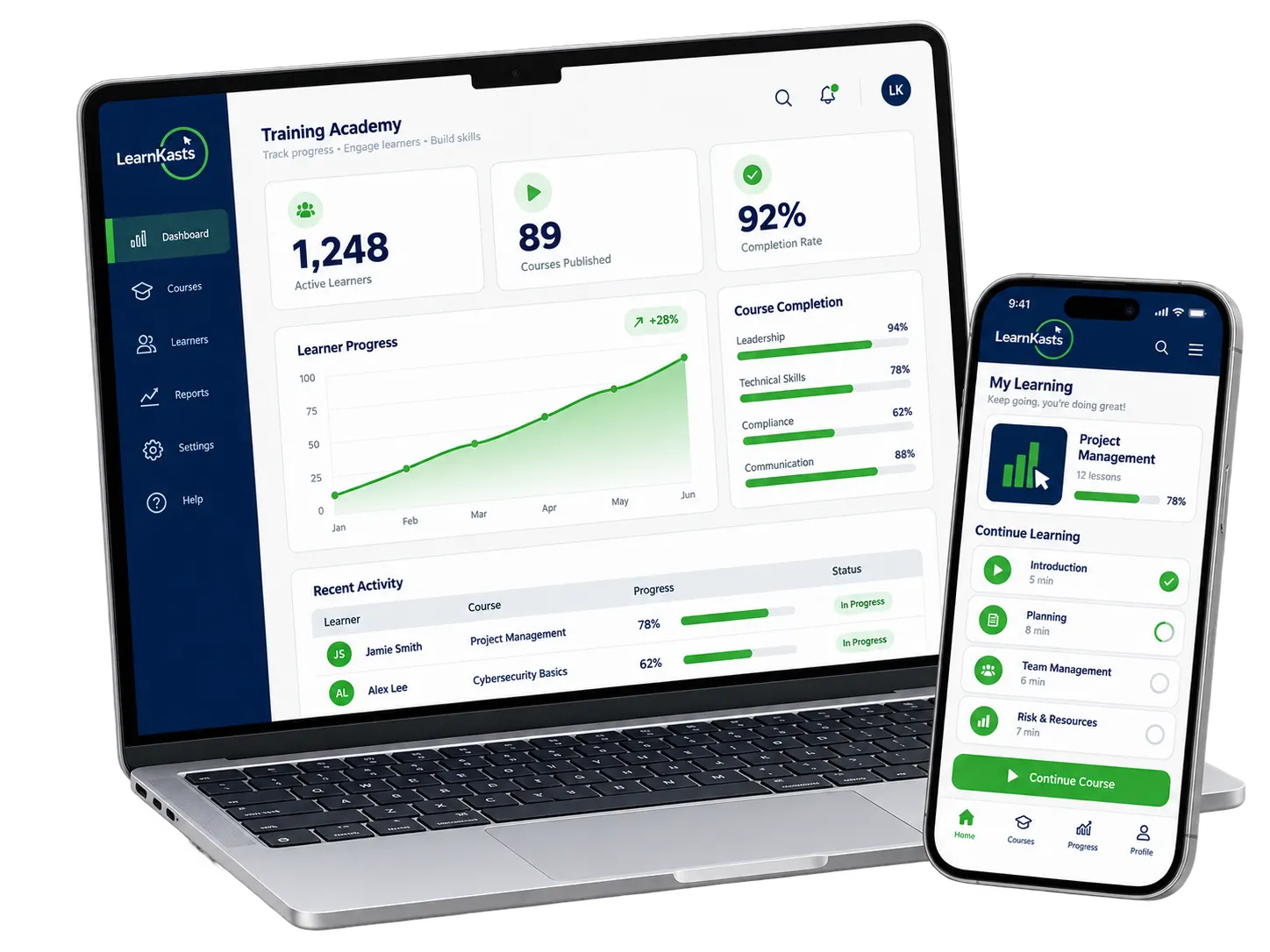
Your academy should not run from spreadsheets, chat groups and disconnected tools.
Every part of your programme works. They just do not know about each other. Attendance sits in one file, payments in another, and nobody can answer a simple question about how a cohort is doing without opening five things.
- Content
- Live training
- Attendance
- Community
- Assessments
- Payments
- Certificates
- Analytics
One record of every learner, cohort and programme.
The same learner who paid is the learner in the cohort, on the attendance register, in the gradebook and on the certificate. Nothing has to be reconciled by hand.
Four things every academy has to do. All of them connected.
Create the programme, deliver it, keep learners moving and measure what happened. Each part feeds the next, which is what makes it an operation rather than a stack of tools.
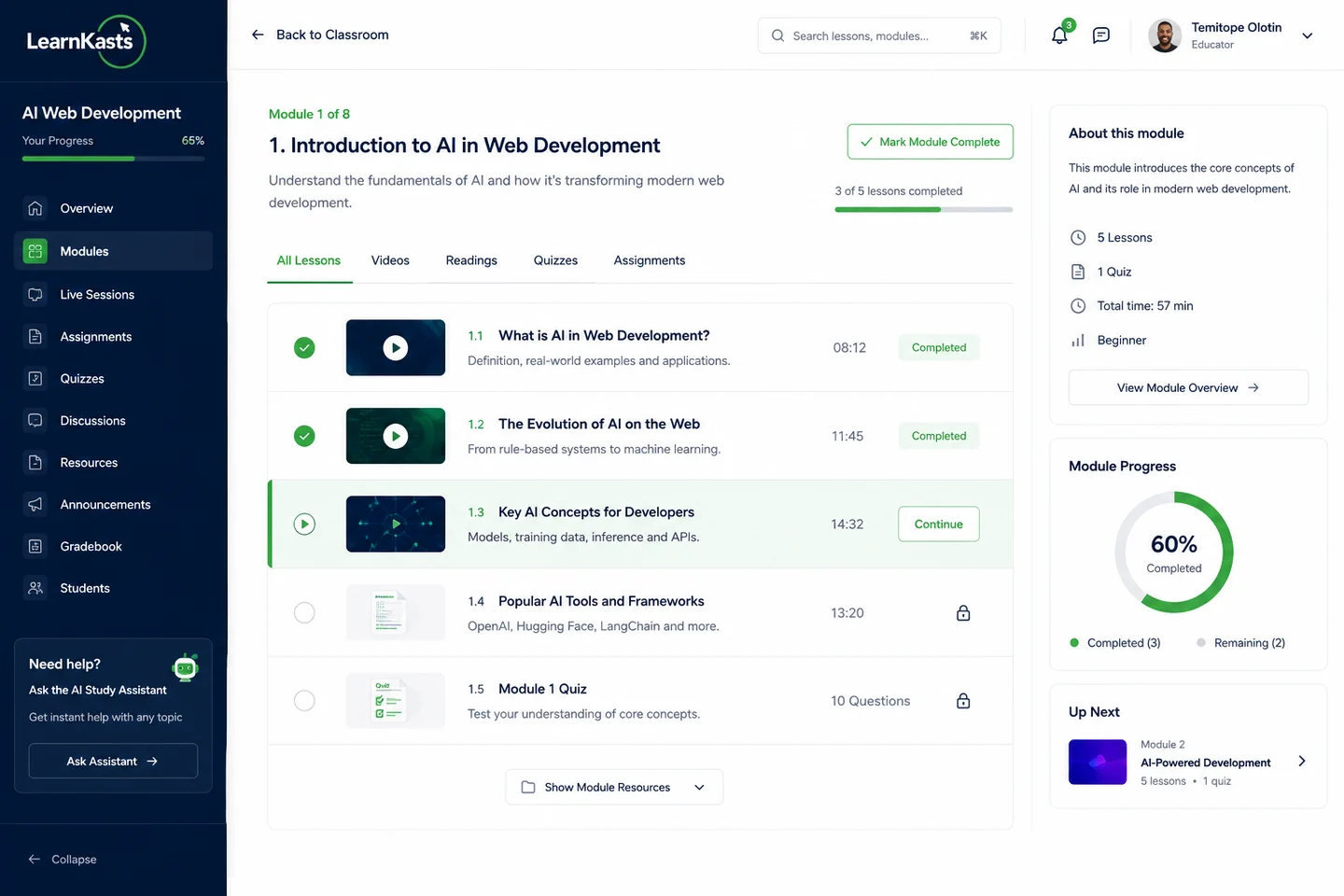
Build the programme once, then run it every intake.
Courses, assessments and certificates live together, so a programme you build this term is the programme you run next term.
- Courses, modules and lessons
- Quizzes and exams in nine question types
- Assignments with rubric grading
- Branded certificate templates
- AI course builder and quiz generation
- Course bundles and learning paths
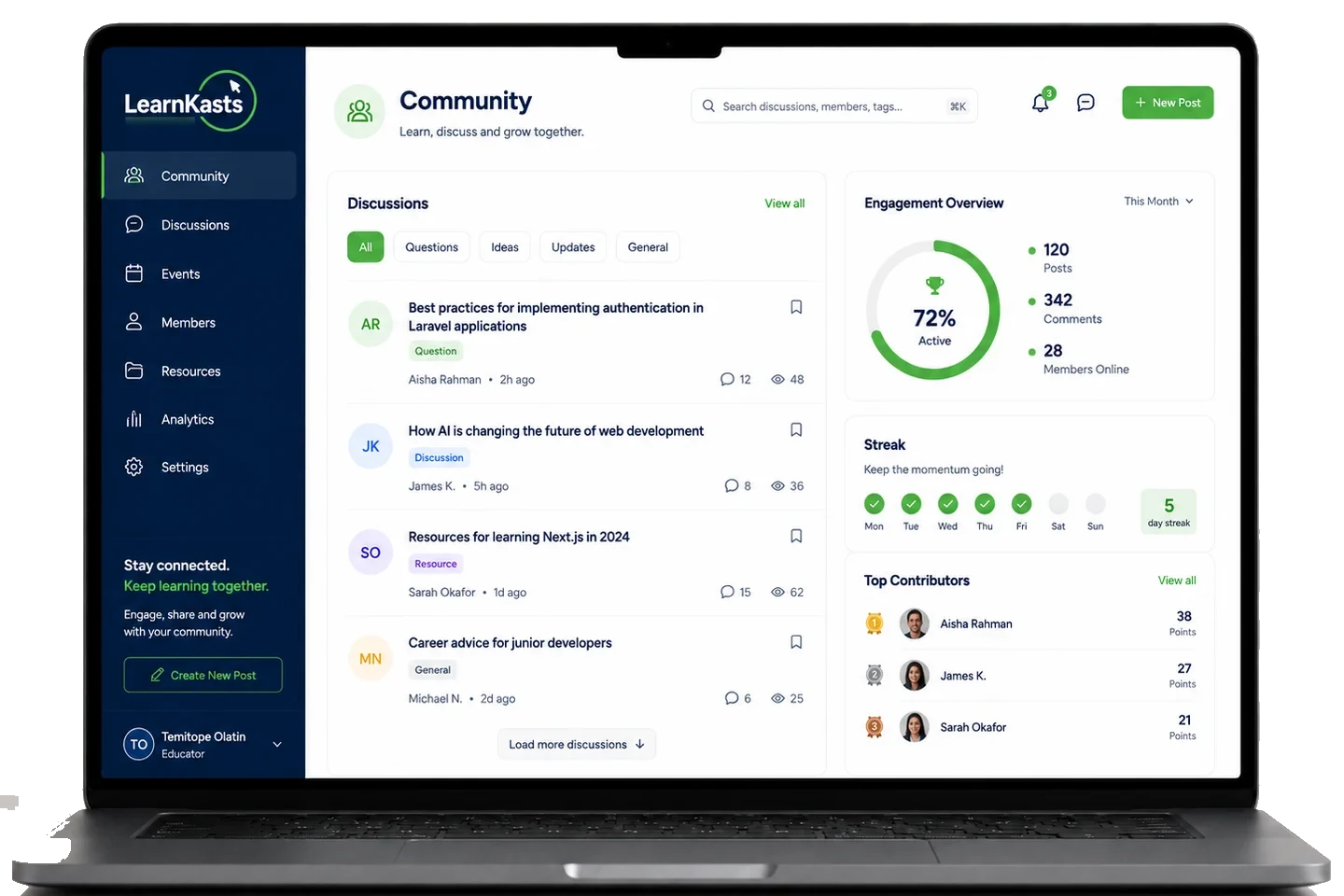
Run cohorts without losing operational control.
A cohort is a schedule, a roster, an instructor and a set of commitments. LearnKasts holds all four in one place, so the answer to "how is the March intake doing" takes one screen.
- Schedule sessions across the whole cohort
- Group learners into intakes and tracks
- Take attendance per session, with overrides
- Run live training from inside the cohort
- Set assignments and grade against rubrics
- Keep discussion scoped to the cohort
- Weight grades and export the gradebook
- Transfer learners between cohorts, then graduate them
Cohorts on the Pro plan: Unlimited.
Your academy is bigger than one instructor.
Bring in the people who teach with you, give them access to the courses they run, and agree what each of them earns before the first sale rather than after it.
Instructors on the courses they teach
Add co-instructors and teaching assistants to a specific course. Access is granted per course, so a guest instructor on one programme does not get the keys to the whole academy.
Ownership stays where you put it
The course owner keeps control of the programme, its pricing and its publishing. Everyone else works inside the course they were added to.
Revenue shares agreed up front
Set each instructor a percentage share of a course. When a sale settles, their share is allocated to them automatically, so nobody is reconciling a spreadsheet at month end.
Shares apply to the course they are set on and are allocated when a sale settles. A teaching assistant has access without a revenue share.
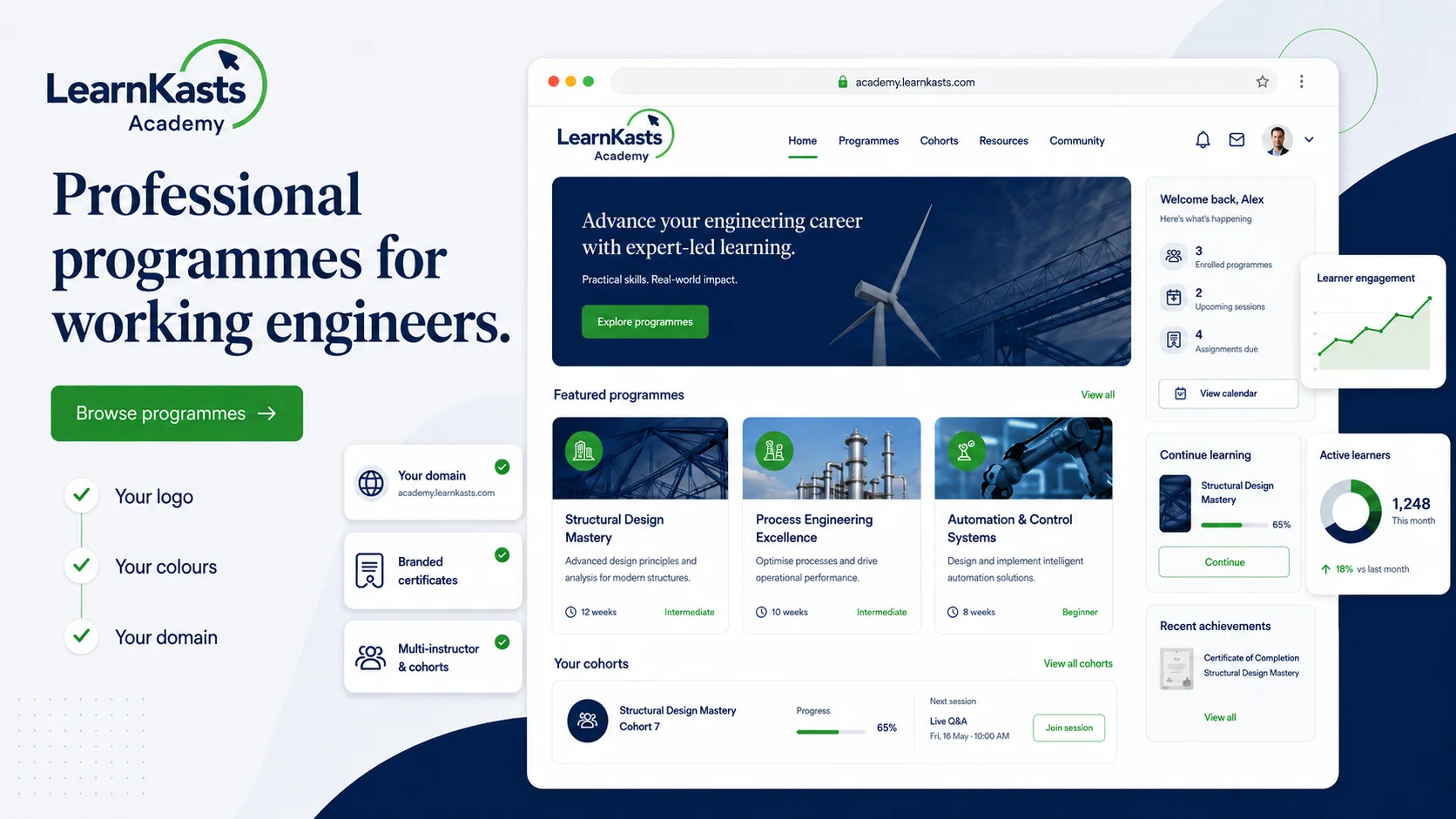
Your academy should look like your academy.
Learners arrive on your domain, see your name and your colours, buy from a checkout that carries your brand and finish with a certificate that has your logo on it.
- Your own custom domain
- Your logo, colours and typography
- Branded storefront and landing pages
- Branded checkout
- Branded emails to your learners
- Branded, verifiable certificates
On Pro, your storefront, pages, checkout, emails and certificates carry your brand, and the classroom carries your logo and name. Learners study inside the LearnKasts learner experience on web and in the LearnKasts app. A fully white-labelled learner portal and a dedicated branded mobile app are part of the Enterprise plan.
Your academy in every learner's pocket.
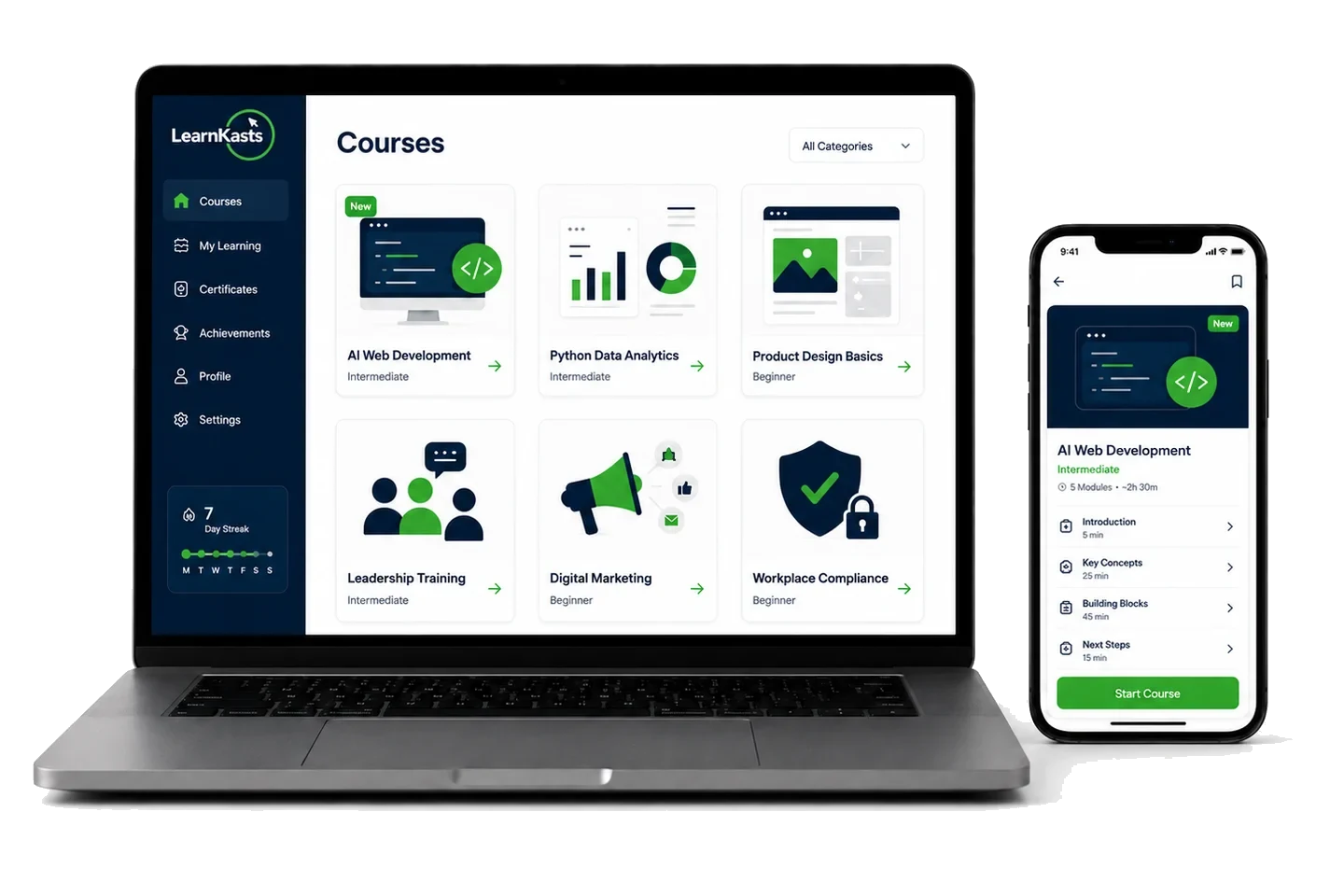
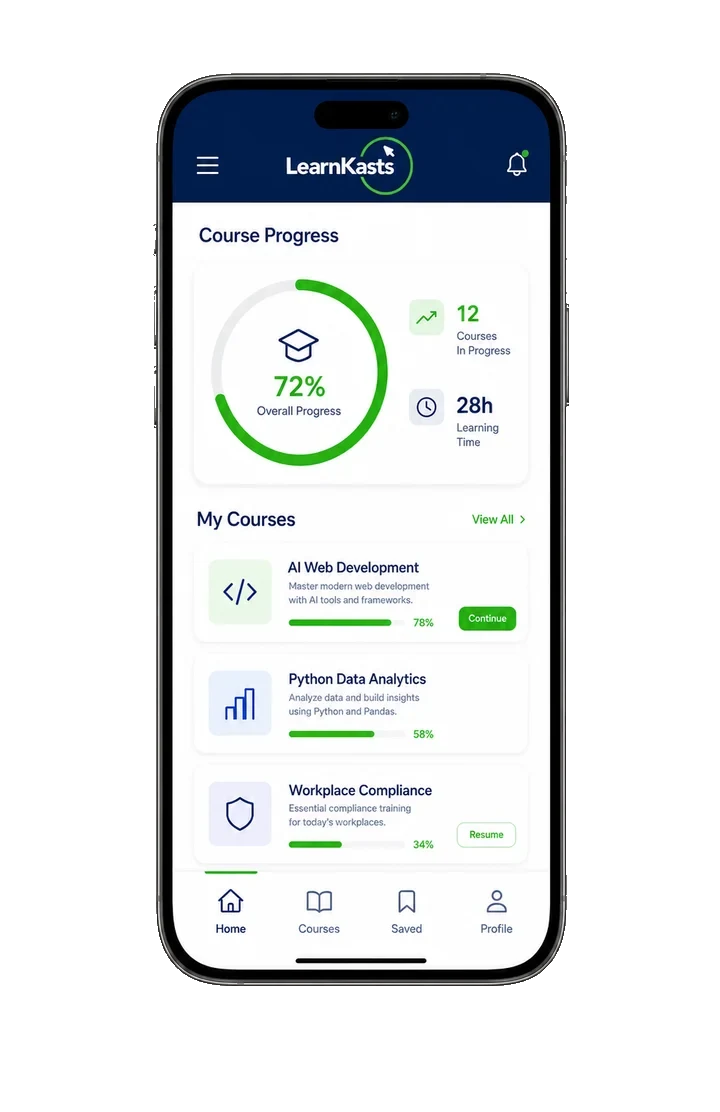
The learner app on iOS and Android carries the real programme, not a cut-down version of it. What a learner starts on a laptop at work, they finish on a phone on the way home.
- Full course access
- Live classes on the phone
- Progress that follows the learner
- Quizzes and assignments
- Community and course chat
- Push notifications
- Adaptive video streaming
- Quality controls and Data Saver
One programme, one record of progress, whichever screen the learner is on.
Large cohorts make learner drop-off harder to see.
In a class of ten you notice when someone goes quiet. In a cohort of two hundred you do not, and by the time it shows up in the completion rate it is too late to do anything about it.
- Inactive learner surfacing
- Progress tracking
- Mastery-based progression
- Streaks and badges
- Study groups
- Discussions and course chat
- Reminders and notifications
- Completion reporting
Know who is progressing and who needs attention.
Know how every cohort is performing.
Compare one intake against the last on the numbers that decide whether a programme is working: who turned up, who stayed active, how they scored and how many finished.
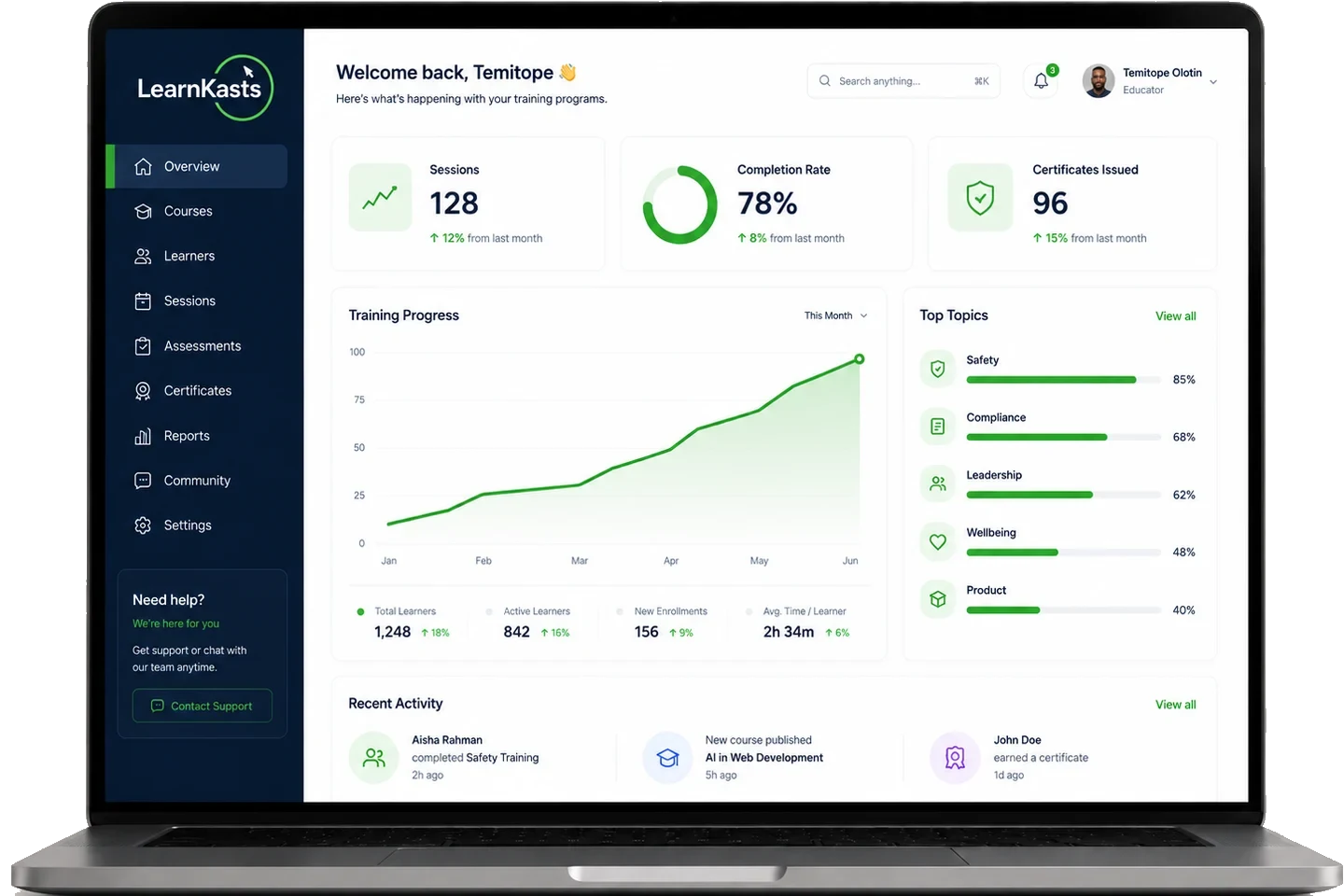
- Compare cohorts side by side
- Track enrolment and revenue over time
- See which content learners finish and which they abandon
- Export the numbers for your own reporting
Already running an academy?
You are not starting from nothing, and the work is mostly structural rather than technical. This is the order that tends to go fastest.
-
01
Map your programmes
Decide what is a course, what is a cohort and what is a track, before anything is uploaded.
-
02
Bring your content across
Rebuild your courses, modules and lessons in the builder, or have the AI course builder draft the structure for you to edit.
-
03
Bring your learners in
Enrol existing learners in bulk, either as paid enrolments through checkout or as manual enrolments for people who already paid you.
-
04
Set up your branding
Point your domain, upload your logo, set your colours and check your emails and certificate template.
-
05
Launch the first cohort
Open one intake rather than everything at once, so you learn the system on a programme you already know well.
How long this takes depends on how much content you are moving and how ready it is. Bulk enrolment allowances vary by plan. On Enterprise, migration runs as a managed project with a named owner and an agreed plan. Book a demo and we will walk through your specific programmes before you commit to anything.
Built for training operations, not one-off courses.
If you run more than one programme, with more than one person teaching, on more than one schedule, this is the shape of the problem LearnKasts is built for.
Training academy
Multiple programmes running at once, a teaching team, and intakes that start and finish on set dates.
Bootcamp
Intensive cohorts on a schedule, with attendance, assignments, grading and a graduating class at the end.
Certification programme
Assessment that has to hold up, and certificates that a third party can verify.
Professional institute
Structured curricula, continuing professional development, and records you can report on.
Creator-led academy
You outgrew selling one course. Now there is a catalogue, a brand and other instructors teaching under it.
Agency or training business
You train clients and partners under your own brand, and the training is a product rather than a favour.


Pick the plan that matches how you operate.
The difference between these plans is not a feature count. It is whether you are one educator, a training academy, or an institution with a contract.
Creator
2% platform fee
One person, a small catalogue and a branded storefront. The right plan until you add a second instructor or a scheduled intake.
- 50 total learners
- 5 courses
- AI course builder
- Branded storefront and email
Pro
2% platform fee
Everything an academy runs on: unlimited cohorts, your own domain, instructors with revenue shares, and the analytics to see how each intake performed.
- 200 total learners
- Add seats up to 1,000 learners total
- 20 courses
- Unlimited cohorts
- Your own custom domain
- Instructors with revenue shares
- Advanced and cohort analytics
- Referral programmes
Enterprise
0% platform fee
For institutions, government programmes and corporate learning teams that need their own portal, their own identity provider and a contract behind it.
- White-label learner portal
- Single sign-on and departments
- Dedicated branded mobile app
- Assisted migration and a dedicated success manager
Products under ₦5,000 pay a flat ₦100 platform fee instead of the percentage. At ₦5,000 and above, the standard platform fee applies. Every limit, feature and billing option, side by side: see full pricing.
Questions academies ask before they move.
The educator plan is built around one person and a small catalogue. This is built around an operation: unlimited cohorts, instructors working alongside you with agreed revenue shares, your own domain, and analytics that compare one intake against the last.
Run the academy. Not the tool stack.
Bring your programmes, instructors and learners into one connected training operation.