
Product
Resources
Computer-based testing
CBT exams, from setting the paper to answering an appeal
Set papers against your own syllabus, enter candidates at their centres, run the exam in a locked-down app, mark it, and publish the results. When someone asks why a candidate scored 47, the answer is on a screen.
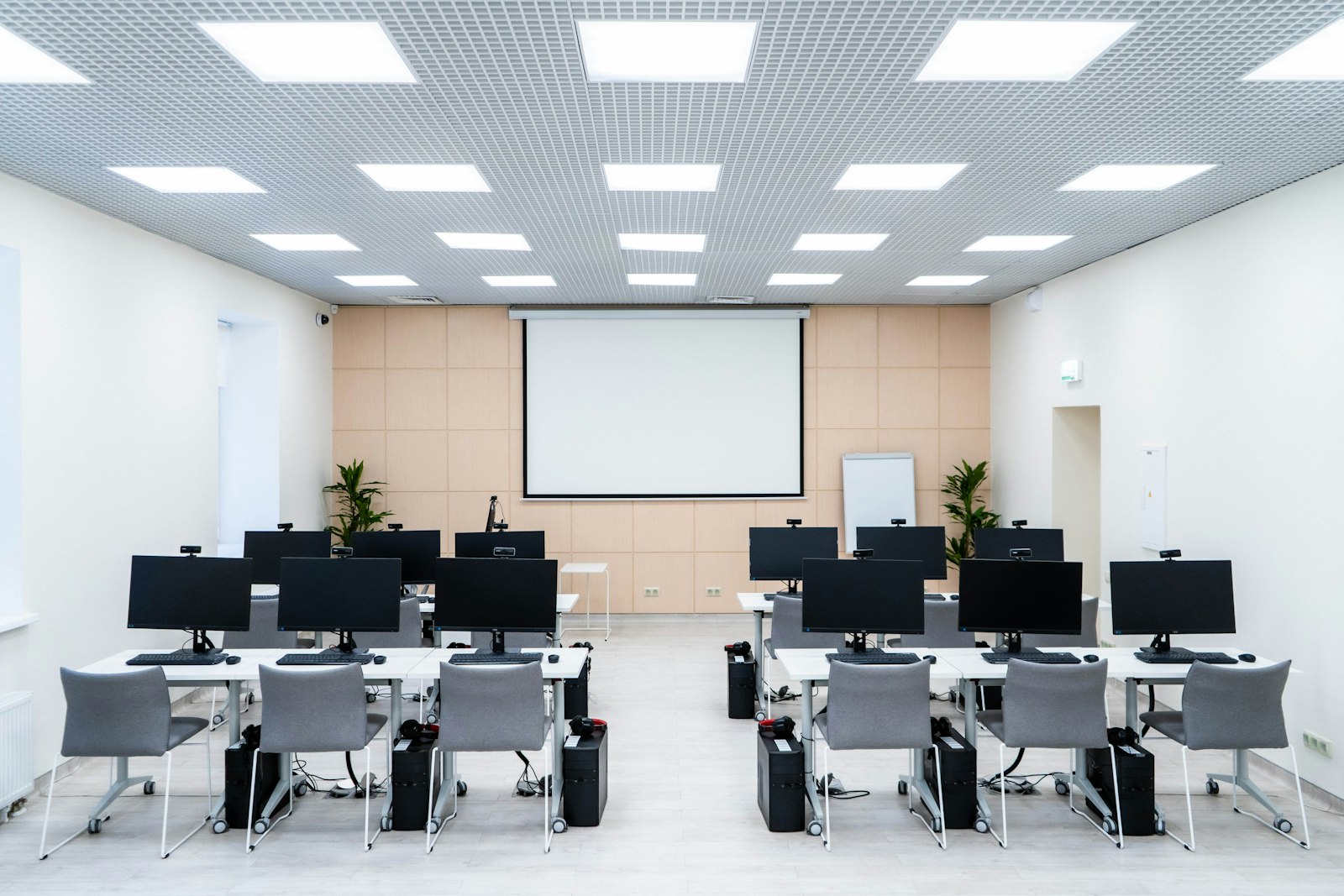
- Papers in sections, drawn from your own question bank
- A locked-down app, with invigilators assigned per paper and centre
- Proctoring that records signals on the candidate record, never video
- Results published with a version and a checksum
Who runs exams on LearnKasts
Anyone who sets a paper, sits candidates and has to stand behind the result afterwards.
Chartered and professional institutes
Run your diets against your own syllabus, with exemptions, credits and a results sheet your council can defend.
Examination boards and councils
Sit thousands of candidates on the same paper, on the same day, across every centre you operate.
Universities and polytechnics
Screening tests, semester exams and resits, marked and published without collecting a single paper script.
Colleges and schools
Entrance exams and mock papers, with each candidate's full history held under one registration number.
Government and public service
Recruitment and promotion exams, with a record of who sat, who supervised and who published.
Employers and training academies
Aptitude tests and certification exams, run at your centres or at a candidate's own machine.
Built for examining bodies, not adapted from a course platform. A sitting holds papers, candidates write them at centres, and no course or enrolment is involved anywhere.
Everyone sees their own job
Registrars, invigilators and examiners each get the screens their role needs. An invigilator who covers one centre sees that centre. The portal runs in seven languages.
How an exam runs, start to finish
Eight stages, in the order they happen. Each one is a screen in the portal.
-
Set up your syllabus
Add your qualifications, faculties, levels and subjects. Record exemptions and credits against a candidate, so nobody sits a paper they already hold.
-
Write the papers
Write a paper in the editor, in sections, marking questions compulsory where your rules require it. Save questions to a bank, import them in bulk, and pull a set into a later paper.
-
Keep the register
A registrant is a person, and keeps one registration number for life. A candidate is that person at one sitting. Each candidate record lists every paper the person has written, at any centre.
-
Schedule the sitting
Group the papers into one sitting period, which your institute may call a diet, and give each paper its own date, duration and reading time. Then enter candidates for the papers they are taking.
-
Open the hall
Candidates write in a locked-down app, let in by an access code that works once, on one machine. Assign invigilators per paper, and limit them to a single centre when that is all they supervise.
-
Follow the exam as it runs
One board shows who is writing, who has finished, who has not started, and what the app has flagged. Grant extra time where a candidate is entitled to it, and the record keeps who granted it.
-
Mark and publish
Mark written answers question by question, and the record keeps who marked each script. Read one paper on its own, or the results sheet for the whole sitting, then publish it with a version and a checksum.
-
Handle what comes after
Take appeals against a published result. See which question everyone got wrong, send the figures to your board, and show the history behind any mark that changed.
Proctoring that reports signals, not video
Two different things, worth keeping apart. One is what the app prevents while a candidate is writing. The other is what it tells the invigilator.
Stopped during the paper
- The app fills the screen, and leaving it is written down
- An access code that works once, on one machine
- A camera check before the paper starts, where you require one
Reported as signals
- Focus left the paper, or a second screen appeared
- The connection dropped, or the app closed
- The camera stopped, was muted, or was covered
- The candidate started late, or came back into the paper
Signals, not surveillance
The app records what happened and when. It does not record video, and it stores no image of a candidate. A signal tells an invigilator to go and look. It decides nothing, and nothing is labelled suspicious on a candidate's behalf.
What you can show at an appeal
Results get challenged long after the hall is empty. Everything below is part of the published document, so someone who was not there can still read what happened.
- Every publication is numbered
- Each time you publish results, the set is numbered, so a figure quoted in a meeting traces back to exactly where it came from.
- And carries a checksum
- The document carries a checksum and says plainly whether it is intact, so your board can tell whether the copy in front of it is the one you published.
- The pass mark is shown as it was
- You see the pass mark as it stood when you published, next to the current one, so a mark that moved afterwards is visible instead of silent.
- Anything unusual is written down
- Extra time given, questions withdrawn, candidates who started late, appeals filed. All of it sits in the same document, not in a separate spreadsheet.
Bring us one of your papers
The quickest way to judge this is with a paper you have already sat. Bring one, and we will run it through from syllabus to published results.