
-
01
Use a strong password
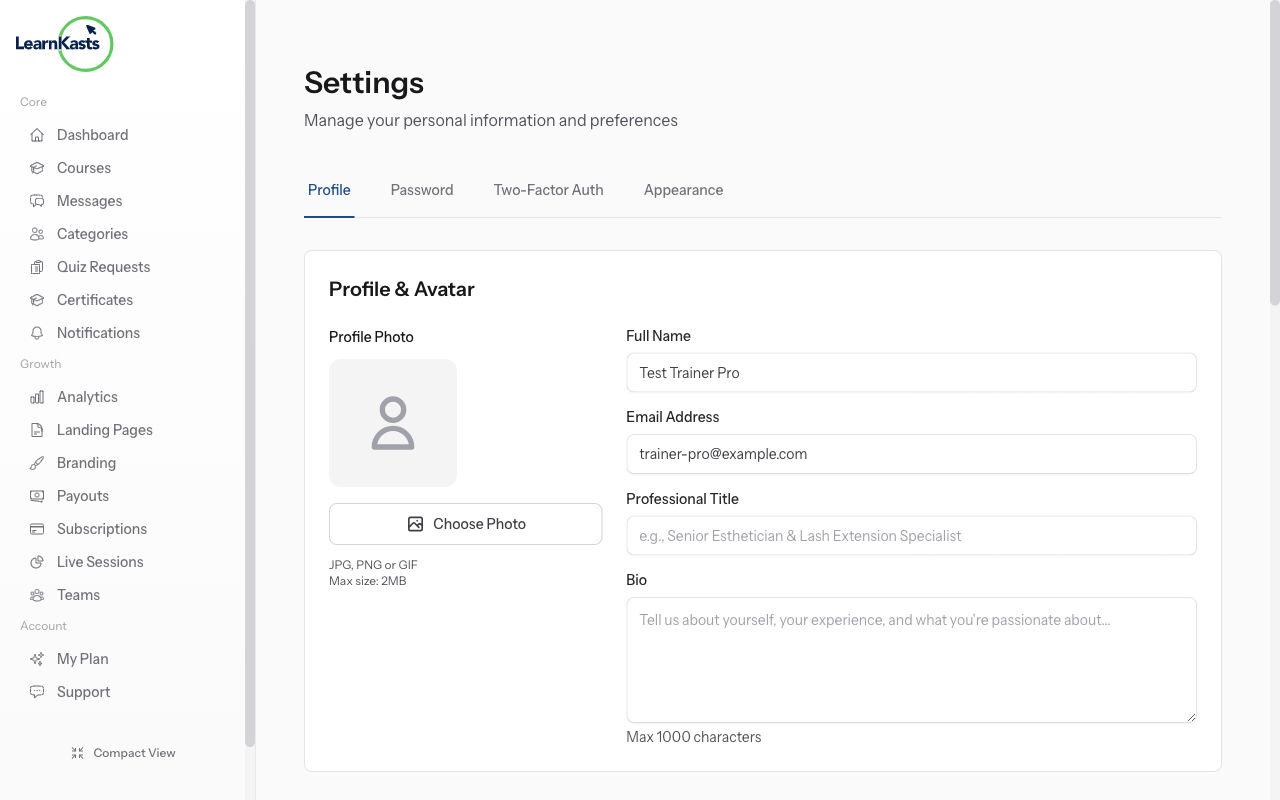
Create a unique, strong password for your Learnkasts account. Use a mix of uppercase, lowercase, numbers, and symbols. Avoid using the same password you use for other services. Consider using a password manager to generate and store secure passwords.
-
02
Enable two-factor authentication
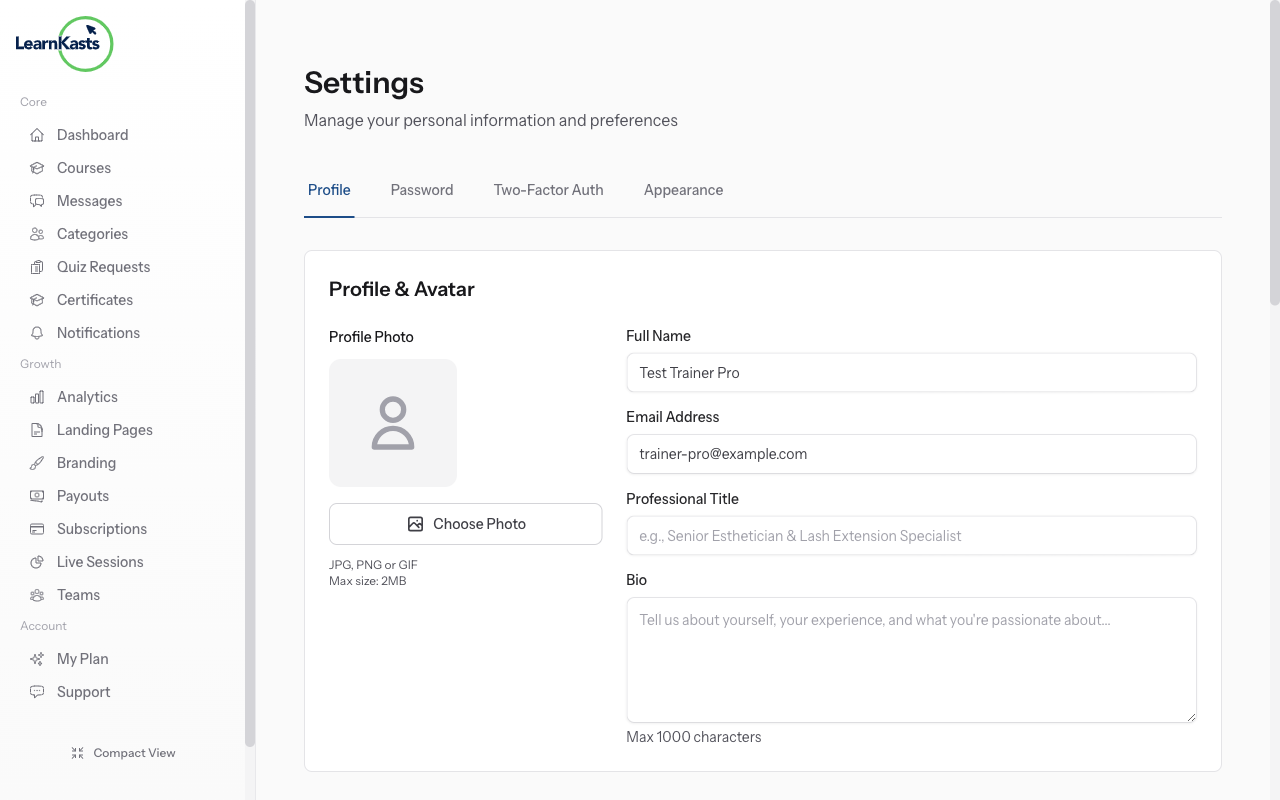
Add an extra layer of security by enabling 2FA. Go to Settings → Security and enable two-factor authentication. You'll need an authenticator app (like Google Authenticator or Authy) to generate verification codes when logging in.
-
03
Review account activity
Regularly check your account for any suspicious activity. Look for unfamiliar login locations, unexpected changes to your courses, or enrollments you don't recognize. If you notice anything unusual, change your password immediately.
-
04
Manage team access carefully
If you have team members, only grant the permissions they need for their role. Remove access promptly when someone leaves your team. Review your team members list periodically to ensure only authorized people have access.
Did this guide help?
If you need a real human, our support team replies in plain English within one working day. Faster on WhatsApp.