
-
01
Navigate to subscriptions
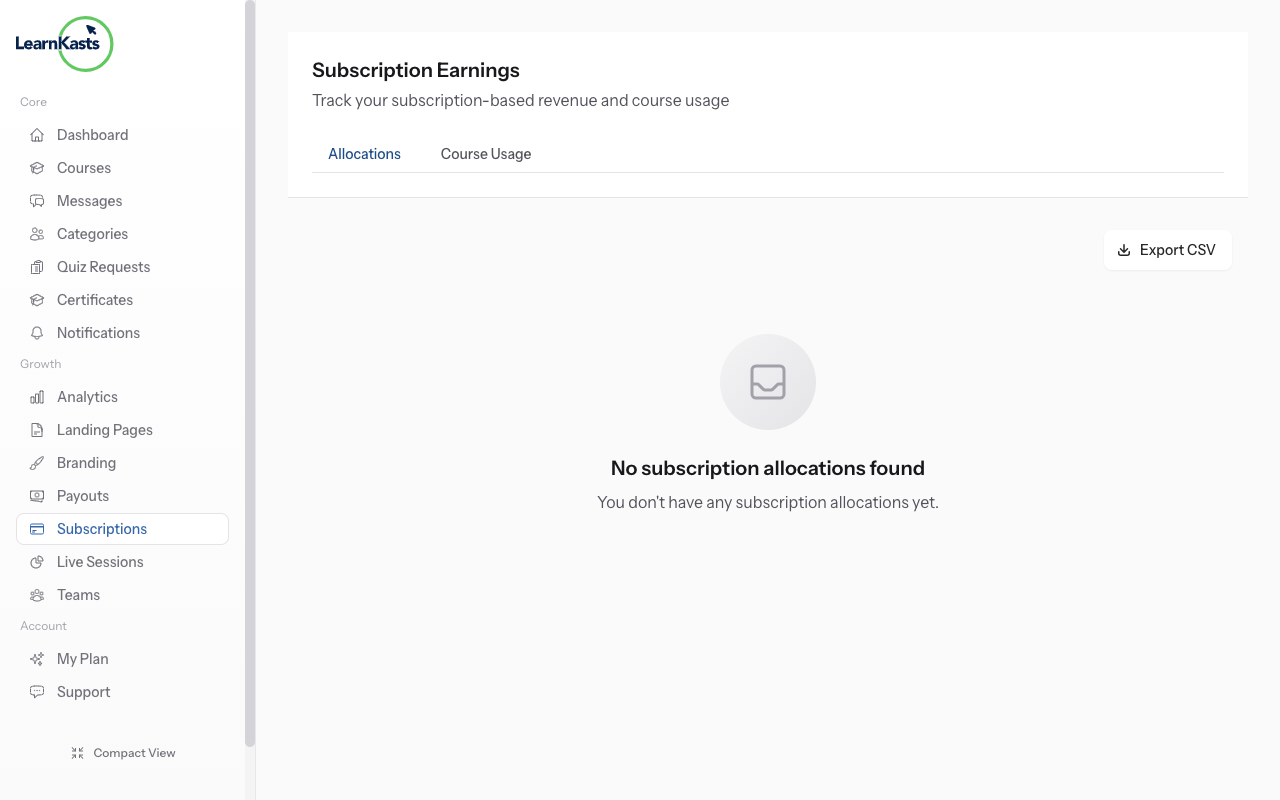
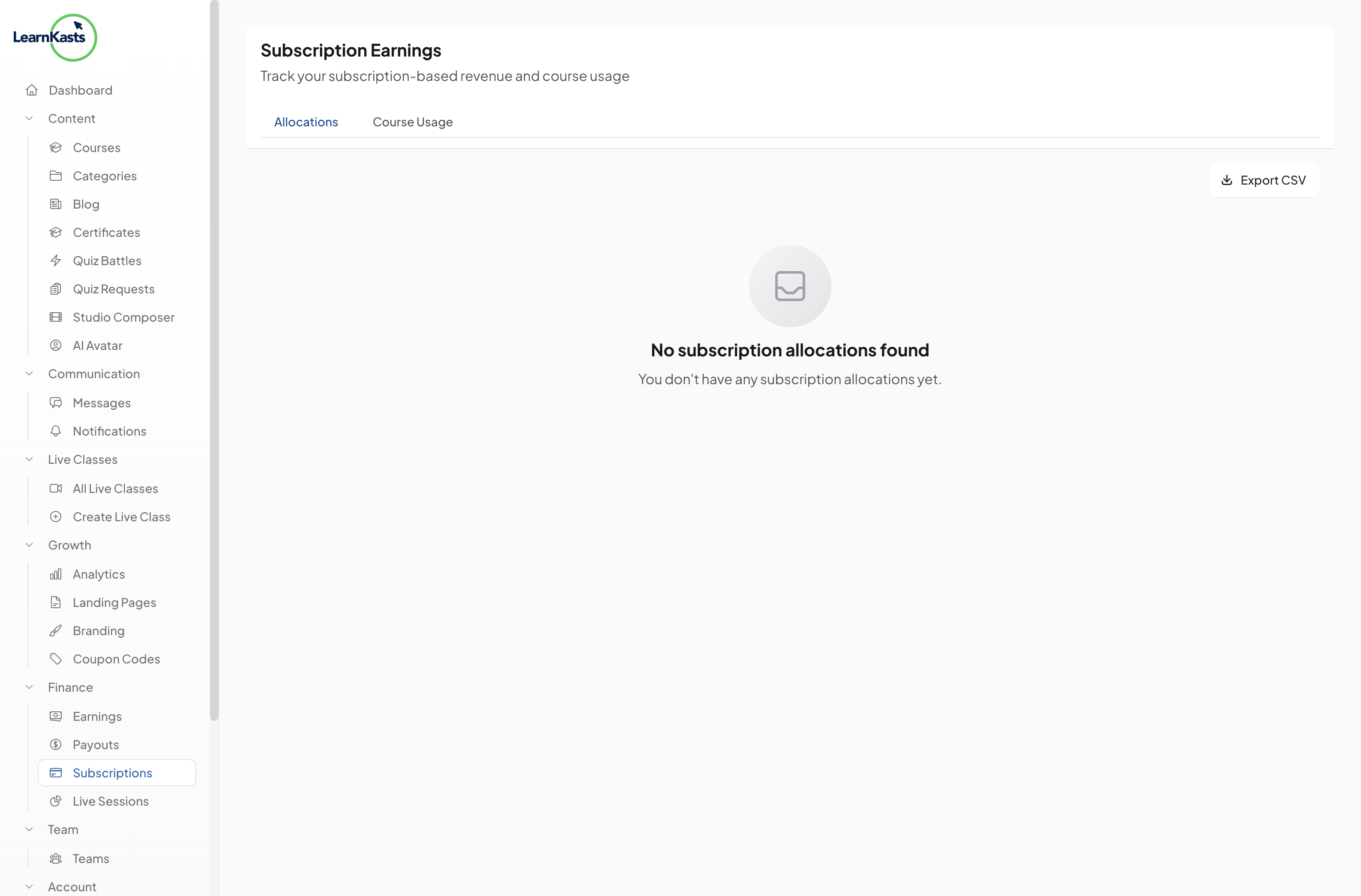
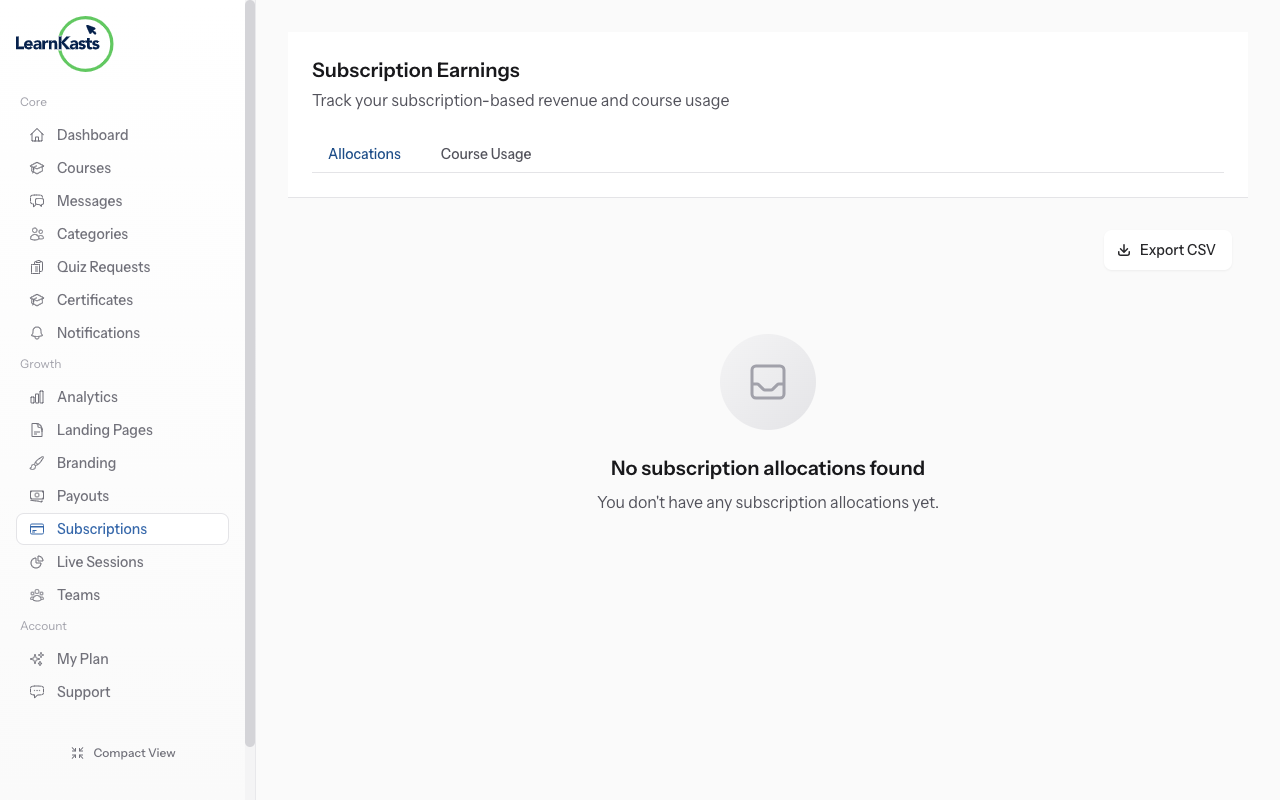
From Educator Dashboard, click "Subscriptions" in the sidebar. This is where you create and manage subscription plans that give students recurring access to your content.
-
02
Create a subscription plan
Click "Create Plan". Enter plan name (e.g., "Monthly All-Access"), description, and what's included. Choose billing frequency: monthly, quarterly, or yearly.
-
03
Select included content
Enter the subscription price in your preferred currency. Set up introductory pricing or free trials if desired. Compare with one-time course prices to ensure value.
-
04
Publish and promote
Choose which courses are included in this subscription. You can include all courses, specific courses, or course categories. Subscribers get access to everything included.
-
05
Configure subscriber benefits
Add perks like priority support, exclusive live sessions, downloadable resources, or community access. Benefits make subscriptions more valuable than buying courses individually.
-
06
Publish and promote
Click "Publish Plan" to make it available. Share the subscription page link. Highlight subscription value on your course pages with comparison tables.
Did this guide help?
If you need a real human, our support team replies in plain English within one working day. Faster on WhatsApp.