
-
01
Navigate to live sessions
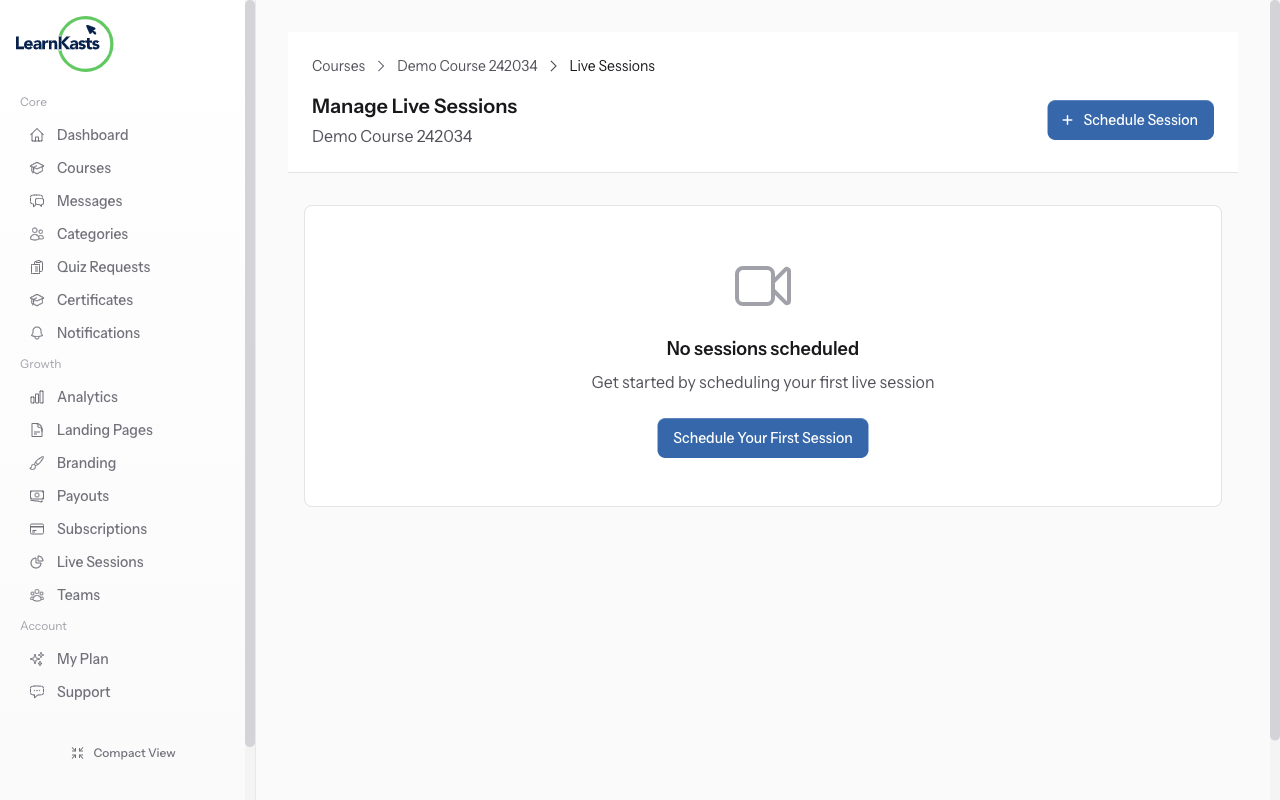
Go to /trainer/courses/{courseId}/live-sessions to manage sessions for your course. You'll see upcoming, ongoing, and past sessions. Click "Schedule Session" to create a new live class.
-
02
Schedule a live session
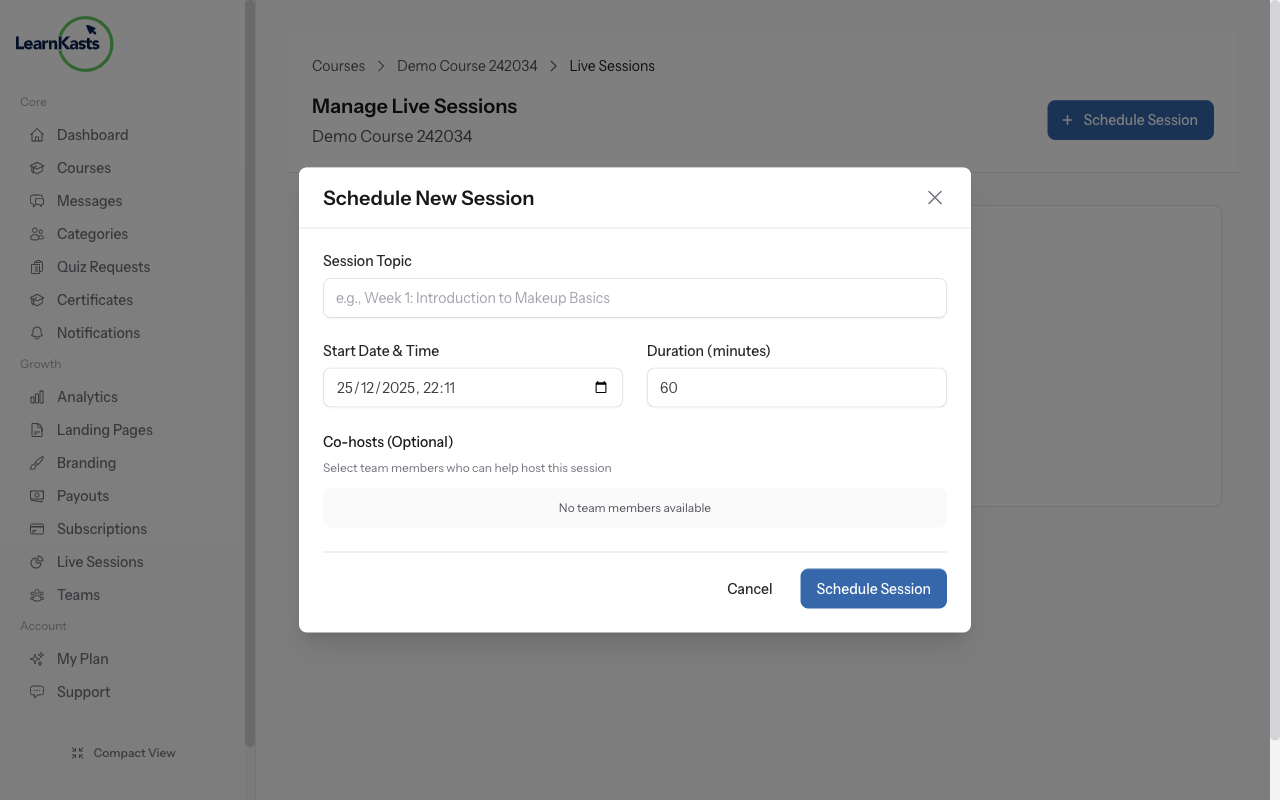
Click "Schedule Session" button. Enter session title, select date and start time, set duration in minutes, and set participant limit. Daily.co video room is created automatically - no external links needed.
-
03
Fill session details
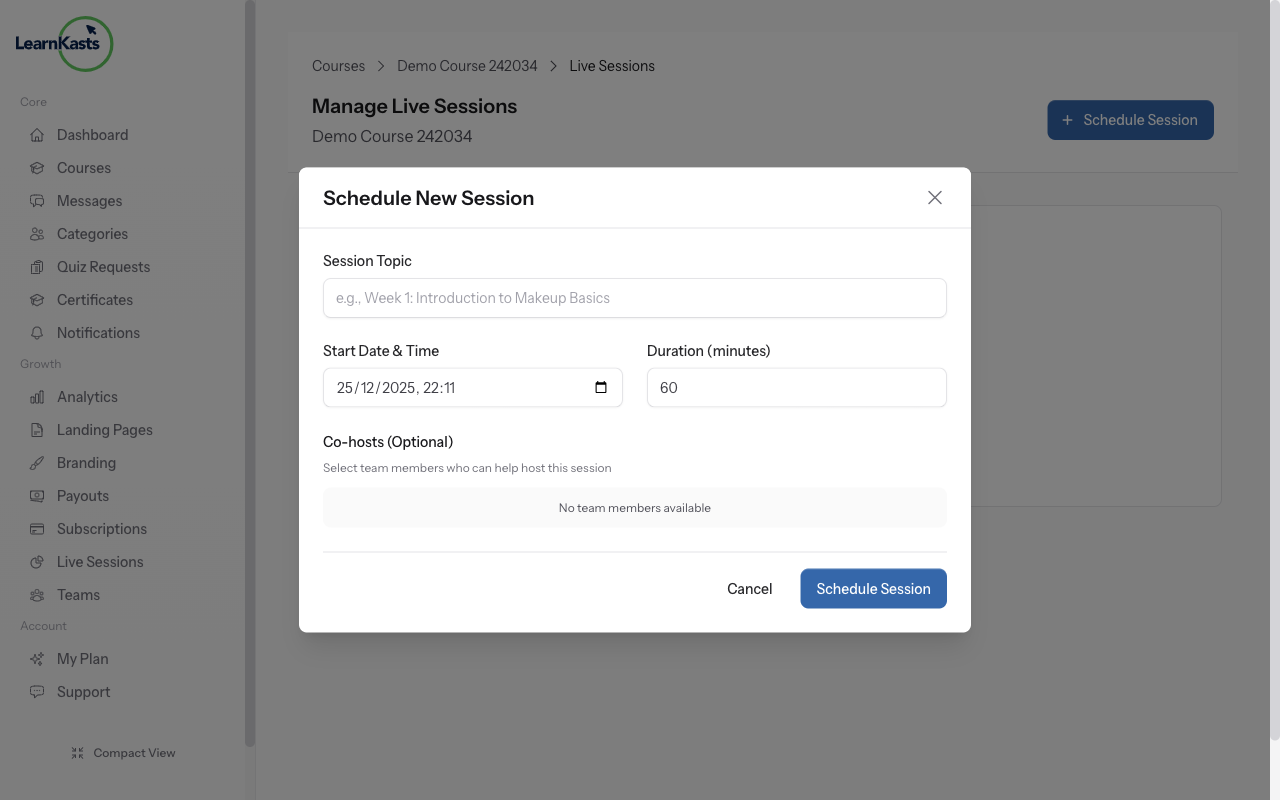
Add description so students know what to expect. Click "Create" to schedule. Students enrolled in the course will see the session on their dashboard with date, time, and a "Join" button.
-
04
Join the live session
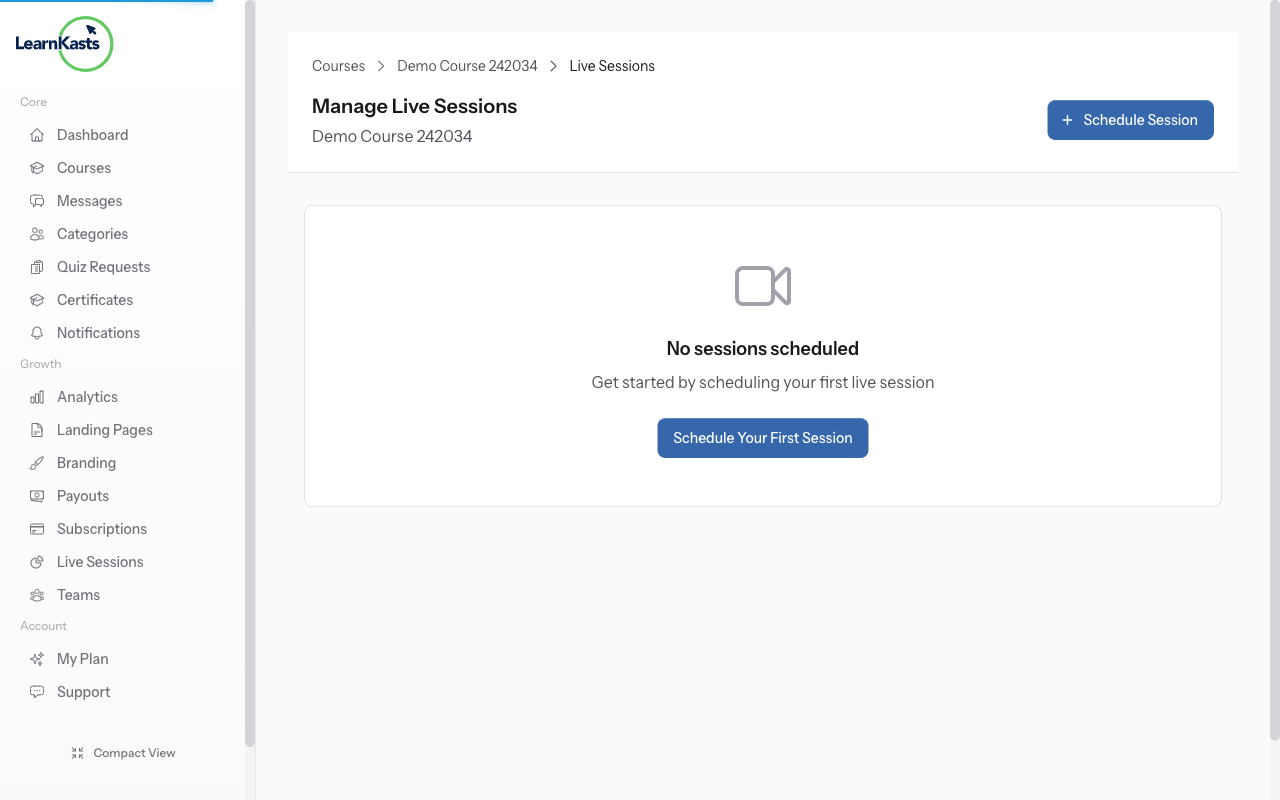
When session time arrives, click "Join" button. Daily.co video opens in browser - no app needed. Manage participants, share screen, chat with students. After session, view attendance at /trainer/live-sessions/{sessionId}/attendance.
Did this guide help?
If you need a real human, our support team replies in plain English within one working day. Faster on WhatsApp.