
-
01
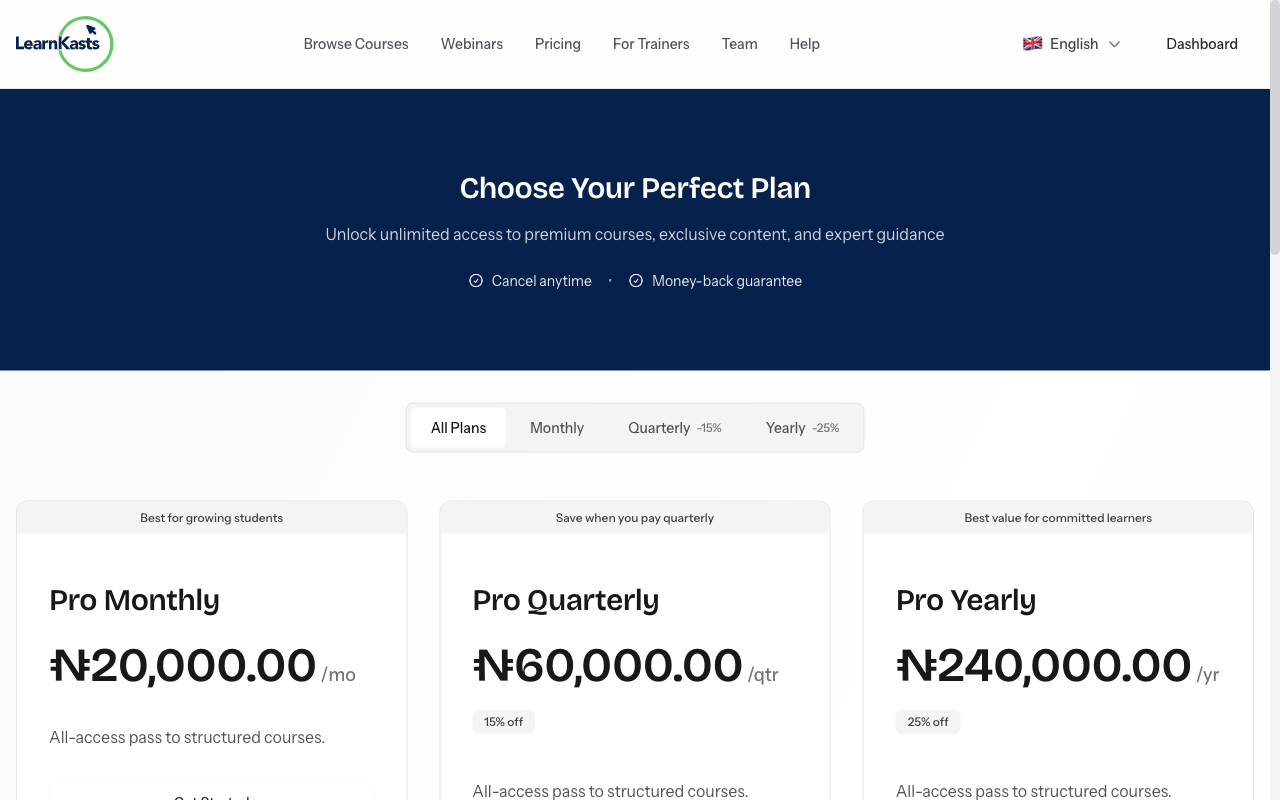
Access subscription management
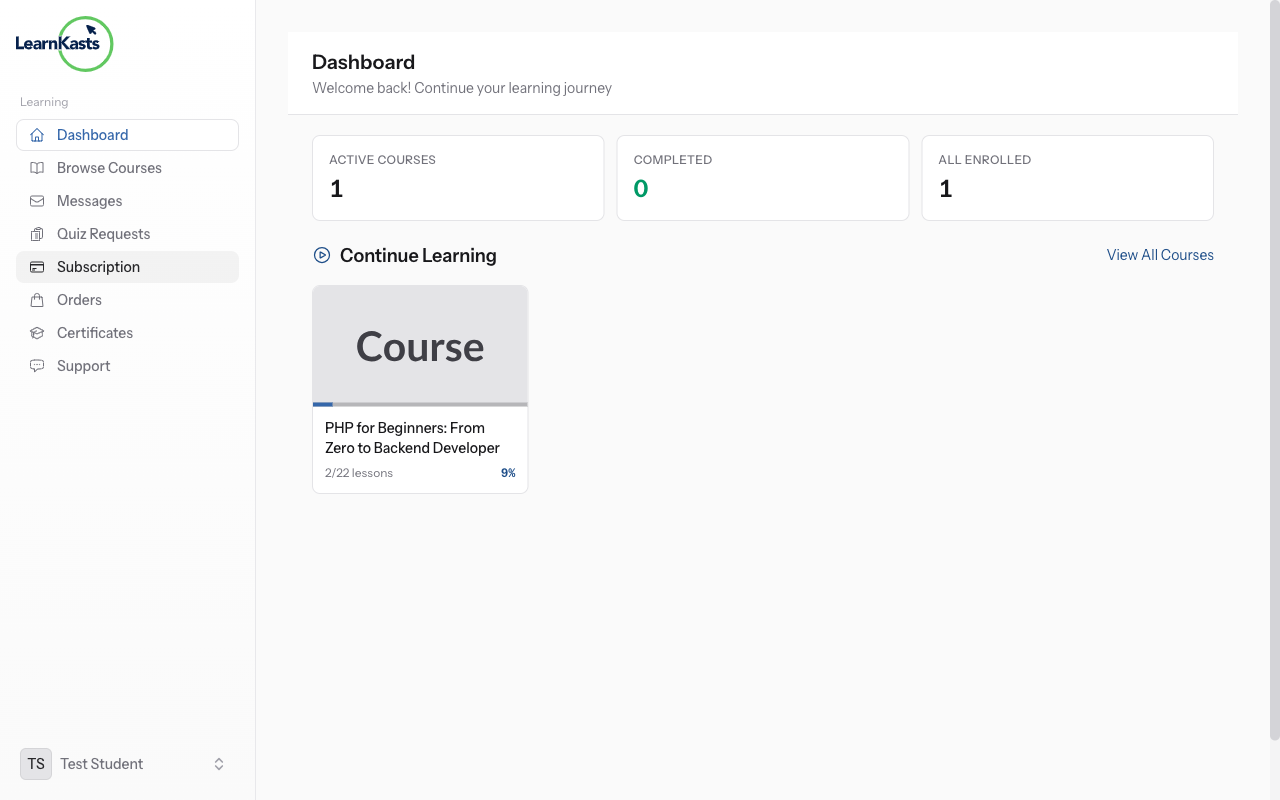
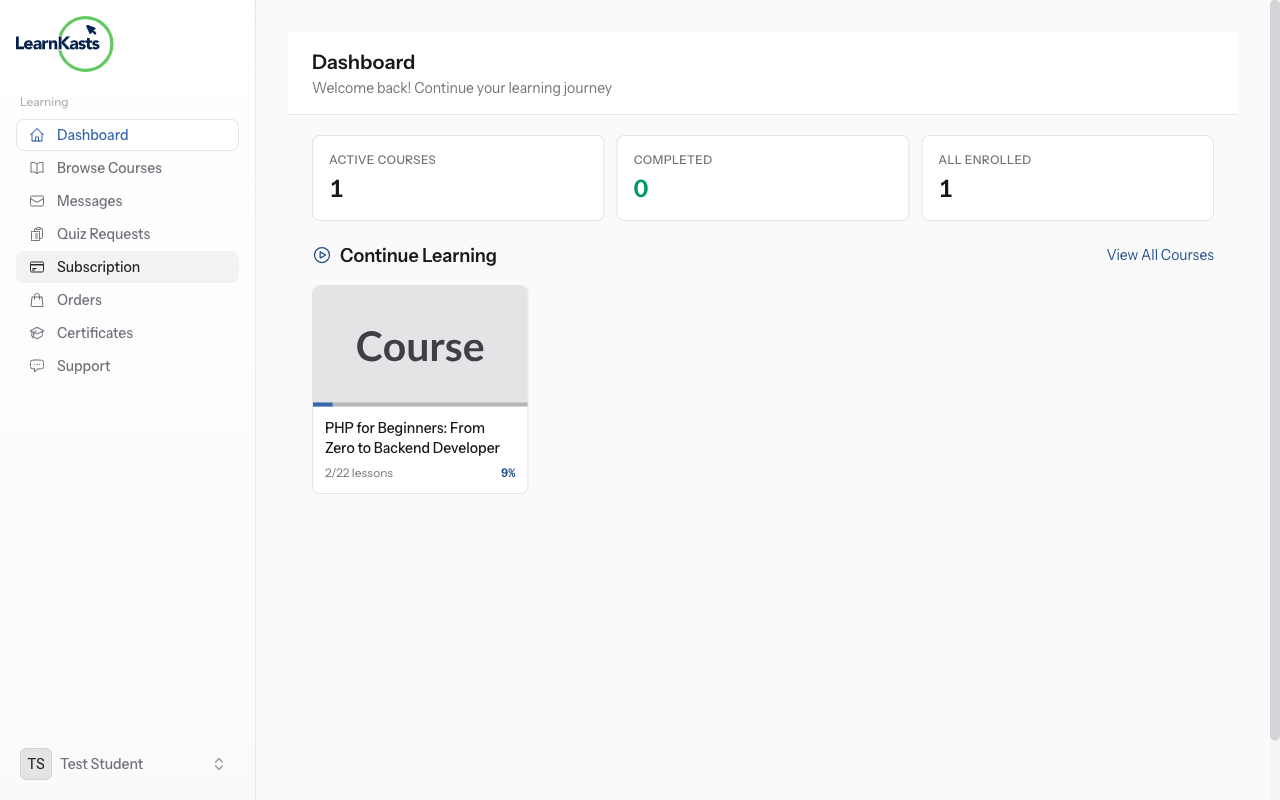
Click your profile icon → "Subscriptions" or go to your Student Dashboard → "My Subscriptions". See all your active and past subscriptions.
-
02
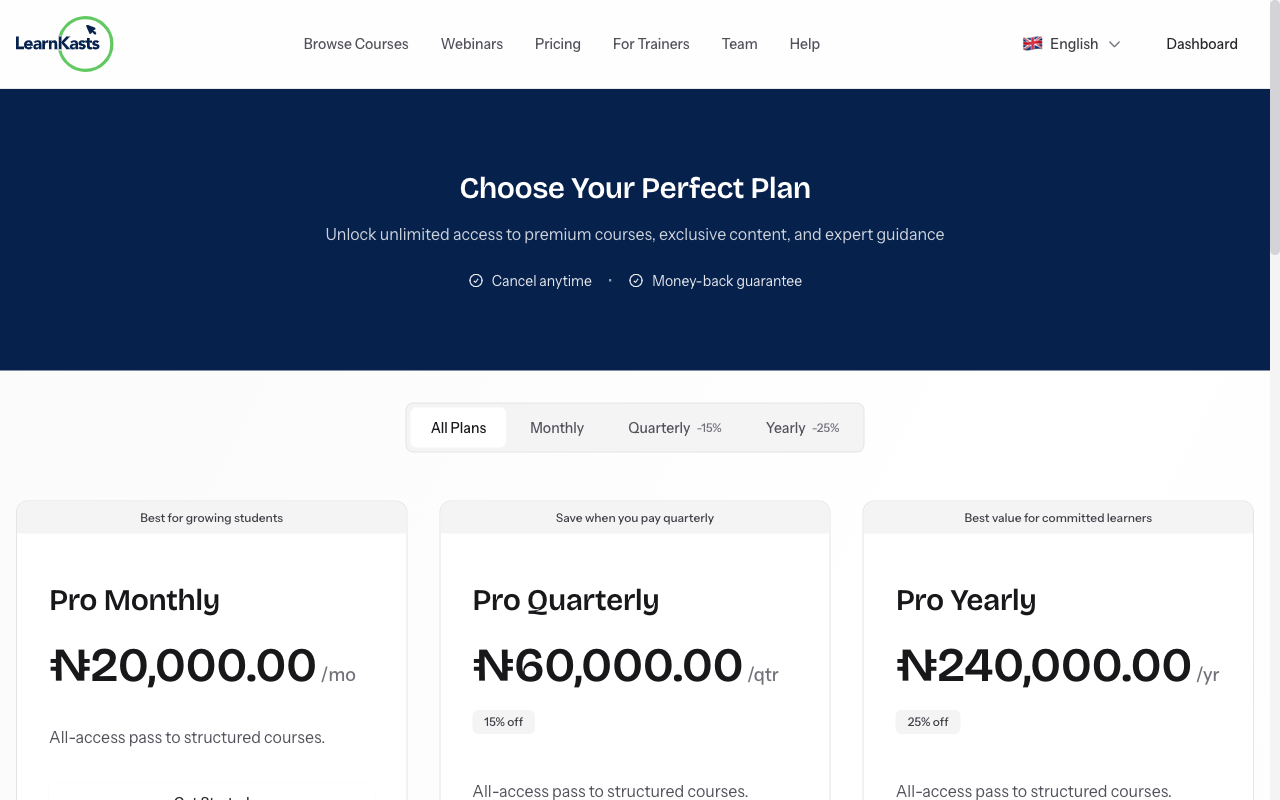
View subscription details
Click on any subscription to see: what's included, billing amount, next billing date, payment method, and subscription history.
-
03
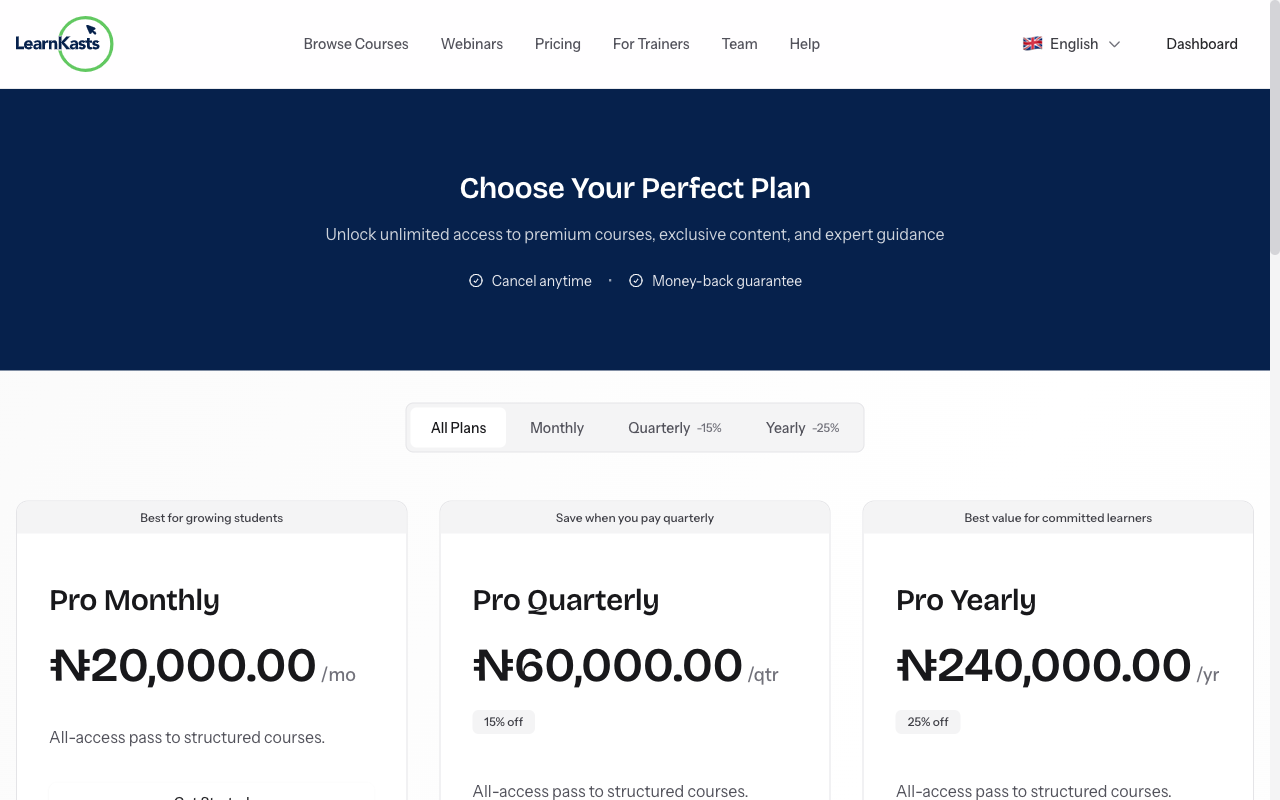
Access included content
Your subscription gives access to specific courses or all courses from a educator. Click "View Courses" to see everything included. Start learning any included course immediately.
-
04
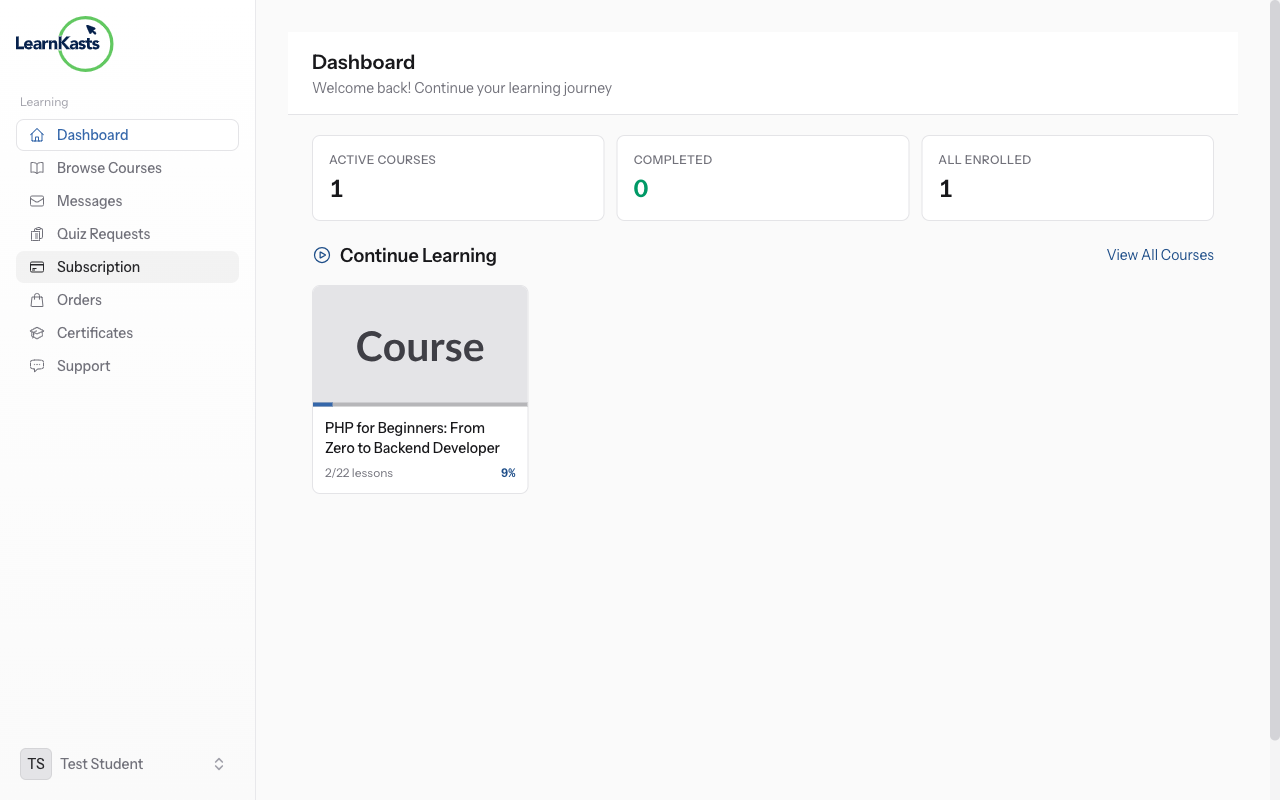
Update payment method
To change your payment card, click "Payment Method" → "Update". Enter new card details. The new card will be charged on your next billing date.
-
05
Upgrade or downgrade
To change your plan, click "Change Plan". Compare available options. Upgrades apply immediately (prorated). Downgrades apply at the next billing cycle.
-
06
Cancel subscription
To cancel, click "Cancel Subscription". You'll keep access until the current period ends. You can resubscribe anytime. Consider pausing instead of cancelling if temporary.
Did this guide help?
If you need a real human, our support team replies in plain English within one working day. Faster on WhatsApp.