
-
01
View upcoming sessions
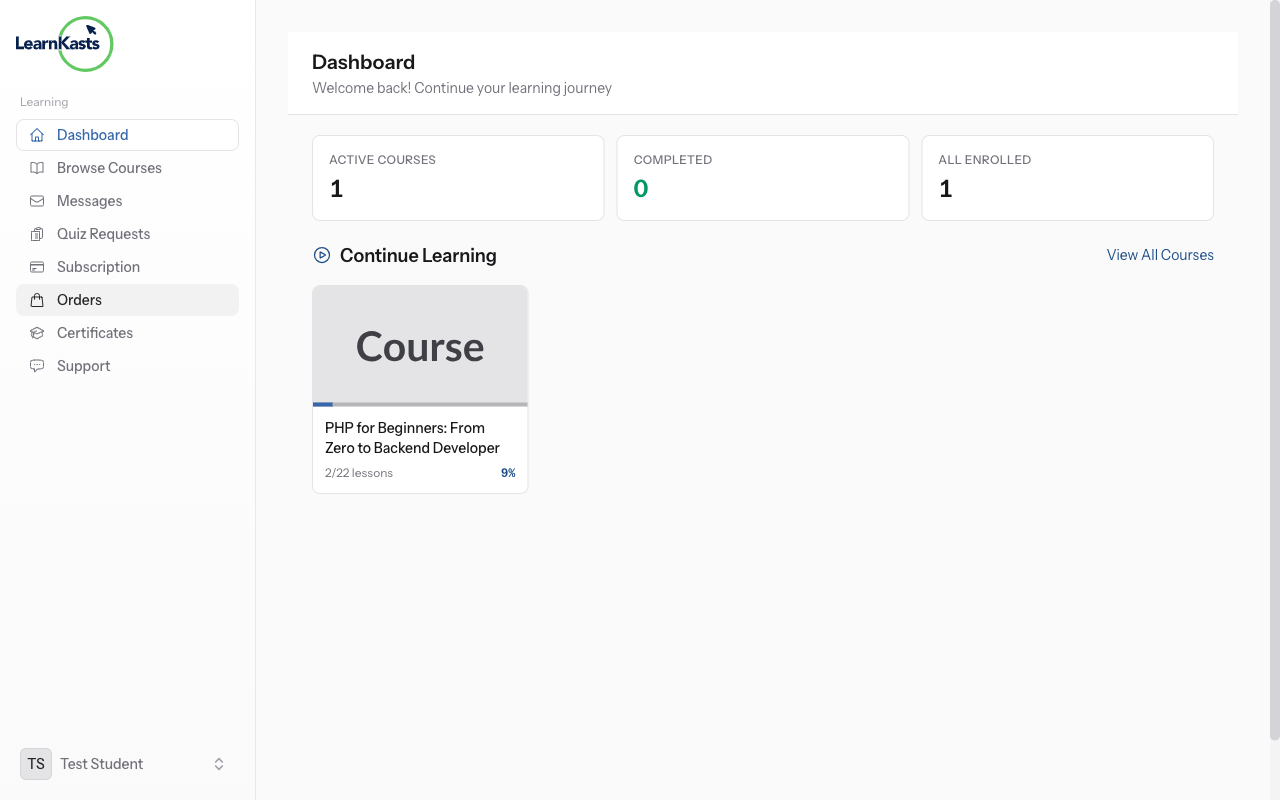
From your Dashboard, look for the "Upcoming Sessions" section or go to your enrolled course. Any scheduled live sessions will appear with the date, time (in your timezone), and a "Join" button that becomes active when the session starts.
-
02
Join the live session
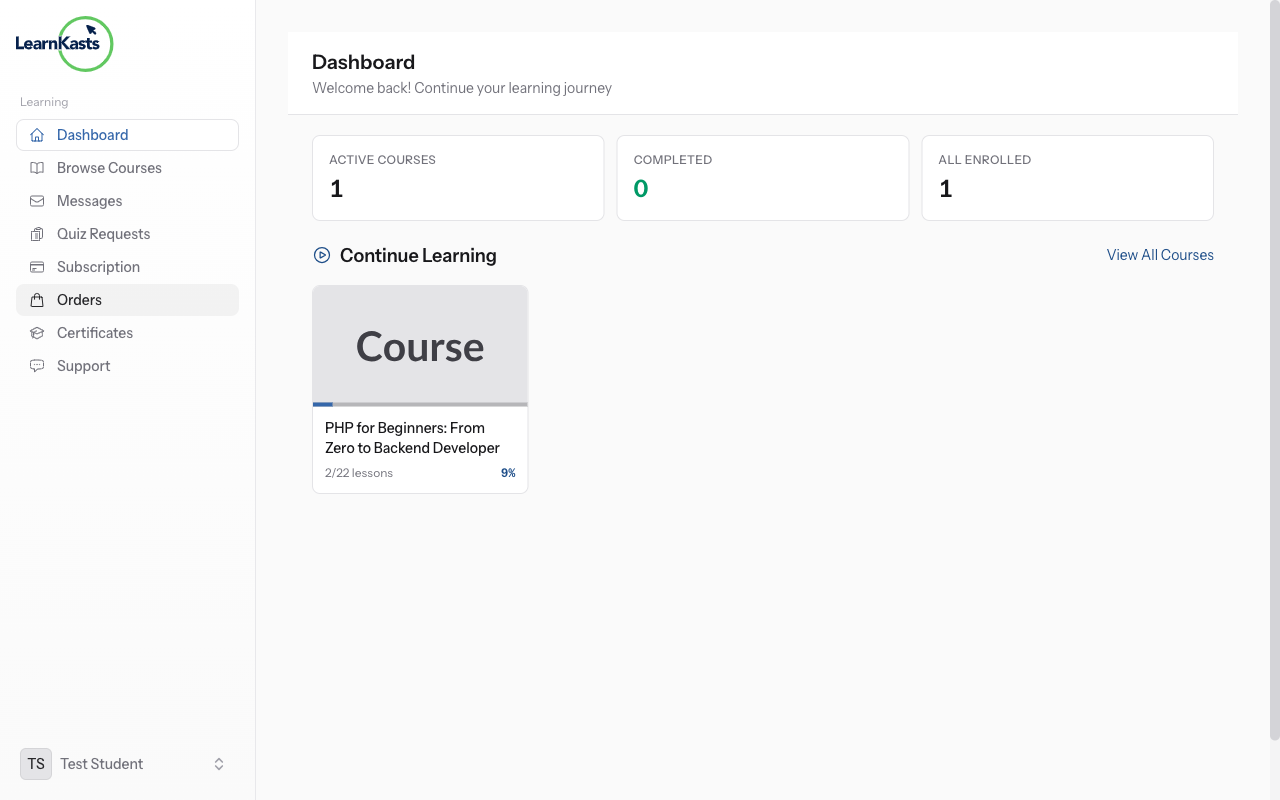
When a session is about to start, click the "Join Session" button. This opens the live meeting in your browser (or launches Zoom/Google Meet if the educator uses those). Make sure your camera and microphone are ready if you want to participate actively.
-
03
Access session recordings
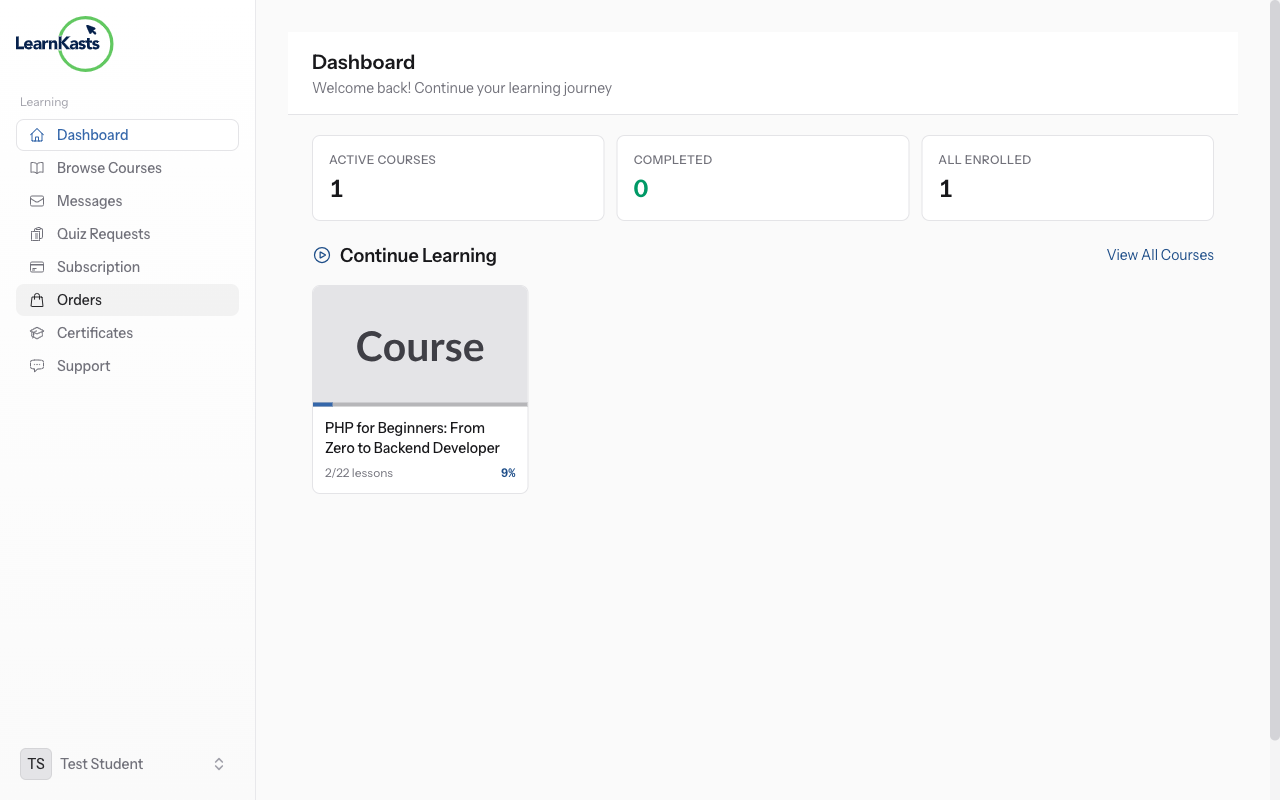
If you miss a session or want to review it, go to your course and look for the session recording. Educators can upload replays after the live session ends. You can watch recordings at your own pace and they count toward your course progress.
Did this guide help?
If you need a real human, our support team replies in plain English within one working day. Faster on WhatsApp.