
-
01
Open the visual editor
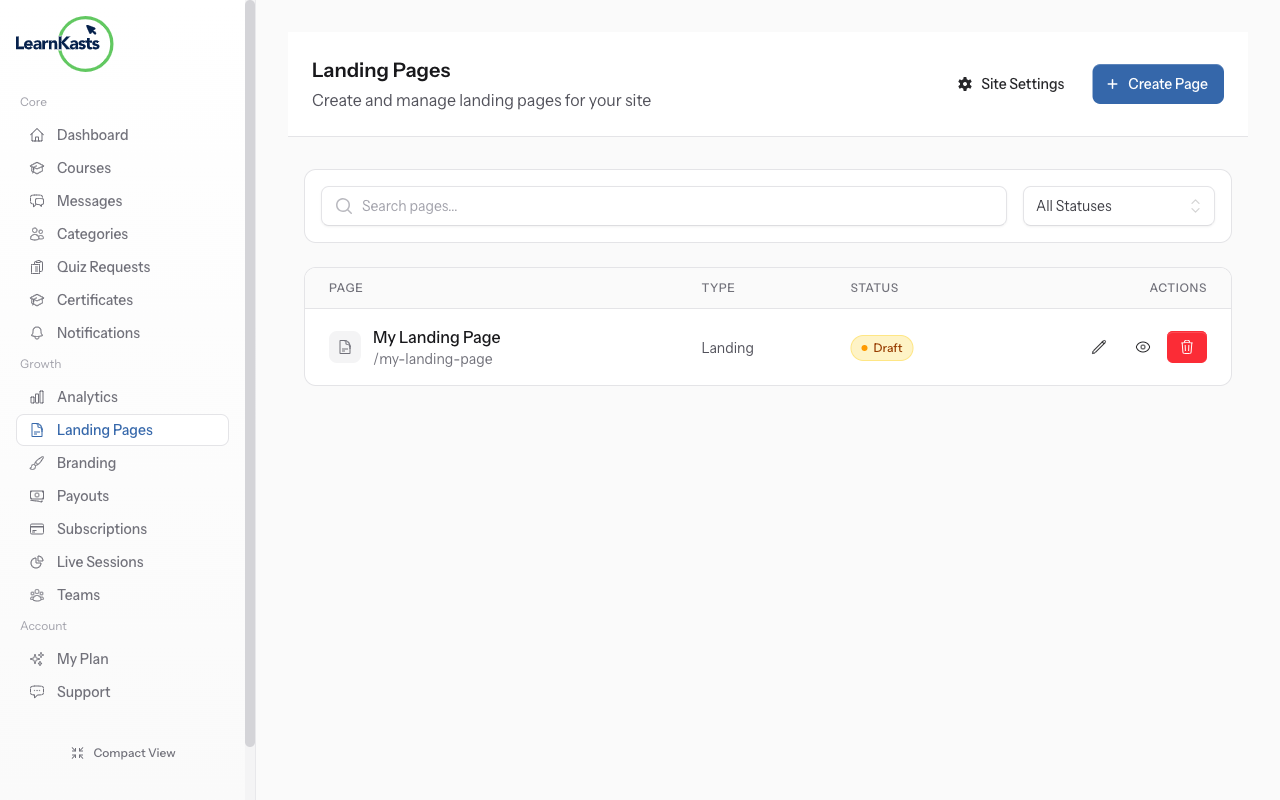
From your Pages list, click Edit on any page to open the visual editor. You'll see a drag-and-drop interface for building your page.
-
02
Edit your page
Use the visual editor to add sections, text, images, and more. Drag elements to rearrange them. Preview your changes in real-time before publishing.
Did this guide help?
If you need a real human, our support team replies in plain English within one working day. Faster on WhatsApp.