
-
01
Access venue management
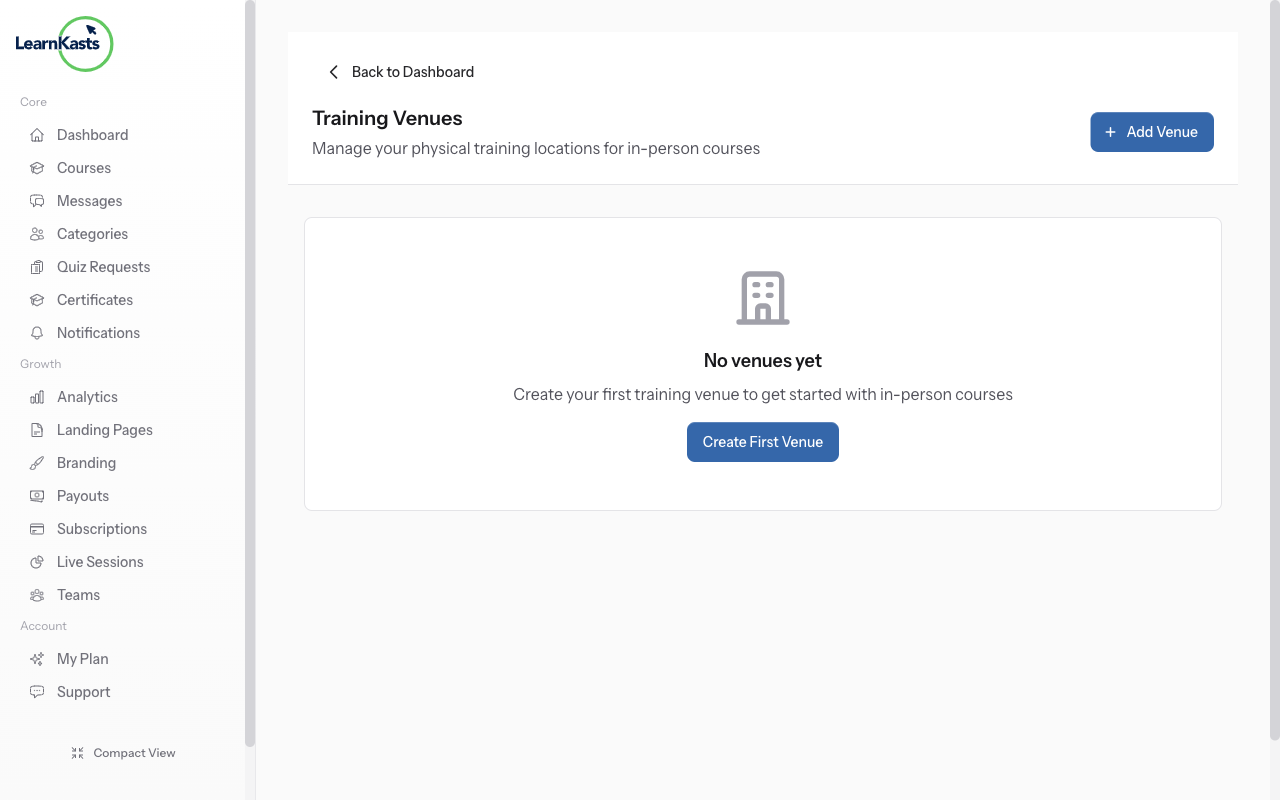
Go to Educator Dashboard → Venues in the sidebar. This is where you create and manage physical locations for in-person training sessions. Venues can be assigned to cohorts and sessions.
-
02
Add a new venue
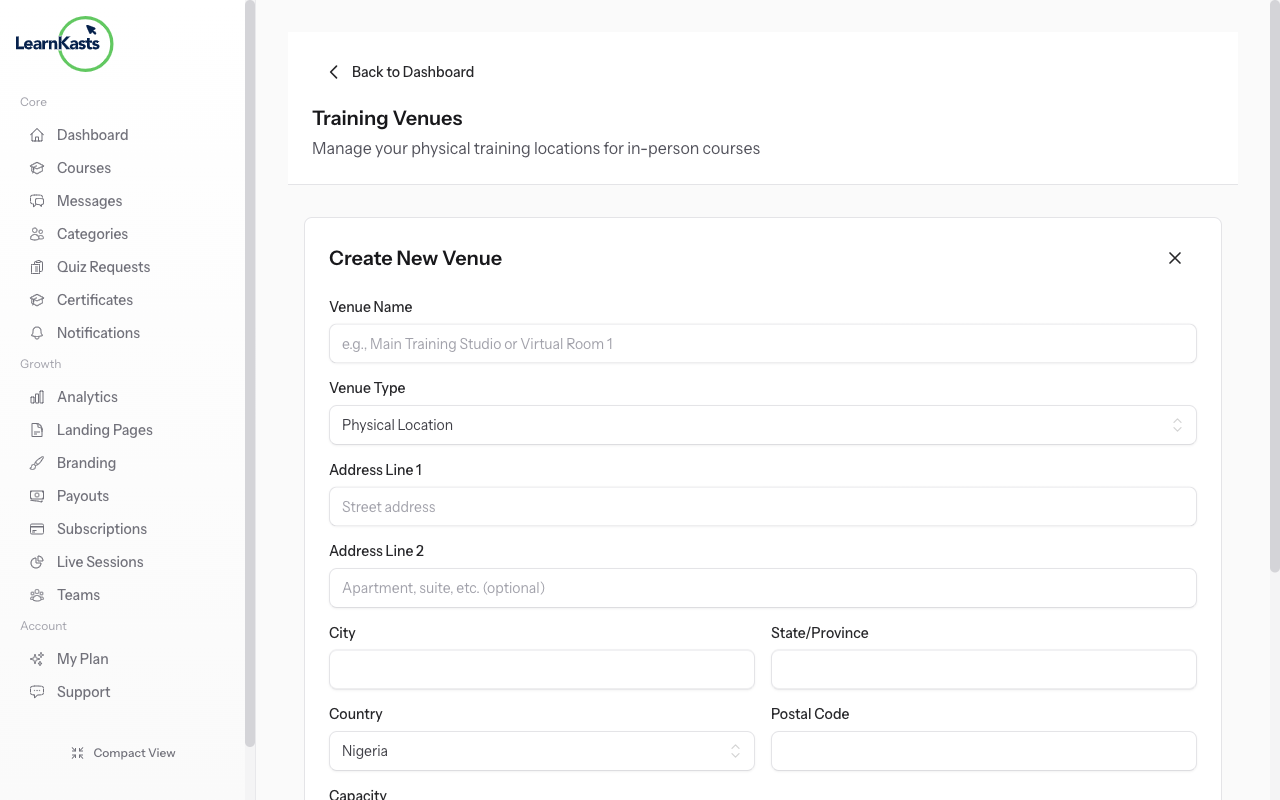
Click "Add Venue" to create a new location. Enter the venue name (e.g., "Lagos Training Center"), full address, capacity (maximum attendees), and any special instructions or amenities. You can also set the timezone for accurate session scheduling.
-
03
Assign venues to sessions
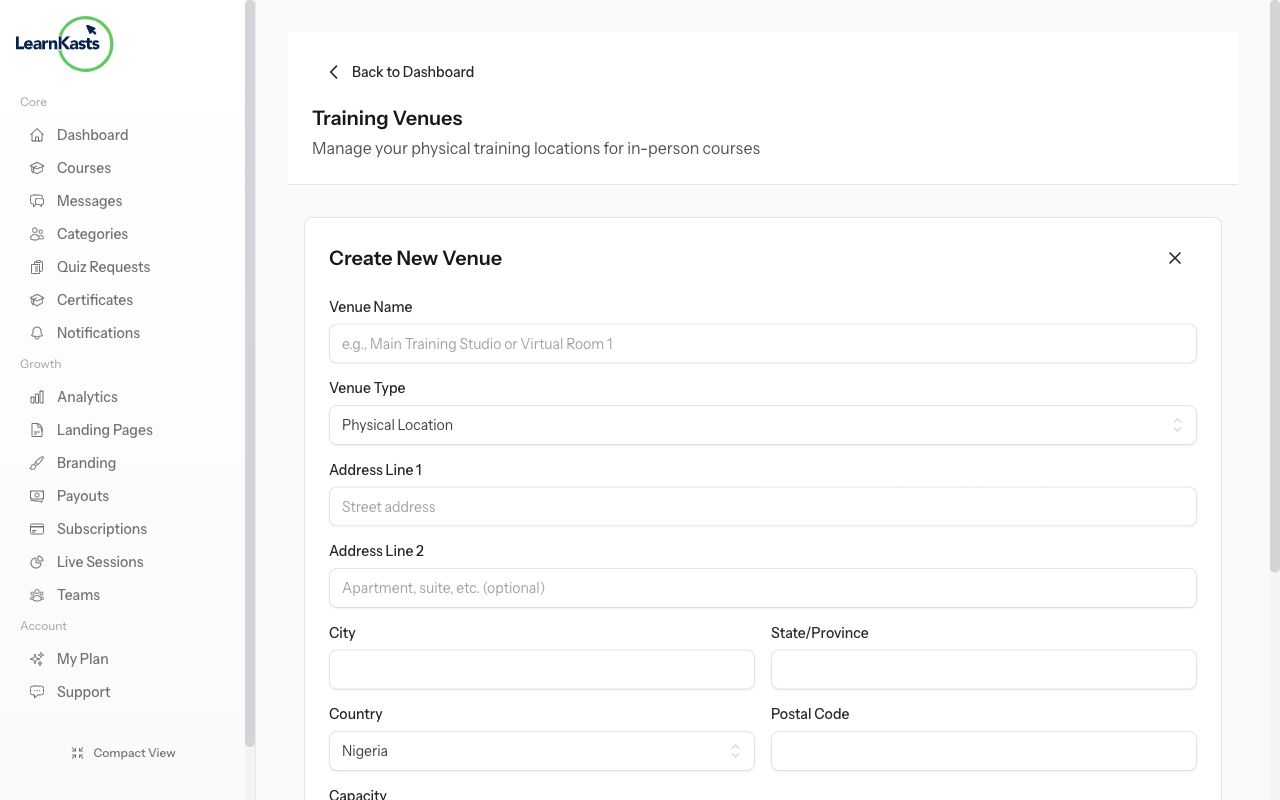
When creating cohort sessions for in-person courses, select the venue from the dropdown. Students will see the venue details including address and directions when they view the session in their dashboard.
-
04
Track attendance
During in-person sessions, use the attendance feature to mark which students showed up. This helps track participation and can be tied to completion requirements for certificates.
Did this guide help?
If you need a real human, our support team replies in plain English within one working day. Faster on WhatsApp.