
-
01
Access platform subscriptions
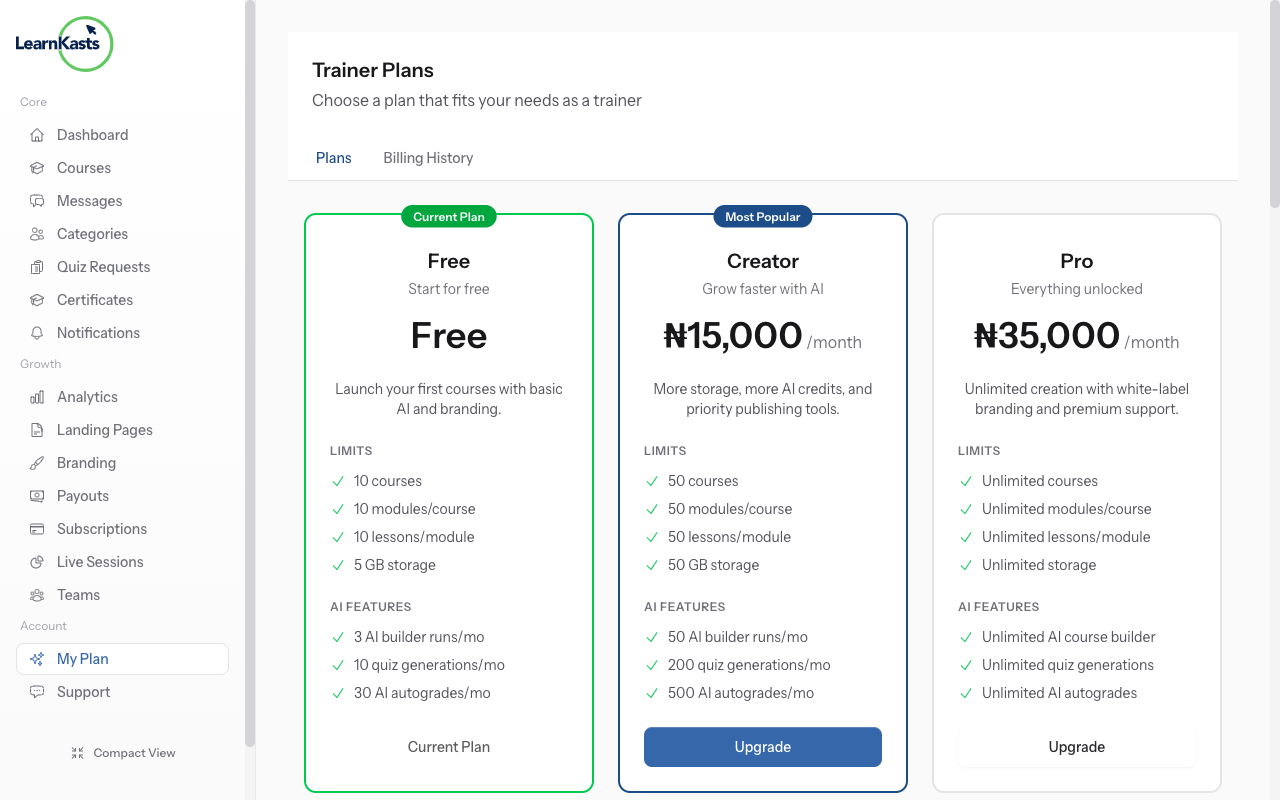
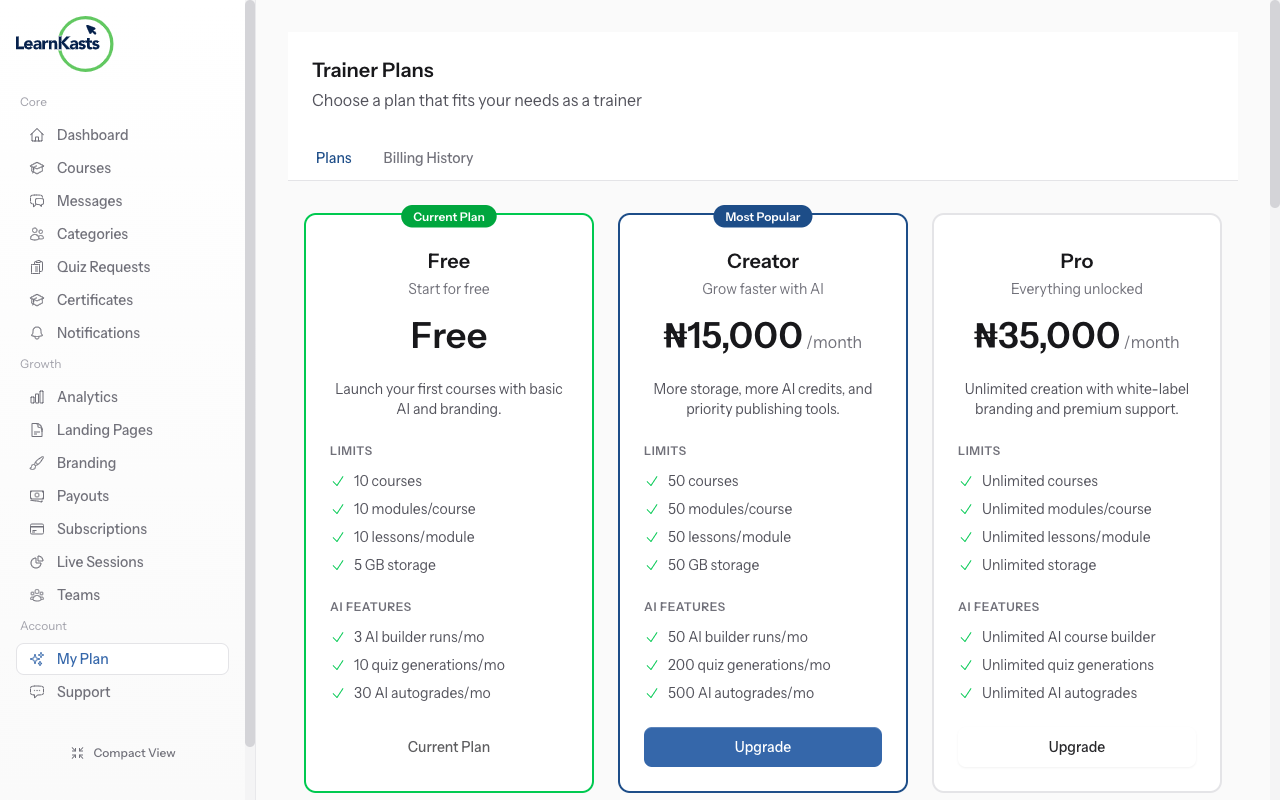
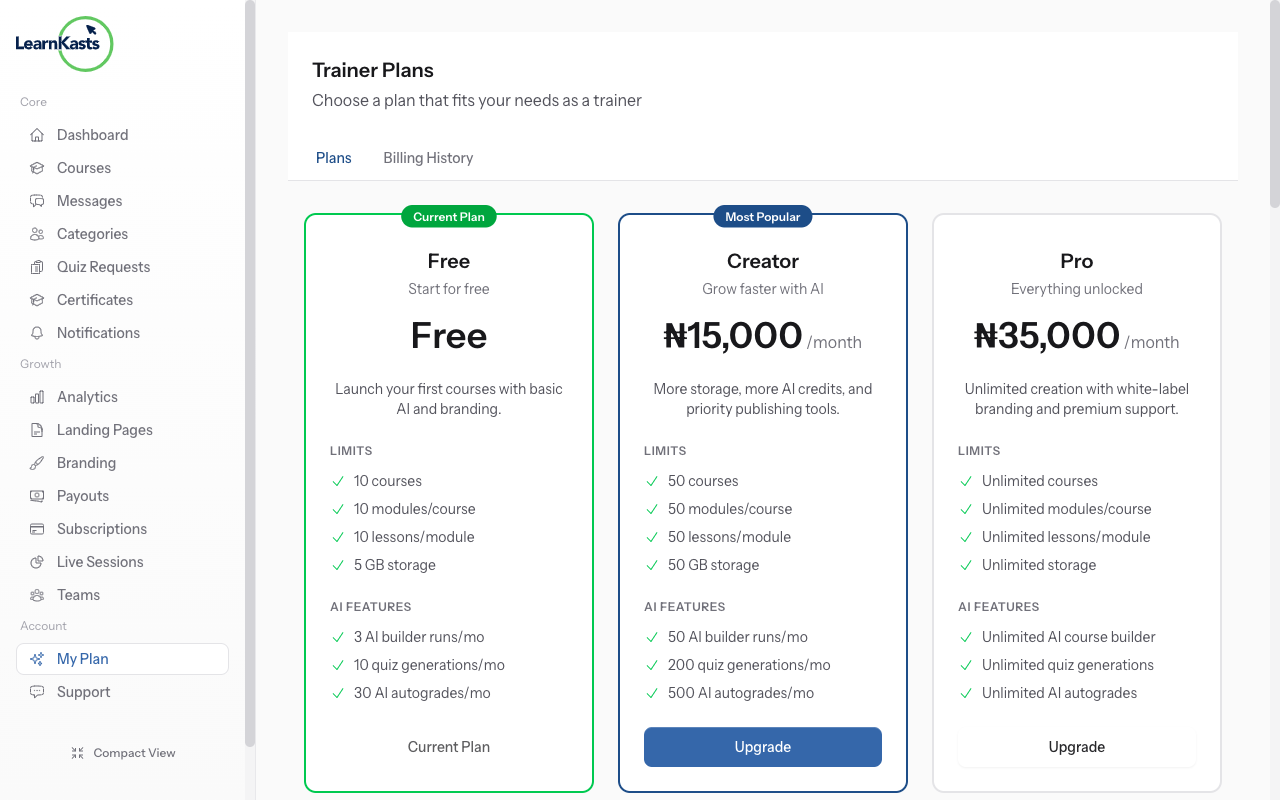
From your team admin dashboard, go to Settings → "Subscription" or "Billing". This shows your current platform plan, features, and billing status.
-
02
Compare available plans
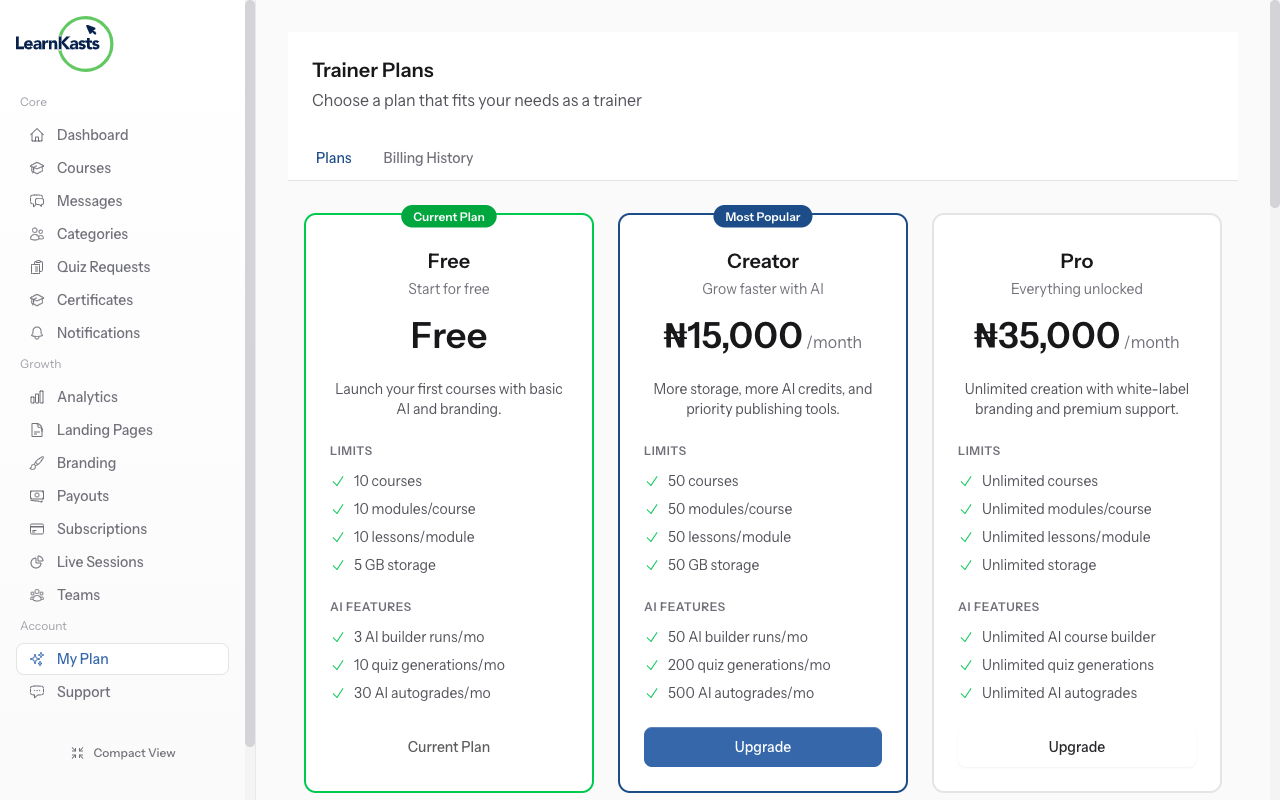
View all platform plans: Free, Starter, Professional, Enterprise. Compare features like number of courses, team members, storage, analytics, and support levels.
-
03
Manage billing information
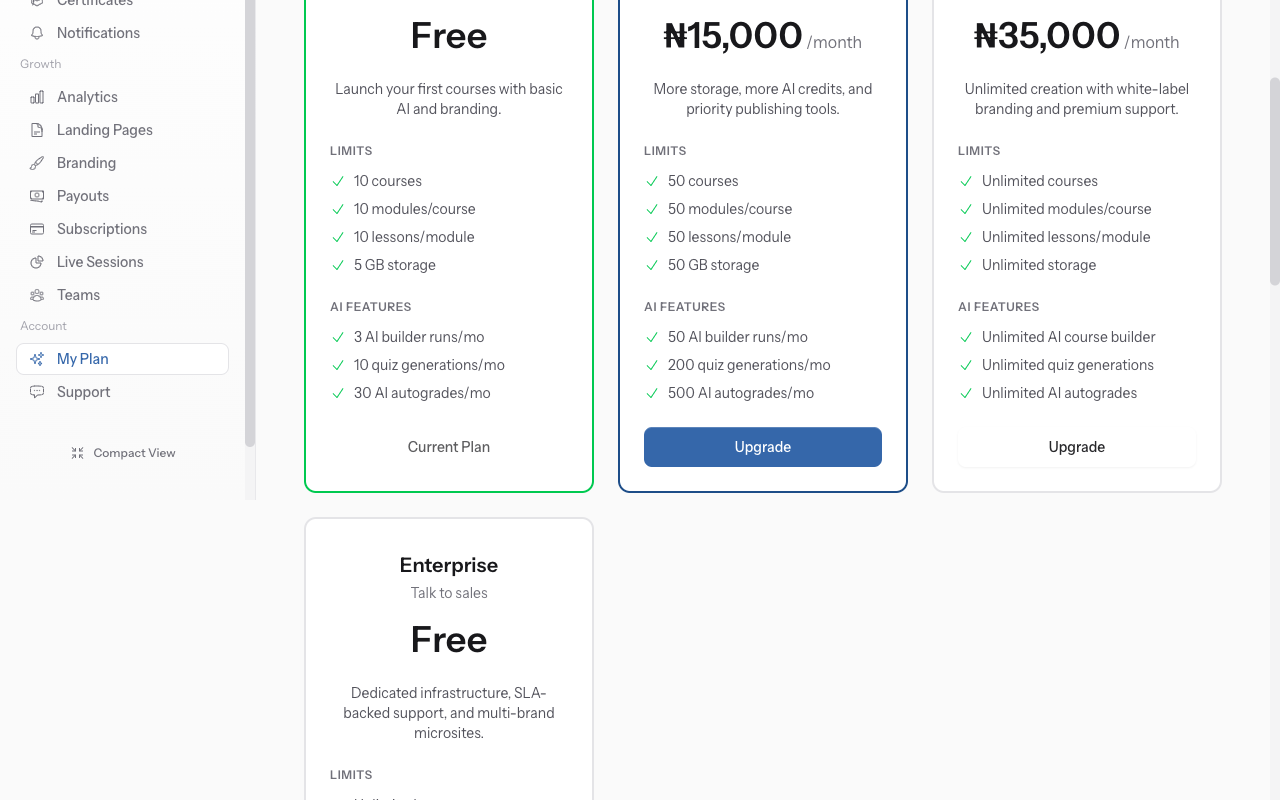
Click "Upgrade" on a higher plan. Review what's included. Enter payment details. Your team immediately gets access to new features. Billing is prorated.
-
04
Downgrade or cancel
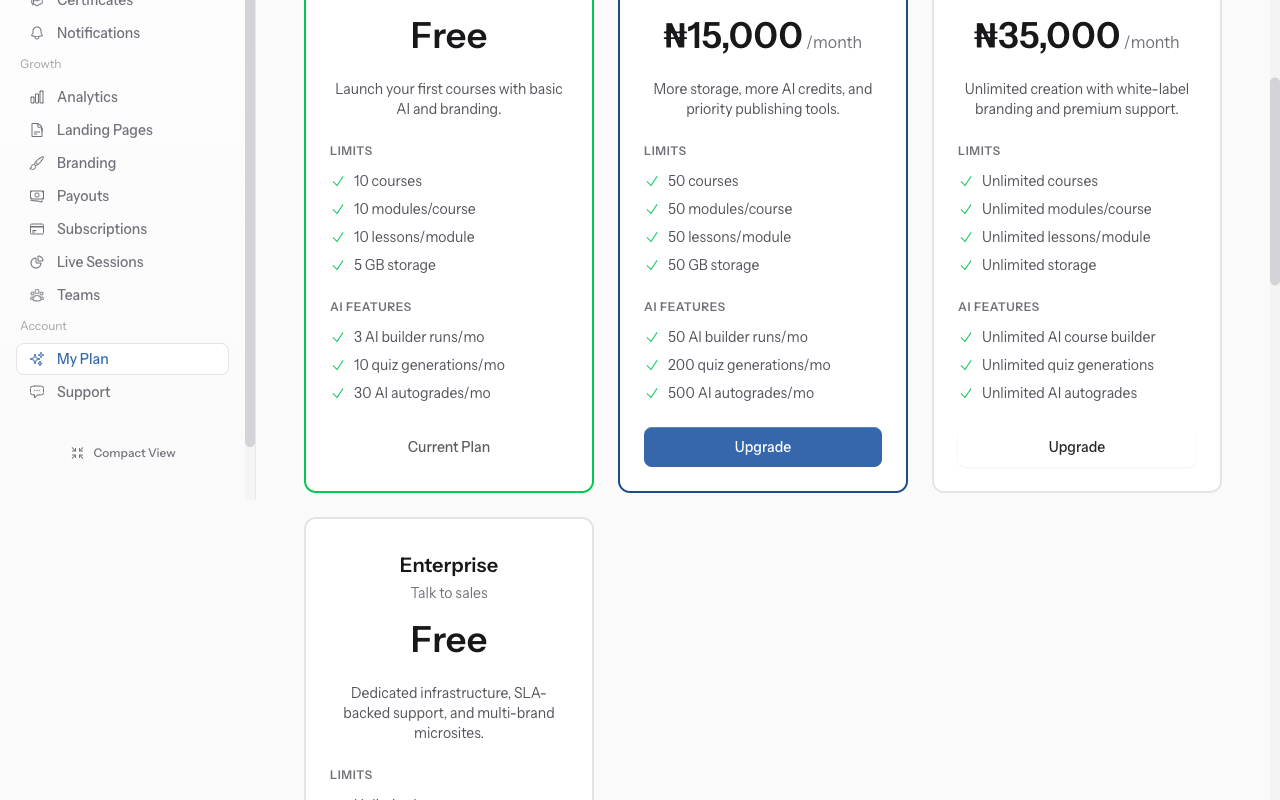
Update your billing email, payment method, or billing address. Download past invoices for accounting. Set up automatic billing notifications.
-
05
Add team seats
Some plans charge per team member. To add seats, click "Add Seats". Enter number needed. See updated pricing before confirming. New members can be invited immediately.
-
06
Downgrade or cancel
To downgrade, select a lower plan. Features above the new plan's limits become read-only. To cancel entirely, export your data first, then click "Cancel Subscription".
Did this guide help?
If you need a real human, our support team replies in plain English within one working day. Faster on WhatsApp.