
-
01
Access cohort sessions
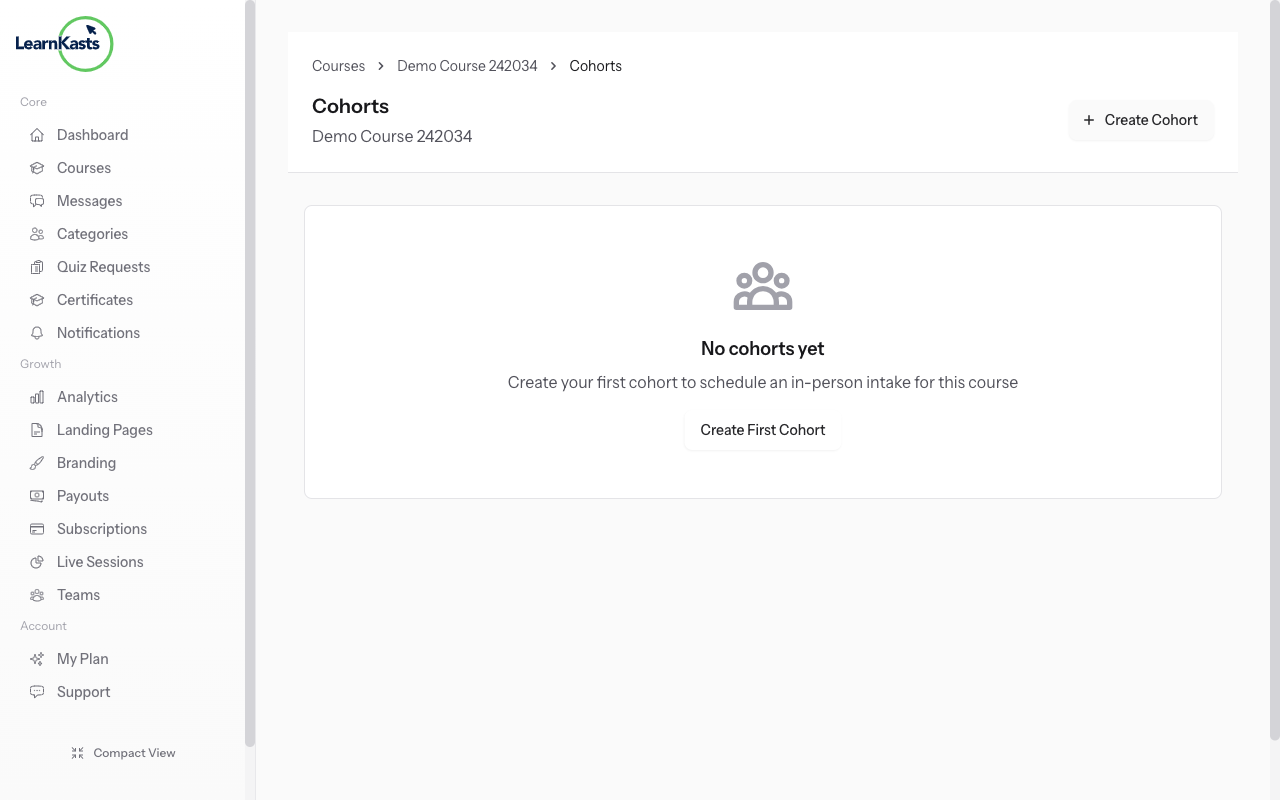
Go to Educator Dashboard → Courses → Select your course → Cohorts tab → Click on a cohort → Sessions. This is where you schedule class sessions for students in that cohort.
-
02
Create a new session
Click "Add Session" to create a new class. Enter the session title, date and time, duration, and select a venue (if in-person) or add a meeting link (if virtual). You can also add session notes or materials for students.
-
03
Student notifications
Students enrolled in the cohort automatically receive email notifications about scheduled sessions. They'll see the session in their dashboard with all details including venue/meeting link, date, and time in their timezone.
-
04
Mark attendance
After a session, go to the session details and mark attendance. You can mark students as present, absent, or late. Attendance records are saved and can be used for completion tracking and reporting.
Did this guide help?
If you need a real human, our support team replies in plain English within one working day. Faster on WhatsApp.