
-
01
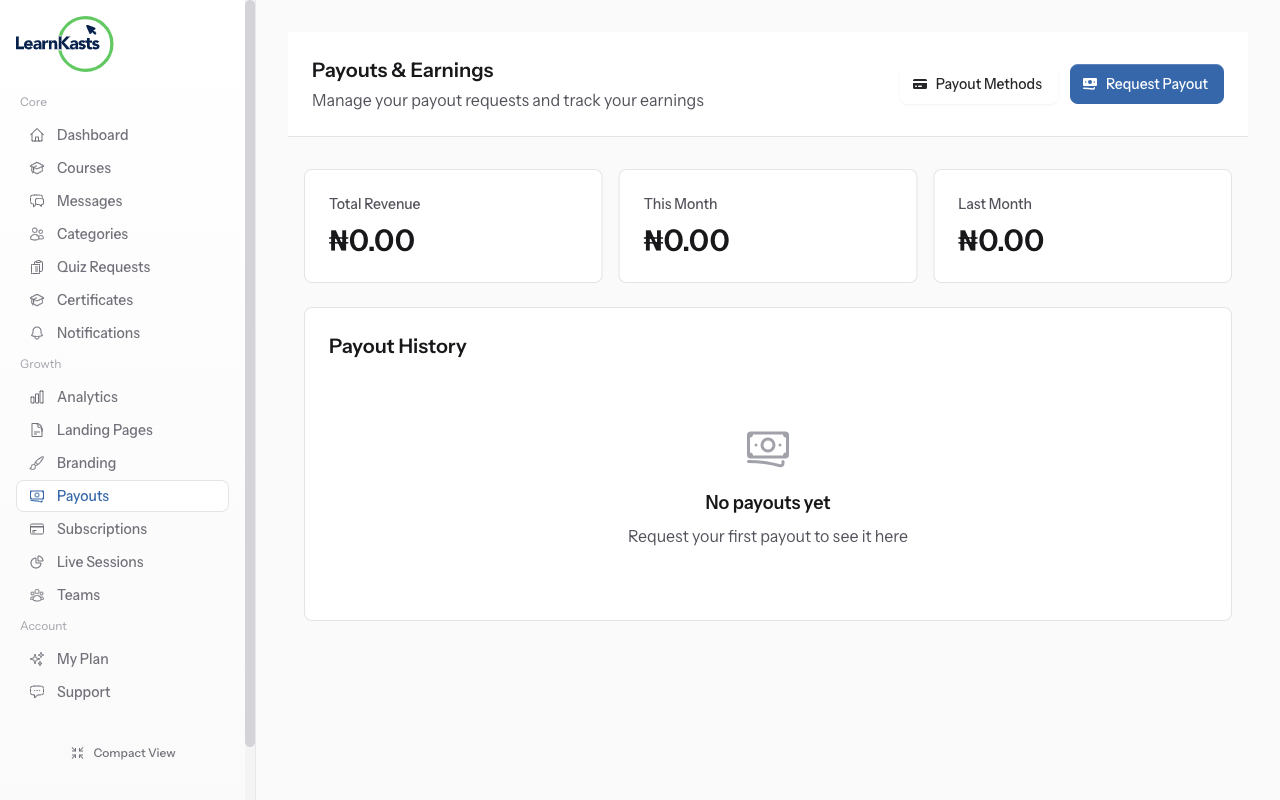
Navigate to payout methods
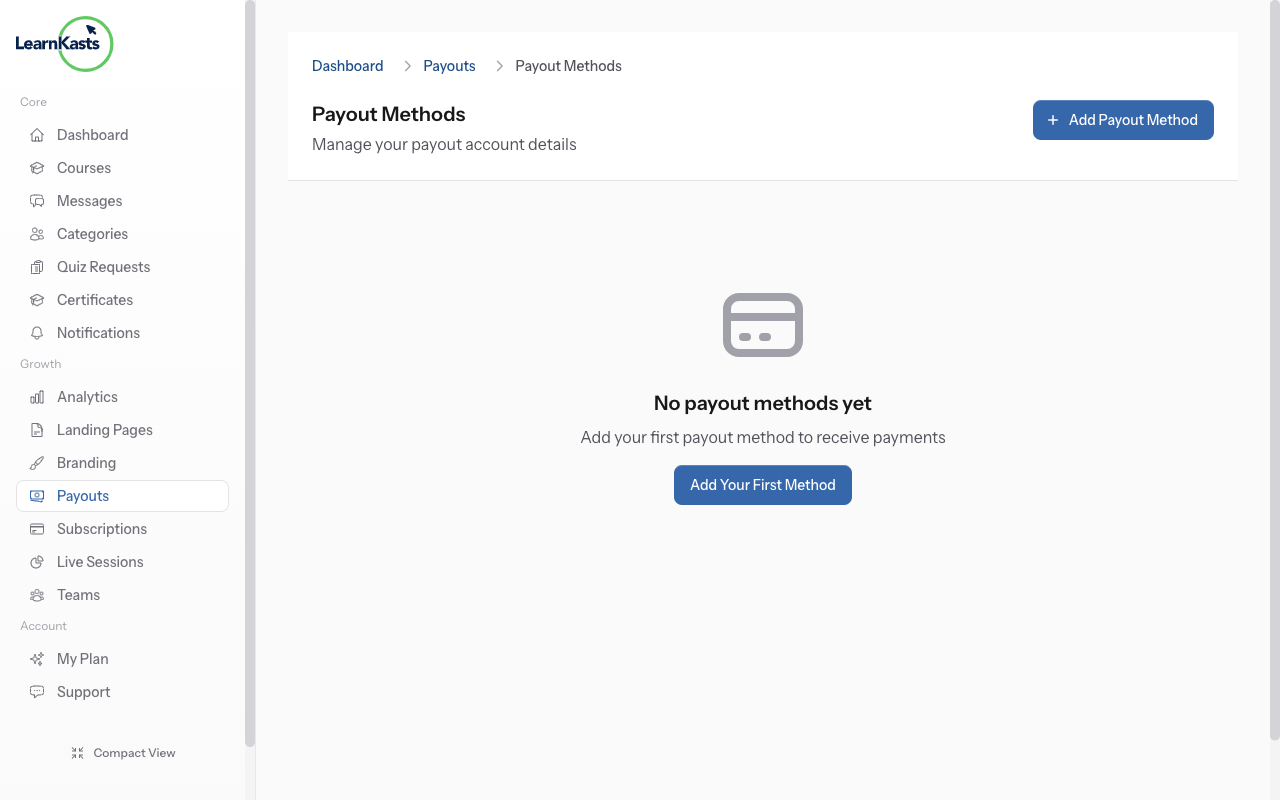
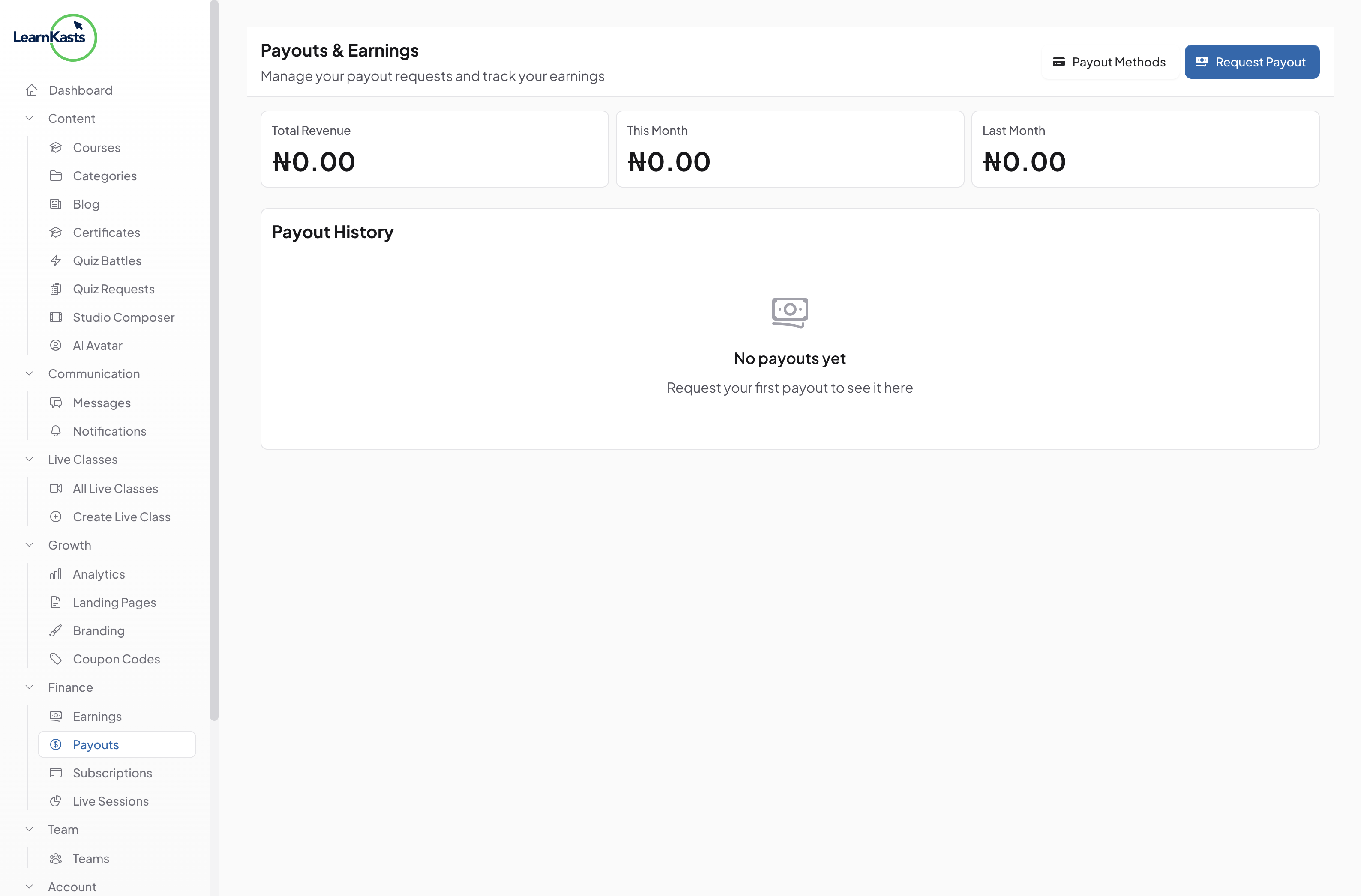
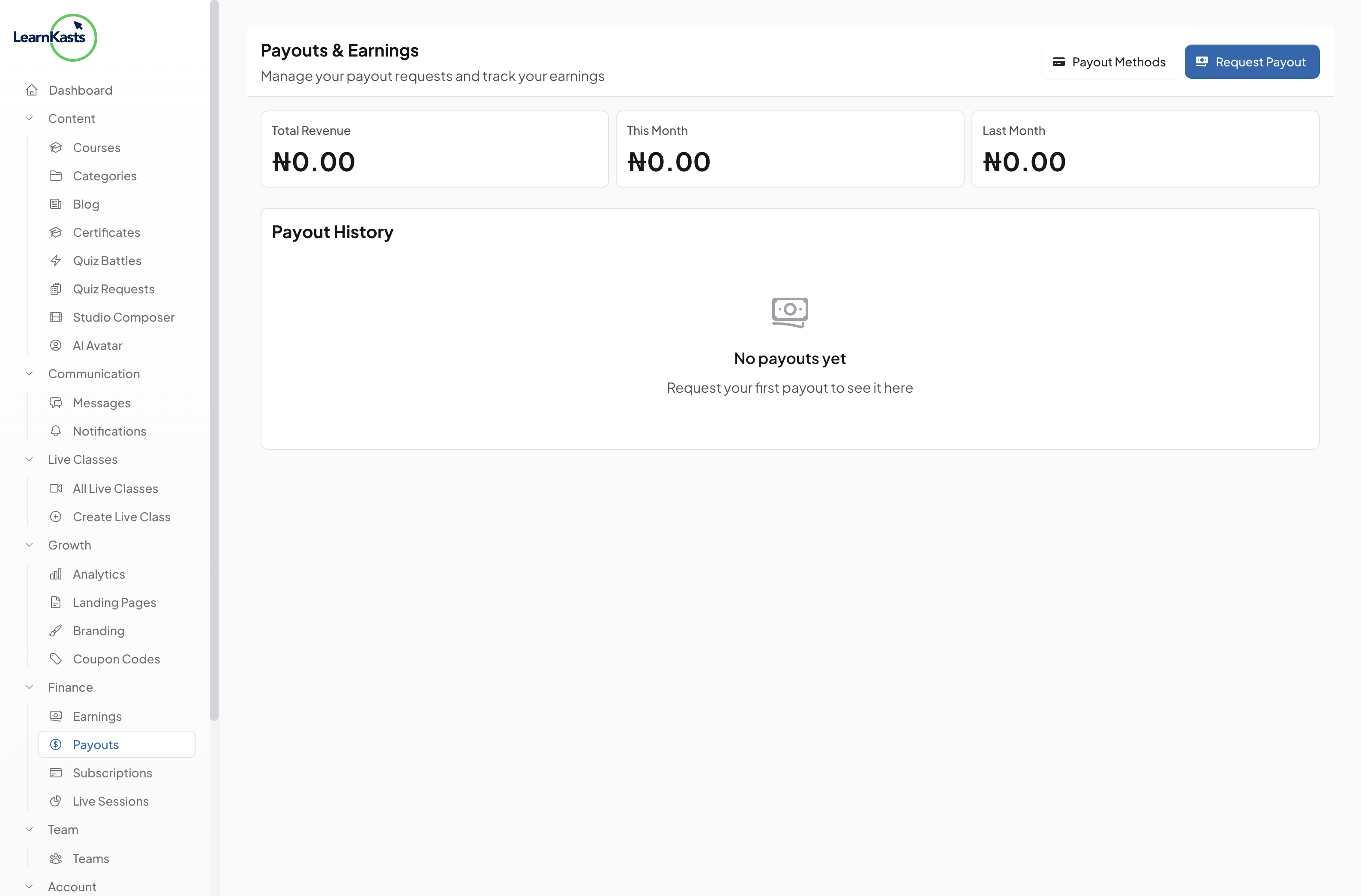
Go to Educator Dashboard → Payouts & Earnings → Click "Payout Methods" button in the top right. This opens the payout methods management page where you can add payment accounts.
-
02
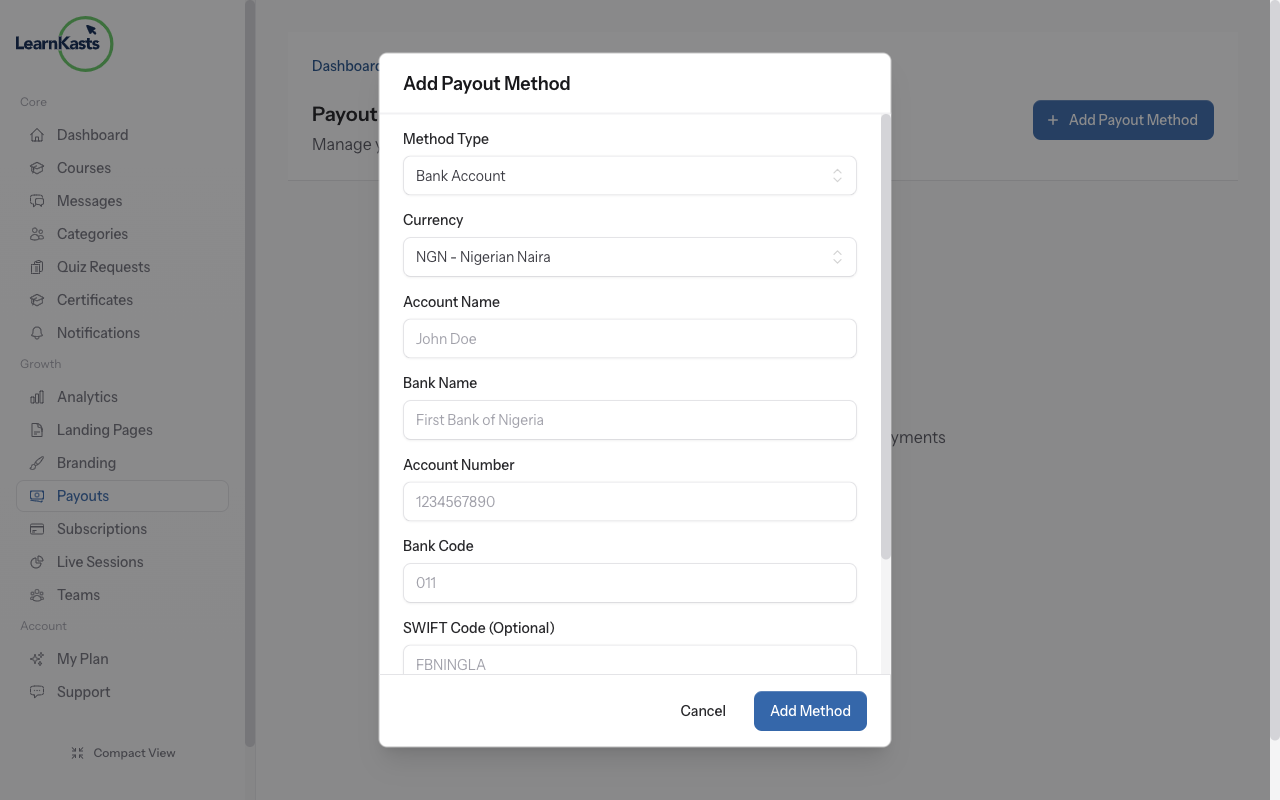
Add bank account method
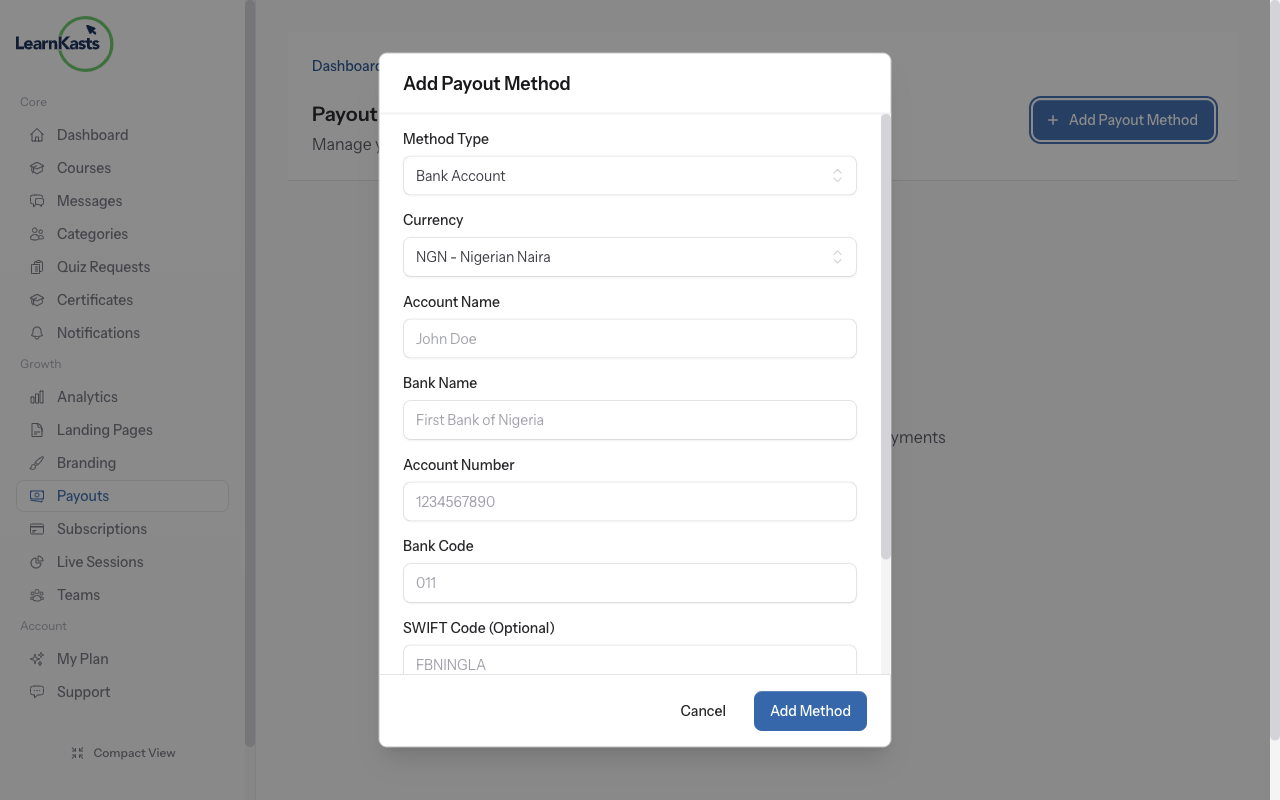
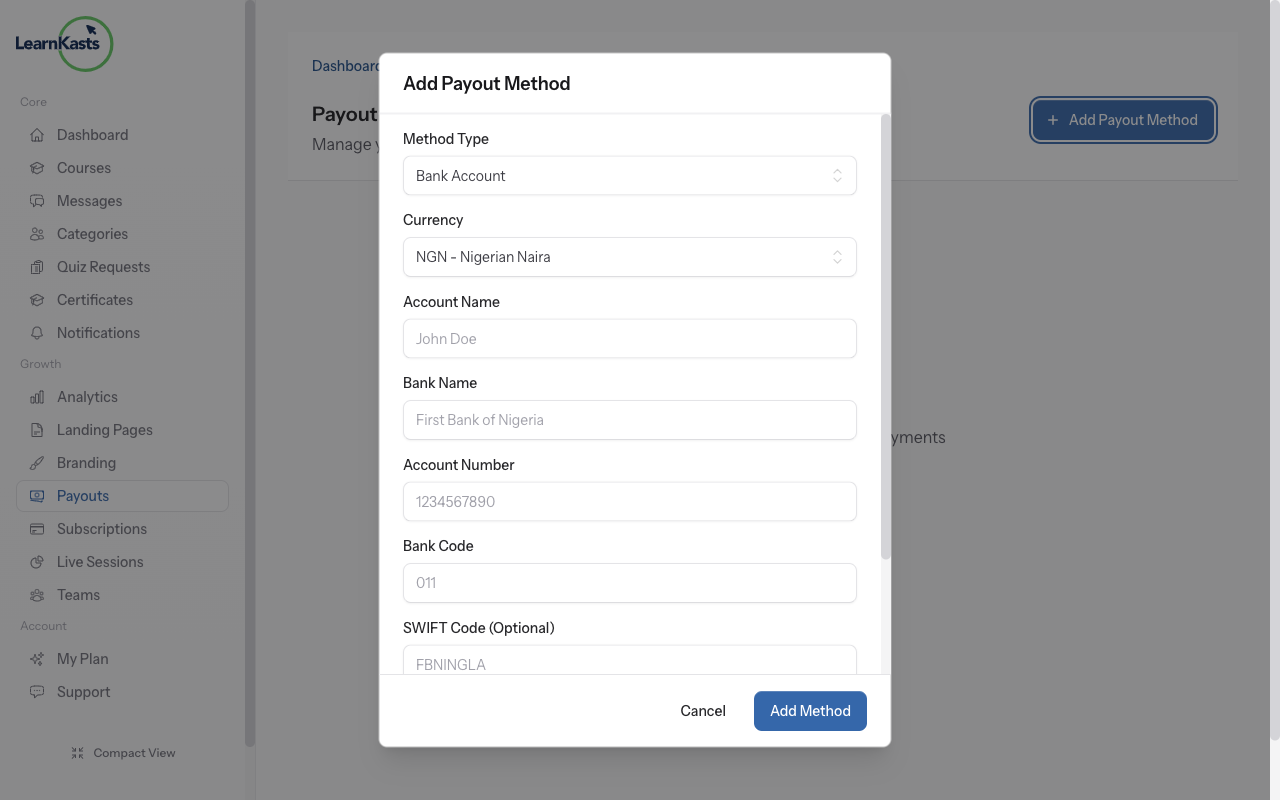
Click "Add Payout Method" → Select "Bank Account". Enter your bank name, account number, account name (exactly as it appears on your account), and bank code (if required). Double-check all details for accuracy.
-
03
Add PayPal method
Click "Add Payout Method" → Select "Mobile Money". Choose your provider (M-Pesa, MTN, Airtel, etc.). Enter your mobile money number. Verify the number is correct - payouts go directly here.
-
04
Verify and test
Click "Add Payout Method" → Select "PayPal". Enter your PayPal email address. Make sure this email is linked to a verified PayPal account that can receive payments.
-
05
Set default payout method
After adding methods, click the star icon or "Set as Default" on your preferred method. This is where your earnings will be sent automatically. You can change the default anytime.
-
06
Verify and test
After adding a method, you may receive a small test deposit (e.g., ₦10) to verify the account works. Check your account for this deposit. Once verified, you're ready to receive payouts.
-
07
Edit or remove methods
Click the three dots menu next to any payment method to edit details or remove it. You must have at least one active payout method. Cannot remove your default method until you set a different one.
Did this guide help?
If you need a real human, our support team replies in plain English within one working day. Faster on WhatsApp.