
-
01
Find upcoming webinars
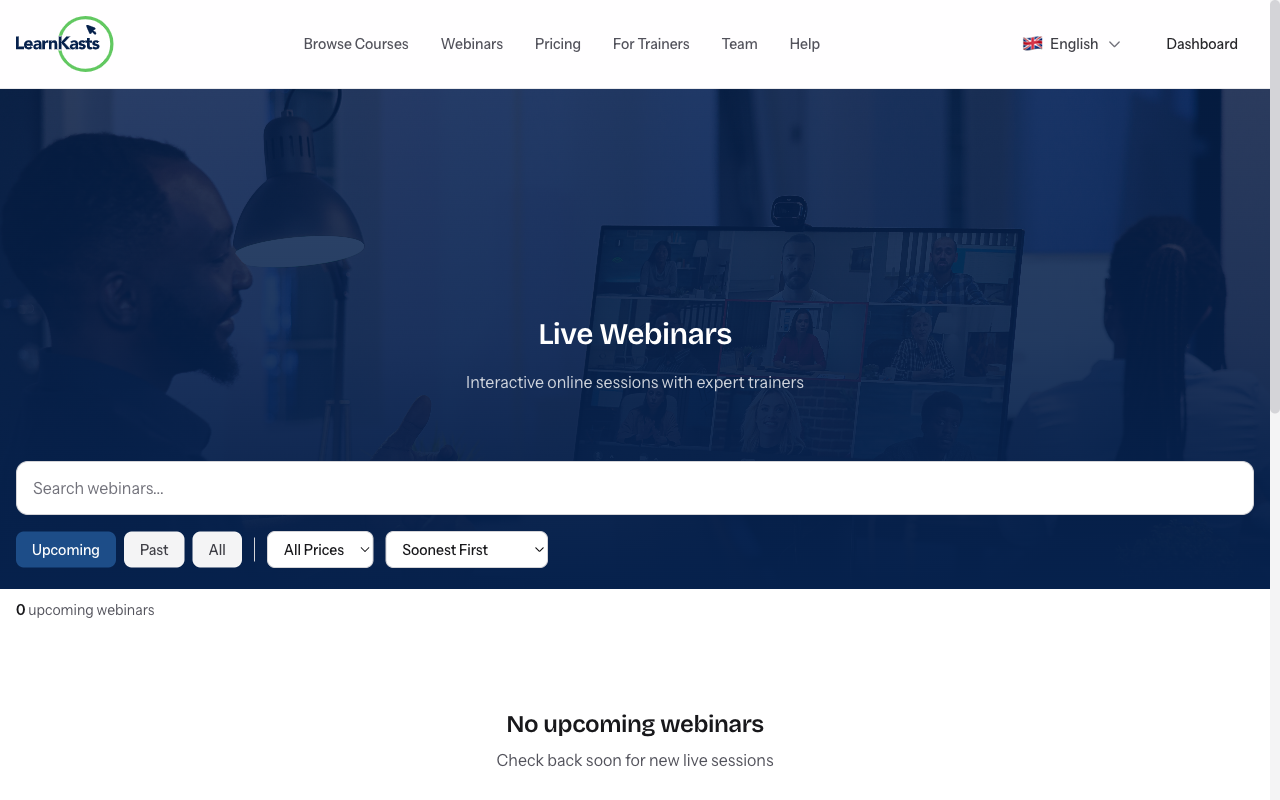
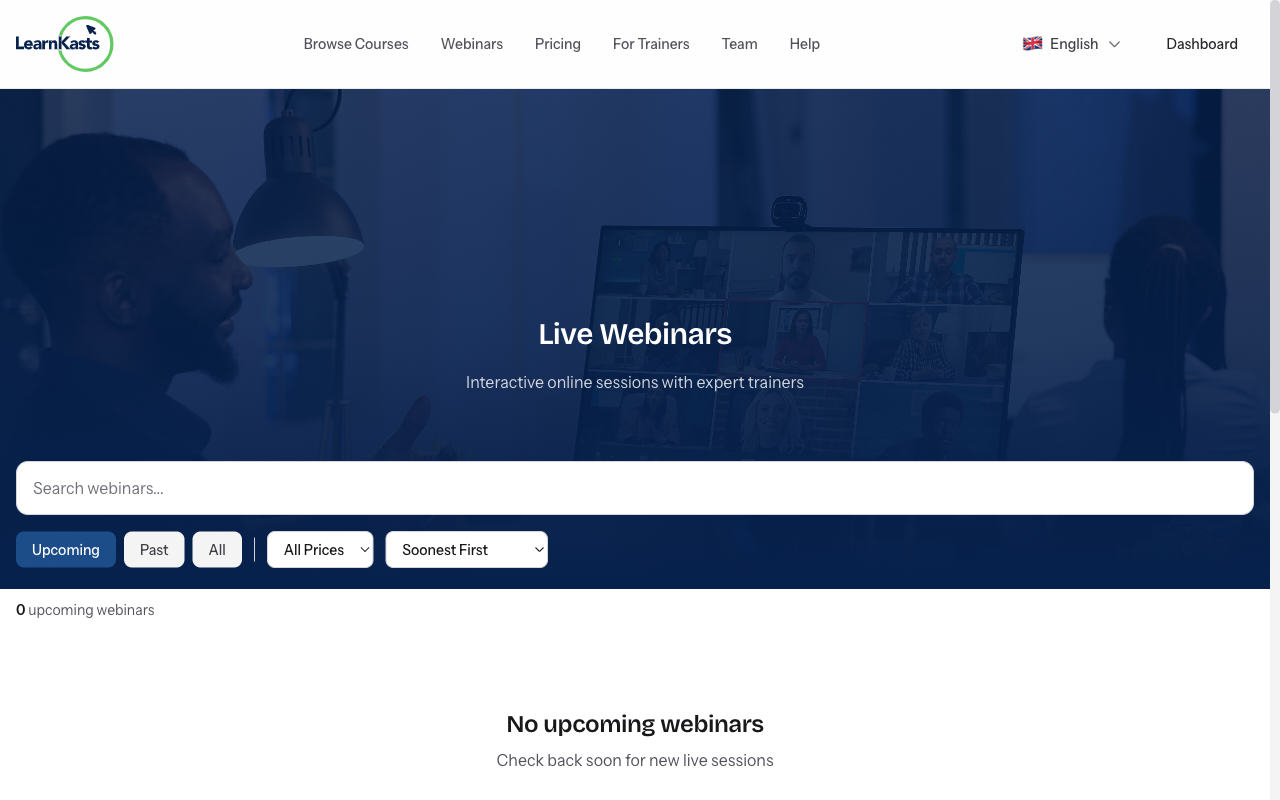
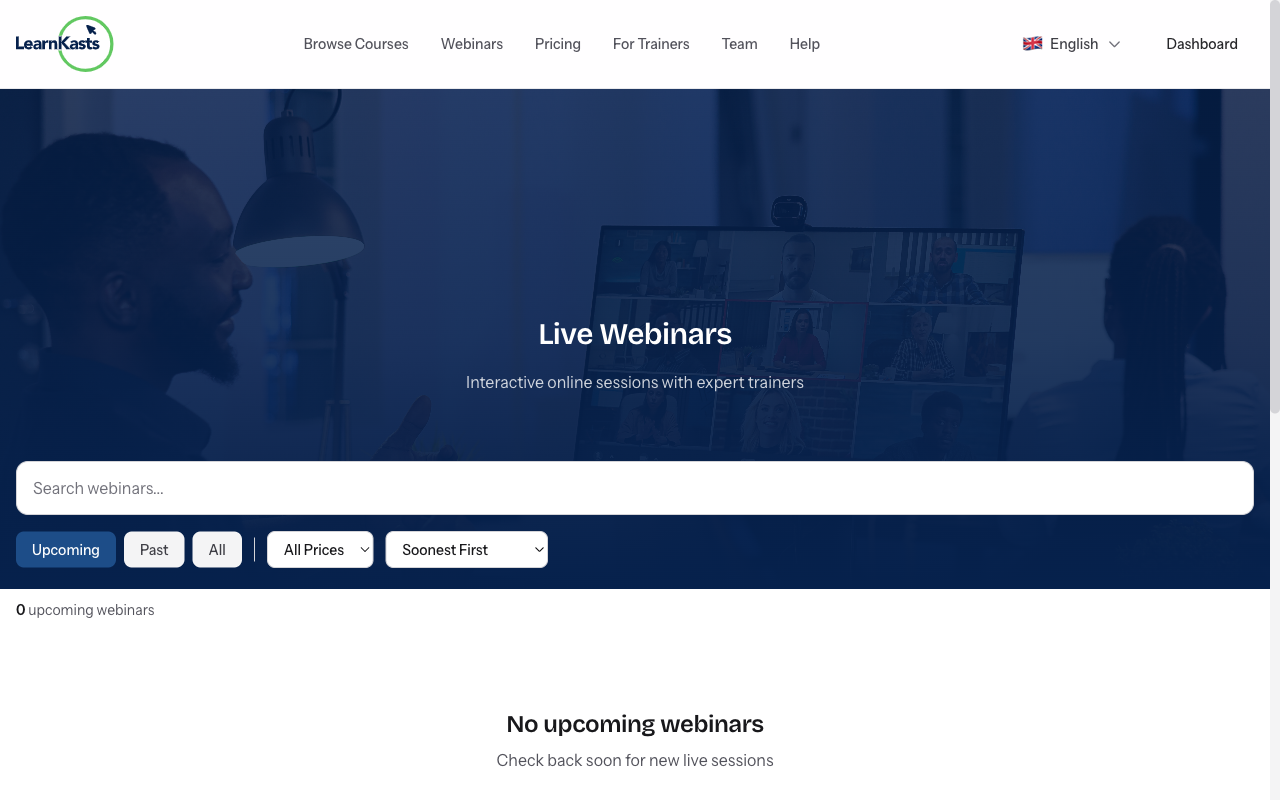
Browse webinars from the main navigation → "Webinars" or visit /webinars. See upcoming sessions with topics, dates, and educator info. Filter by category or date.
-
02
Register for a webinar
Click on a webinar to see details. Click "Register" or "Get Tickets". For free webinars, just enter your email. For paid ones, complete checkout. You'll receive confirmation.
-
03
Add to your calendar
After registering, click "Add to Calendar" to add the event to Google Calendar, Outlook, or iCal. You'll also get email reminders before the webinar starts.
-
04
Join the live webinar
When it's time, click the "Join Webinar" link from your email or dashboard. The webinar opens in your browser - no app download needed. Join a few minutes early to test audio/video.
-
05
Participate during the webinar
Watch the presentation, use chat to comment, and submit questions via the Q&A panel. Participate in polls when prompted. Engage to get the most from the session.
-
06
Access the recording
After the webinar ends, you'll receive an email with the recording link (if the educator enabled it). Recordings are also available in your dashboard under "My Webinars".
Did this guide help?
If you need a real human, our support team replies in plain English within one working day. Faster on WhatsApp.