Attending Webinars
Join live webinars, participate in Q&A, and access recordings.
-
Find upcoming webinars
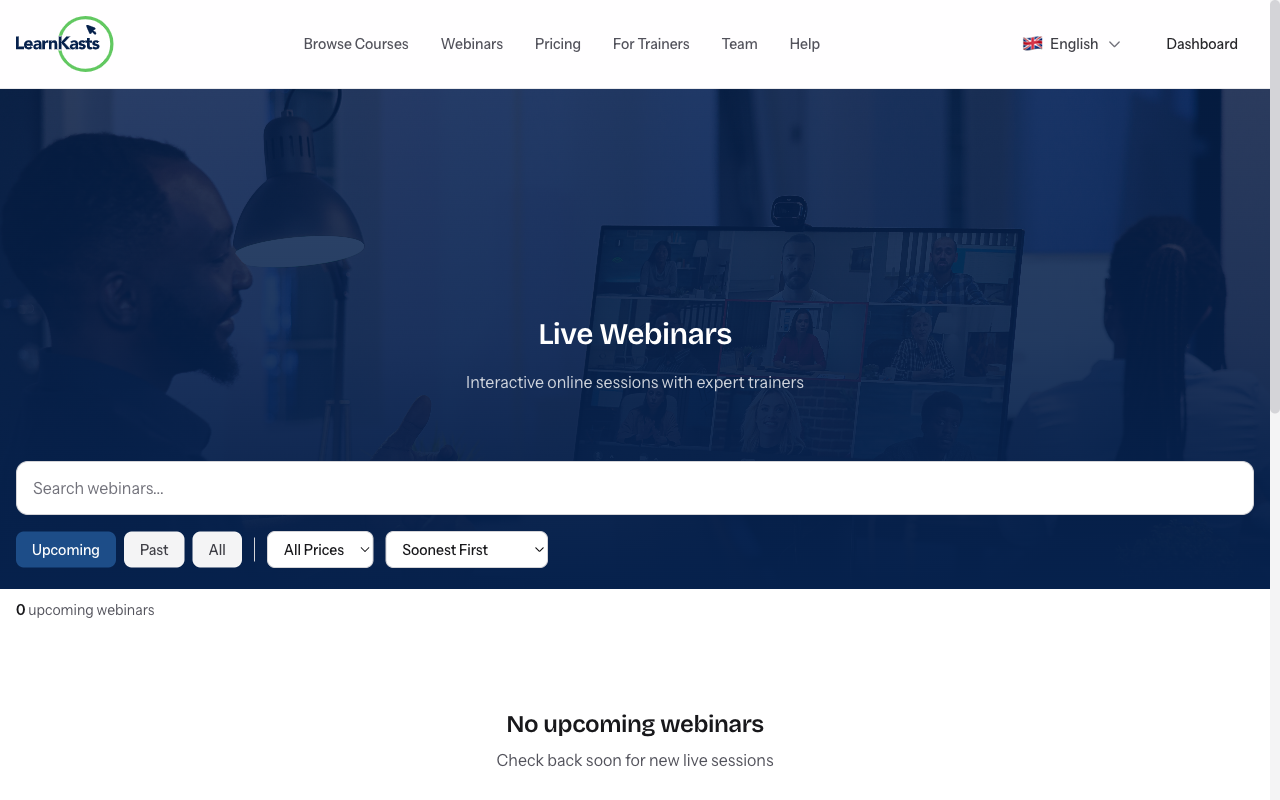
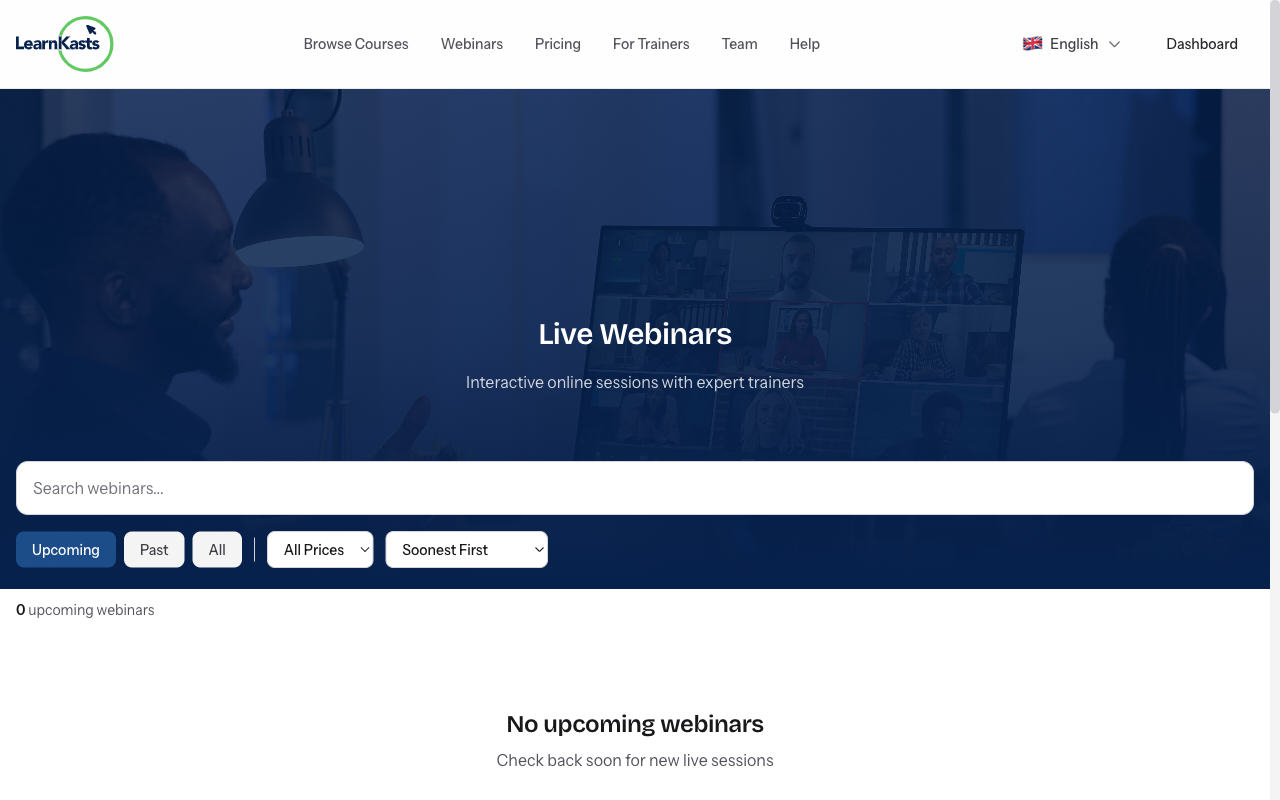
Browse webinars from the main navigation → "Webinars" or visit /webinars. See upcoming sessions with topics, dates, and educator info. Filter by category or date.
-
Register for a webinar
Click on a webinar to see details. Click "Register" or "Get Tickets". For free webinars, just enter your email. For paid ones, complete checkout. You'll receive confirmation.
-
Add to your calendar
After registering, click "Add to Calendar" to add the event to Google Calendar, Outlook, or iCal. You'll also get email reminders before the webinar starts.
-
Join the live webinar
When it's time, click the "Join Webinar" link from your email or dashboard. The webinar opens in your browser - no app download needed. Join a few minutes early to test audio/video.
-
Participate during the webinar
Watch the presentation, use chat to comment, and submit questions via the Q&A panel. Participate in polls when prompted. Engage to get the most from the session.
-
Access the recording
After the webinar ends, you'll receive an email with the recording link (if the educator enabled it). Recordings are also available in your dashboard under "My Webinars".
Àwọn ìtọ́sọ́nà mìíràn
Ìtọ́sọ́nà fún olùkọ́
Ìtọ́sọ́nà ìgbésẹ̀-sí-ìgbésẹ̀ fún ṣíṣẹ̀dá ẹ̀kọ́, ṣíṣe ìpàdé tààrà àti mímú iṣẹ́ ìkọ́ni rẹ dàgbà.
- Getting started as an educator
- Creating your first course
- Building course curriculum
- Uploading video lessons
- Using AI to generate quizzes
- Creating quizzes and assignments
- Assignments and grading queues
- Hosting live sessions
- Creating and managing webinars
- Managing course cohorts
- Adding students to cohorts
- Setting up subscriptions
- Course reviews and ratings
- Issuing certificates
- Understanding course analytics
- Live session usage and billing
- Setting up payout methods
- Viewing revenue and payouts
- Setting up your educator subdomain
- Creating landing pages
- Using the visual page editor
- Adding page sections
- Page styling and branding
- AI Studio Composer
- AI Voice Clone & Avatar
- Traffic sources & UTM attribution
Ìtọ́sọ́nà fún akẹ́kọ̀ọ́
Gbogbo ohun tí akẹ́kọ̀ọ́ nílò láti wo ẹ̀kọ́, darapọ̀ mọ́ ìpàdé tààrà àti tẹ̀lé ìlọsíwájú wọn.
- Creating an account
- Browsing and finding courses
- Enrolling in a course
- Watching video lessons
- Taking notes during lessons
- Submitting assignments
- Taking quizzes
- Joining live classes
- Attending webinars
- Managing your subscriptions
- Viewing your certificates
- Writing course reviews
- Managing your orders
- Updating your profile
Ẹgbẹ́ àti ìṣàkóso
Ìṣàkóso ẹgbẹ́, àṣẹ, ìsanwó àti irinṣẹ́ ìṣàkóso fún àwọn àjọ.
Ṣé ìtọ́sọ́nà yìí ràn ọ́ lọ́wọ́?
Bí o bá nílò ènìyàn gidi, ẹgbẹ́ ìrànlọ́wọ́ wa ń dáhùn ní èdè tó yé láàrin ọjọ́ iṣẹ́ kan. Ó yára jù lórí WhatsApp.