
-
01
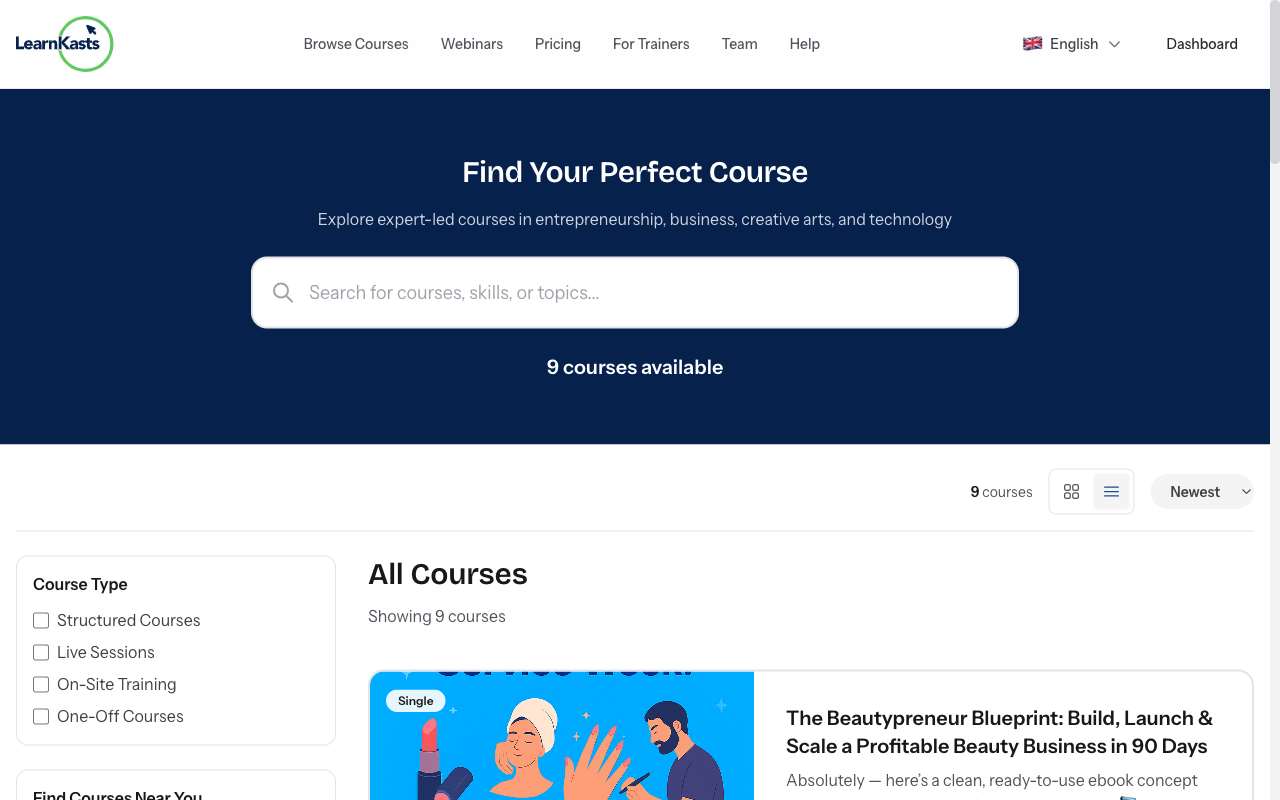
Browse available courses
Go to the Courses page from the main navigation or visit /courses. Use the search bar to find courses by keyword, filter by category, price range, or difficulty level. Click on any course card to see the full course details page.
-
02
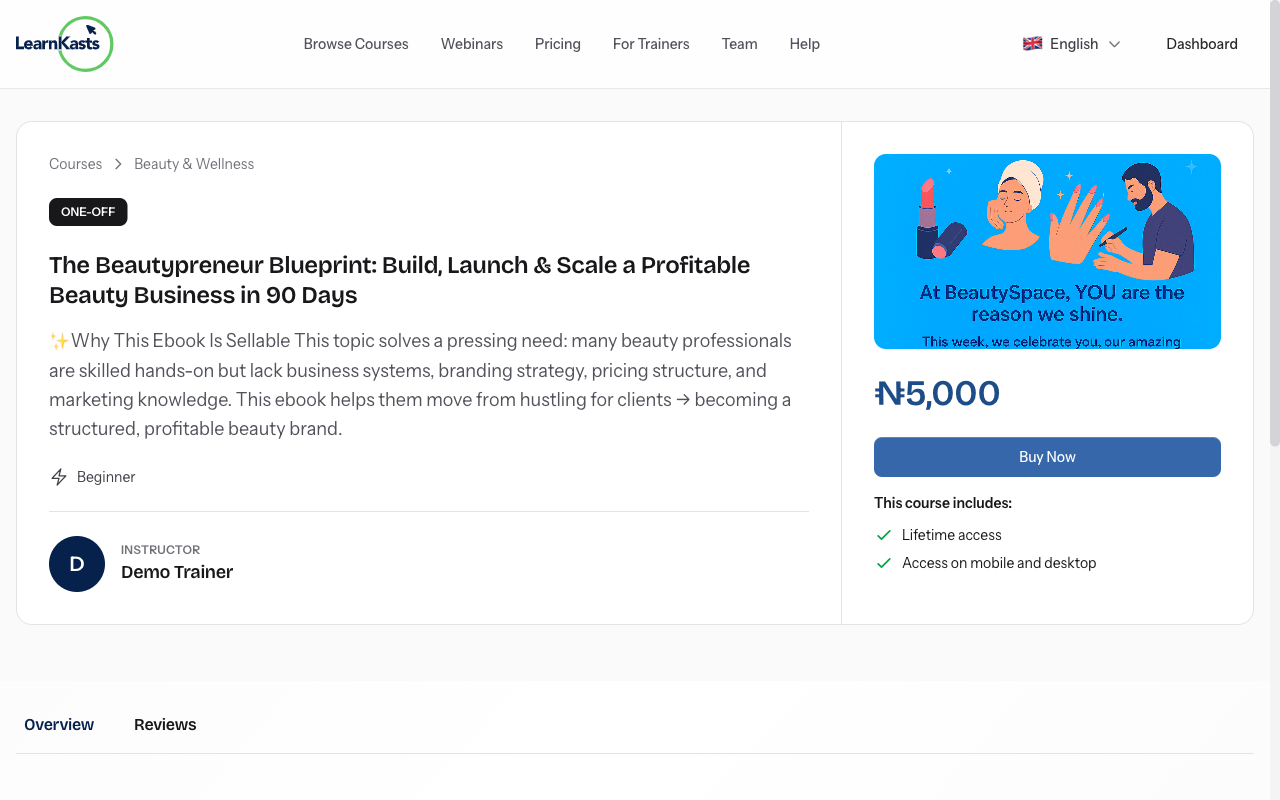
Review course details
On the course page, you'll see the full description, curriculum outline, instructor bio, student reviews, and pricing. Check the course requirements and what you'll learn. If the course has multiple cohorts, you can select which batch to join.
-
03
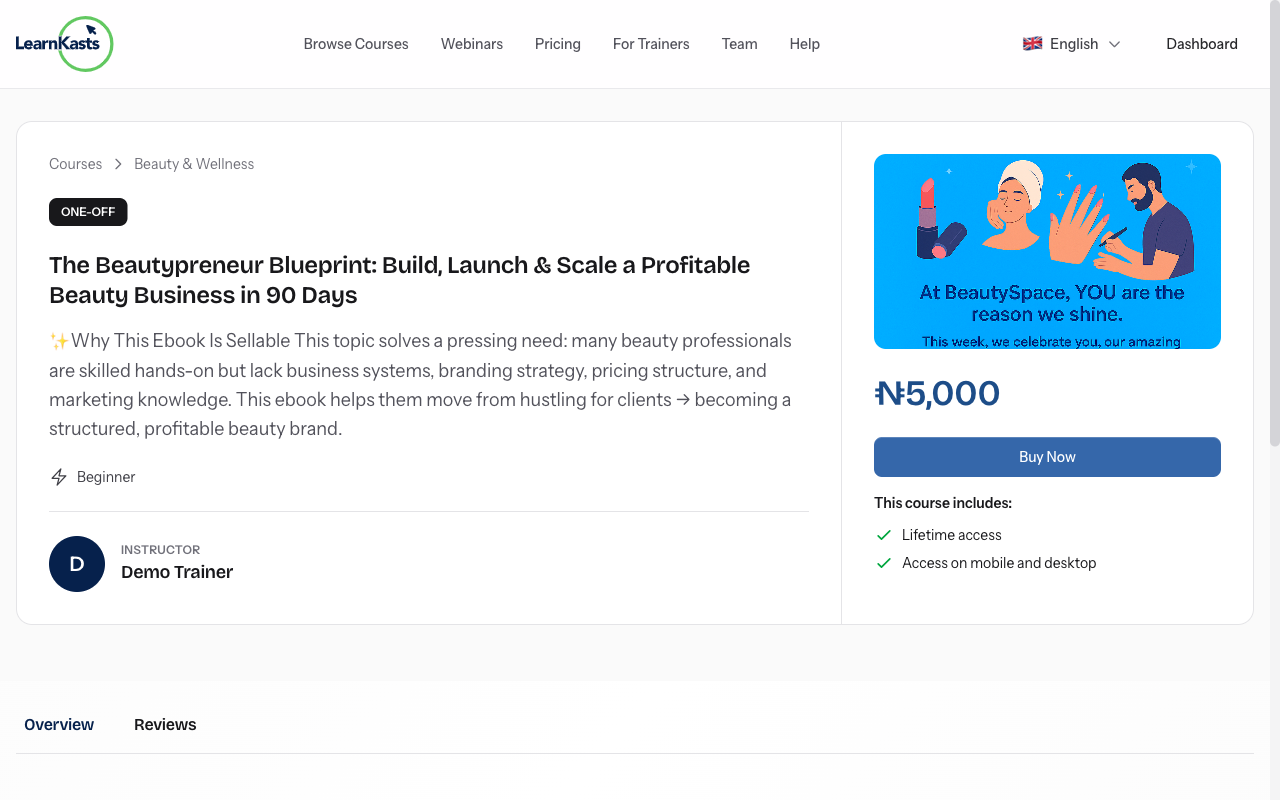
Complete enrollment
Click the "Enroll Now" or "Buy Course" button. For paid courses, you'll be taken to checkout where you can pay via card, bank transfer, or mobile money (depending on your region). For free courses, enrollment is instant after clicking the button.
-
04
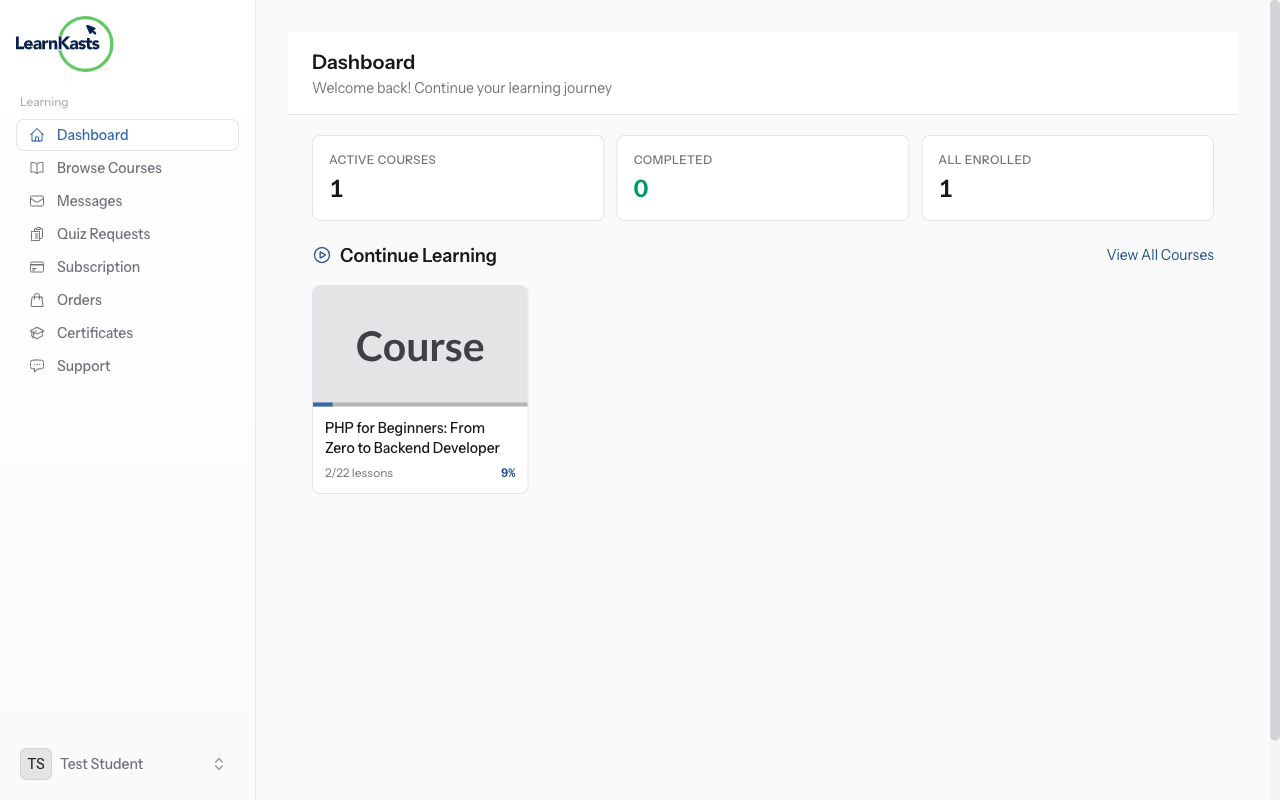
Access your enrolled course
After enrollment, the course appears in your Dashboard under "My Courses". Click on the course to open the learning interface where you can watch lessons, complete quizzes, submit assignments, and track your progress. Your progress syncs across devices.
Did this guide help?
If you need a real human, our support team replies in plain English within one working day. Faster on WhatsApp.