Enrolling in a Course
How to find, purchase, and access courses on Learnkasts.
-
Browse available courses
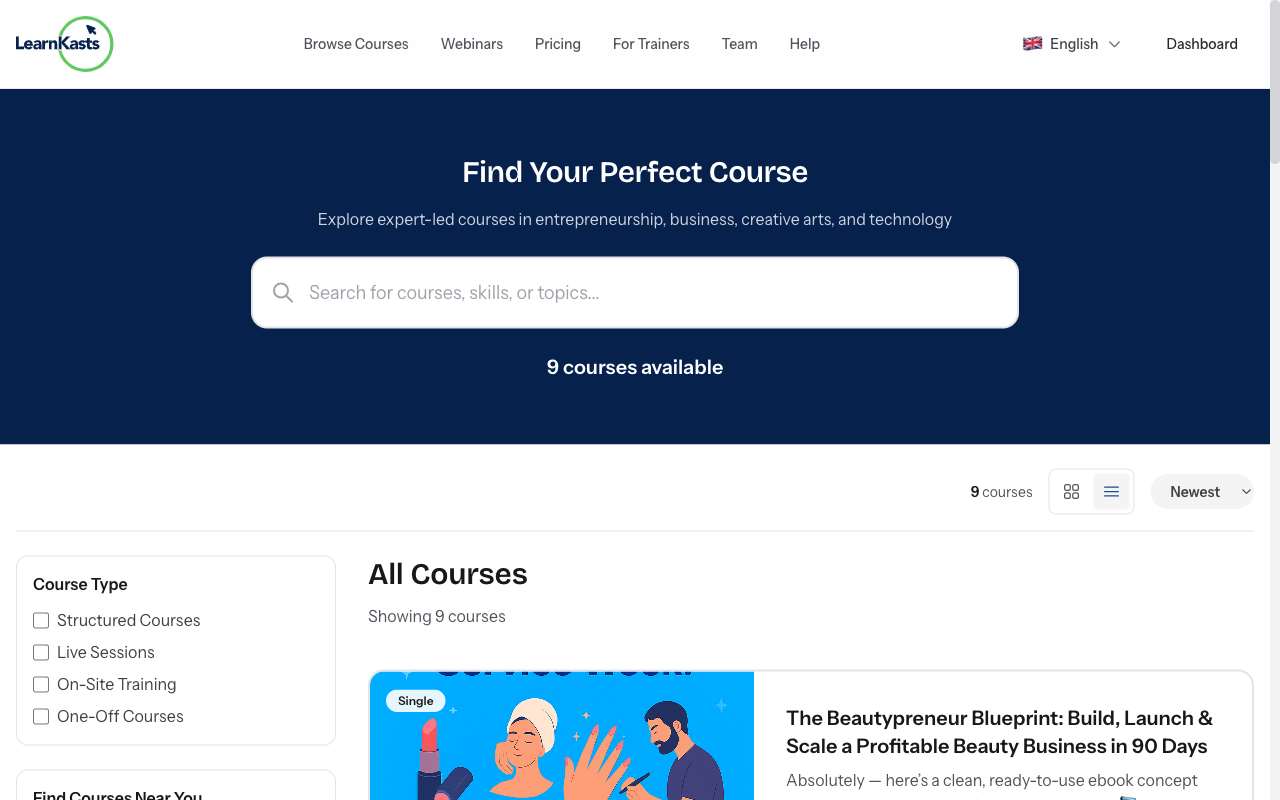
Go to the Courses page from the main navigation or visit /courses. Use the search bar to find courses by keyword, filter by category, price range, or difficulty level. Click on any course card to see the full course details page.
-
Review course details
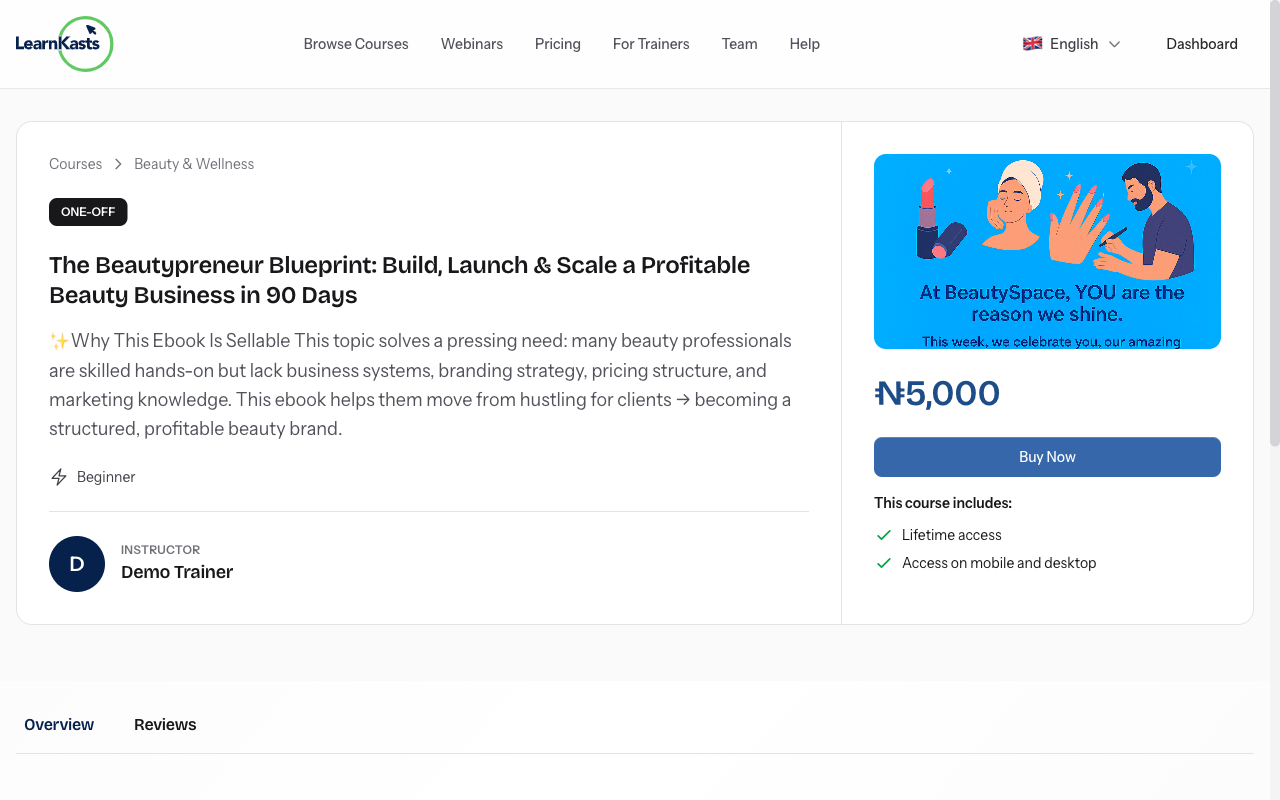
On the course page, you'll see the full description, curriculum outline, instructor bio, student reviews, and pricing. Check the course requirements and what you'll learn. If the course has multiple cohorts, you can select which batch to join.
-
Complete enrollment
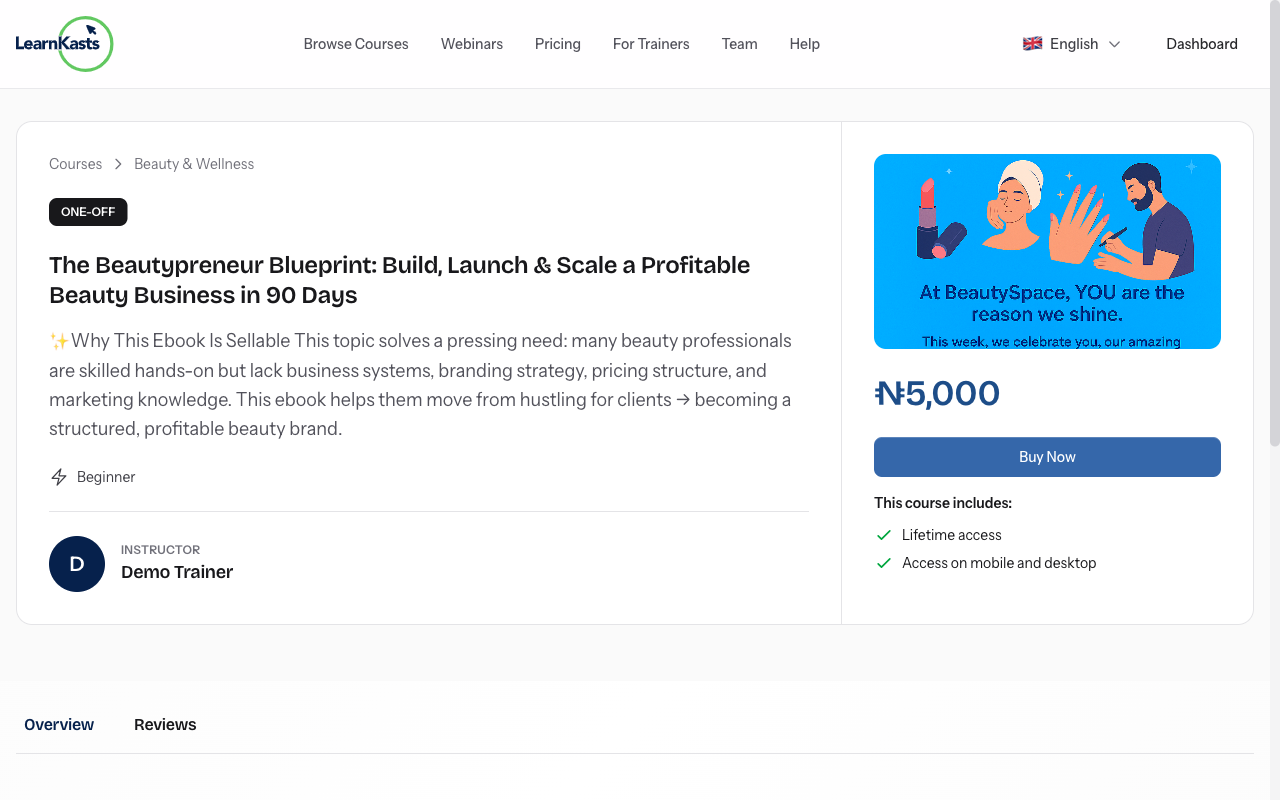
Click the "Enroll Now" or "Buy Course" button. For paid courses, you'll be taken to checkout where you can pay via card, bank transfer, or mobile money (depending on your region). For free courses, enrollment is instant after clicking the button.
-
Access your enrolled course
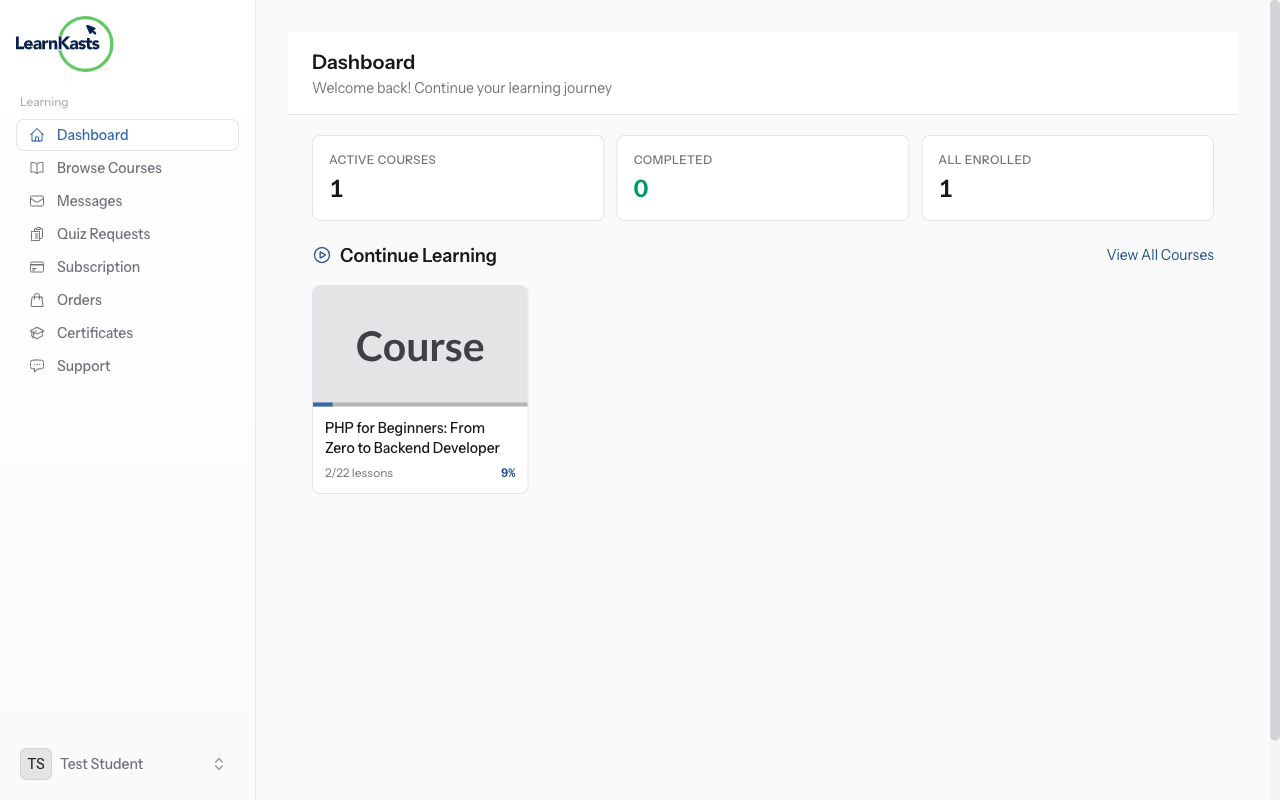
After enrollment, the course appears in your Dashboard under "My Courses". Click on the course to open the learning interface where you can watch lessons, complete quizzes, submit assignments, and track your progress. Your progress syncs across devices.
Ntuziaka ndị ọzọ
Ntuziaka ndị nkuzi
Ntuziaka nzọụkwụ-na-nzọụkwụ maka imepụta ọmụmụ, ịme nzukọ ndụ na ito azụmahịa nkuzi gị.
- Getting started as an educator
- Creating your first course
- Building course curriculum
- Uploading video lessons
- Using AI to generate quizzes
- Creating quizzes and assignments
- Assignments and grading queues
- Hosting live sessions
- Creating and managing webinars
- Managing course cohorts
- Adding students to cohorts
- Setting up subscriptions
- Course reviews and ratings
- Issuing certificates
- Understanding course analytics
- Live session usage and billing
- Setting up payout methods
- Viewing revenue and payouts
- Setting up your educator subdomain
- Creating landing pages
- Using the visual page editor
- Adding page sections
- Page styling and branding
- AI Studio Composer
- AI Voice Clone & Avatar
- Traffic sources & UTM attribution
Ntuziaka ụmụ akwụkwọ
Ihe niile ụmụ akwụkwọ chọrọ iji lelee ọmụmụ, sonye na nzukọ ndụ ma soro ọganihu ha.
- Creating an account
- Browsing and finding courses
- Enrolling in a course
- Watching video lessons
- Taking notes during lessons
- Submitting assignments
- Taking quizzes
- Joining live classes
- Attending webinars
- Managing your subscriptions
- Viewing your certificates
- Writing course reviews
- Managing your orders
- Updating your profile
Otu na nchịkwa
Njikwa otu, ikike, ịkwụ ụgwọ na ngwaọrụ nchịkwa maka nzukọ.
Ntuziaka a ọ nyeere gị aka?
Ọ bụrụ na ịchọrọ mmadụ n'ezie, ndị otu nkwado anyị na-aza n'asụsụ doro anya n'ime otu ụbọchị ọrụ. Ọ dị ngwa karịa na WhatsApp.