
-
01
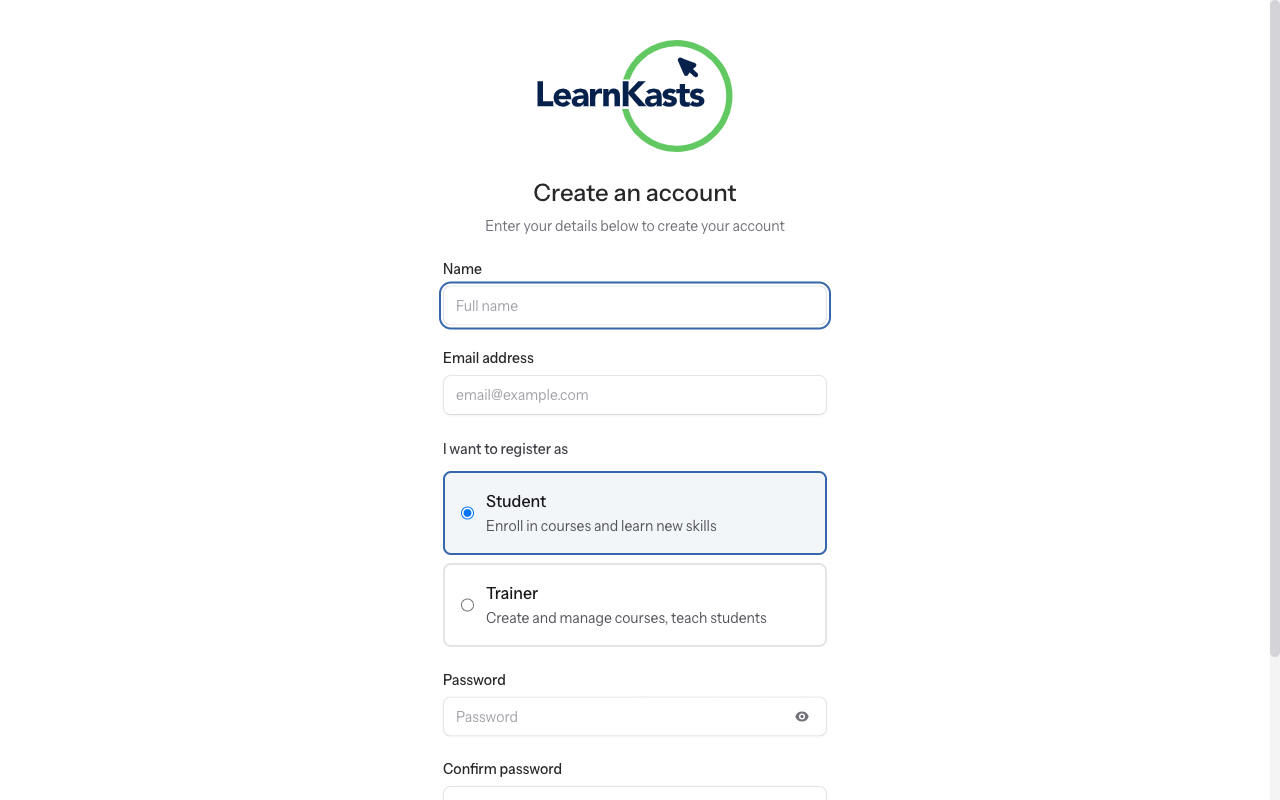
Go to registration page
Visit the Learnkasts homepage and click "Sign Up" or "Get Started" button. You'll be taken to the registration form where you can create your free account.
-
02
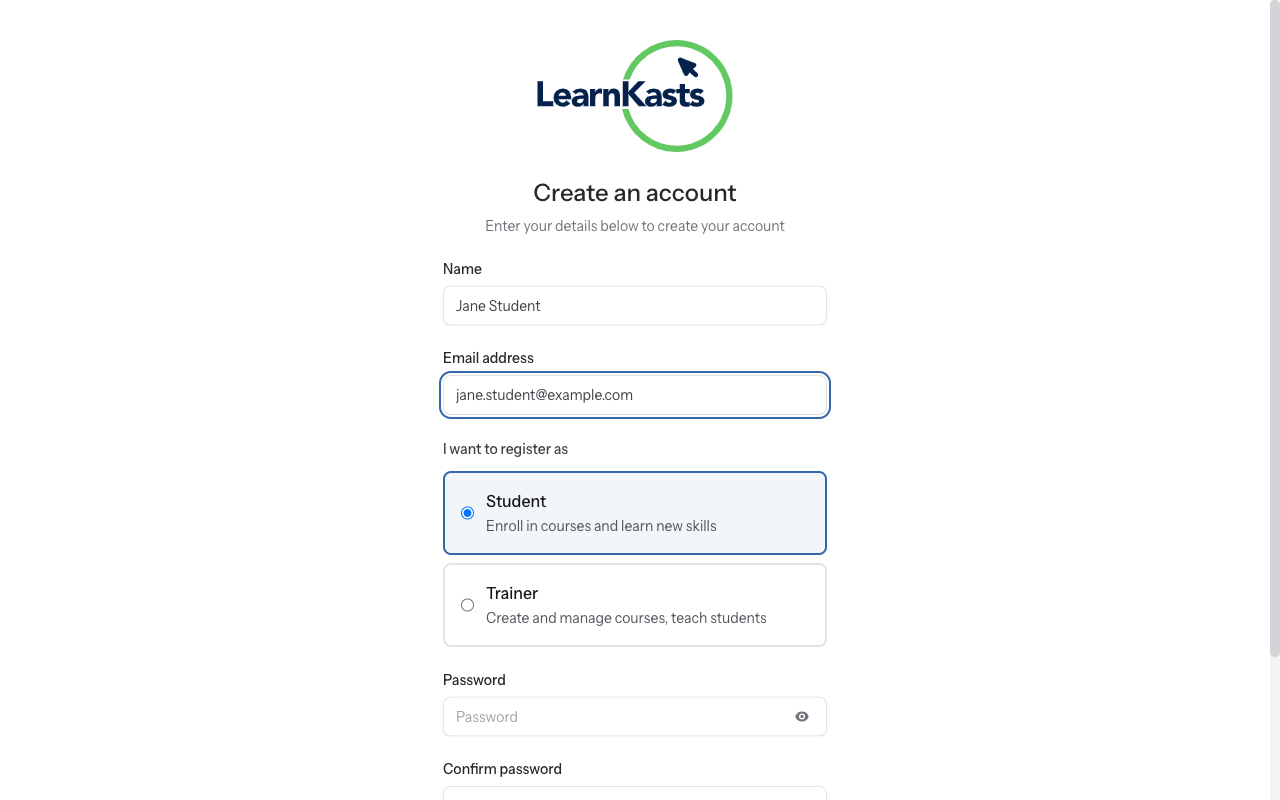
Fill in your information
Enter your full name, email address, and create a secure password. Your password should be at least 8 characters with a mix of letters, numbers, and symbols. Confirm your password by typing it again.
-
03
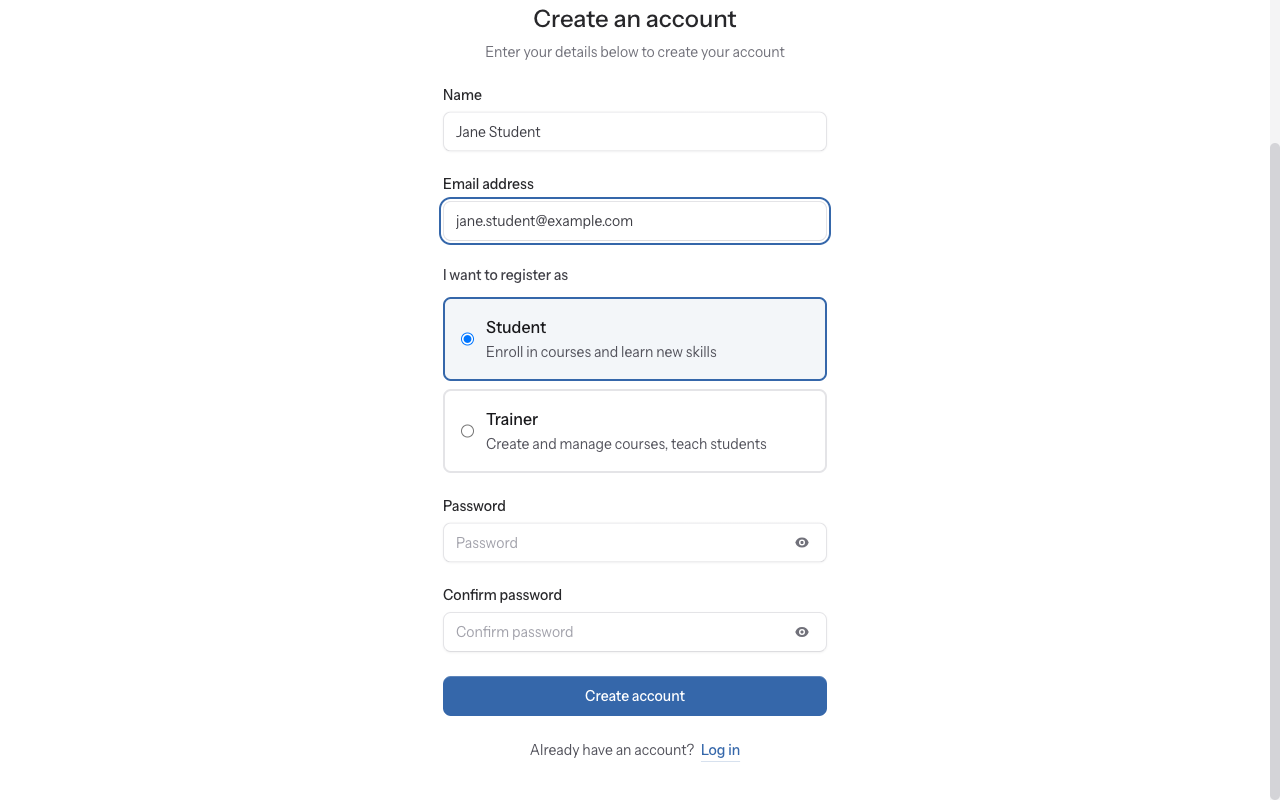
Agree to terms and register
Make sure "Student" is selected as your account type (this is usually the default). If you want to teach on the platform, you can switch to a educator account later from your profile settings.
-
04
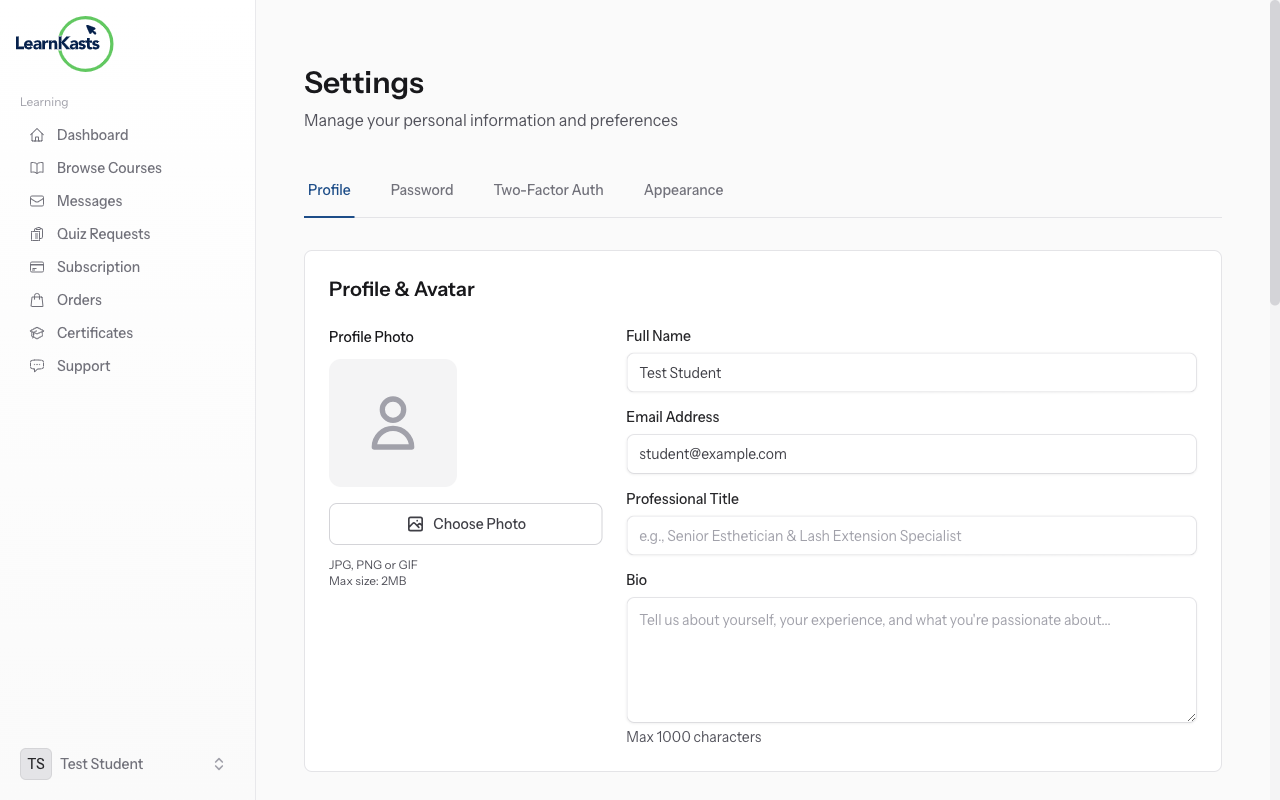
Complete your profile
Check the box to agree to Terms of Service and Privacy Policy. Click the "Create Account" or "Sign Up" button to complete registration. You'll receive a confirmation email.
-
05
Verify your email
Check your email inbox for a verification email from Learnkasts. Click the "Verify Email" link in the email. This activates your account and ensures you can receive important course notifications.
-
06
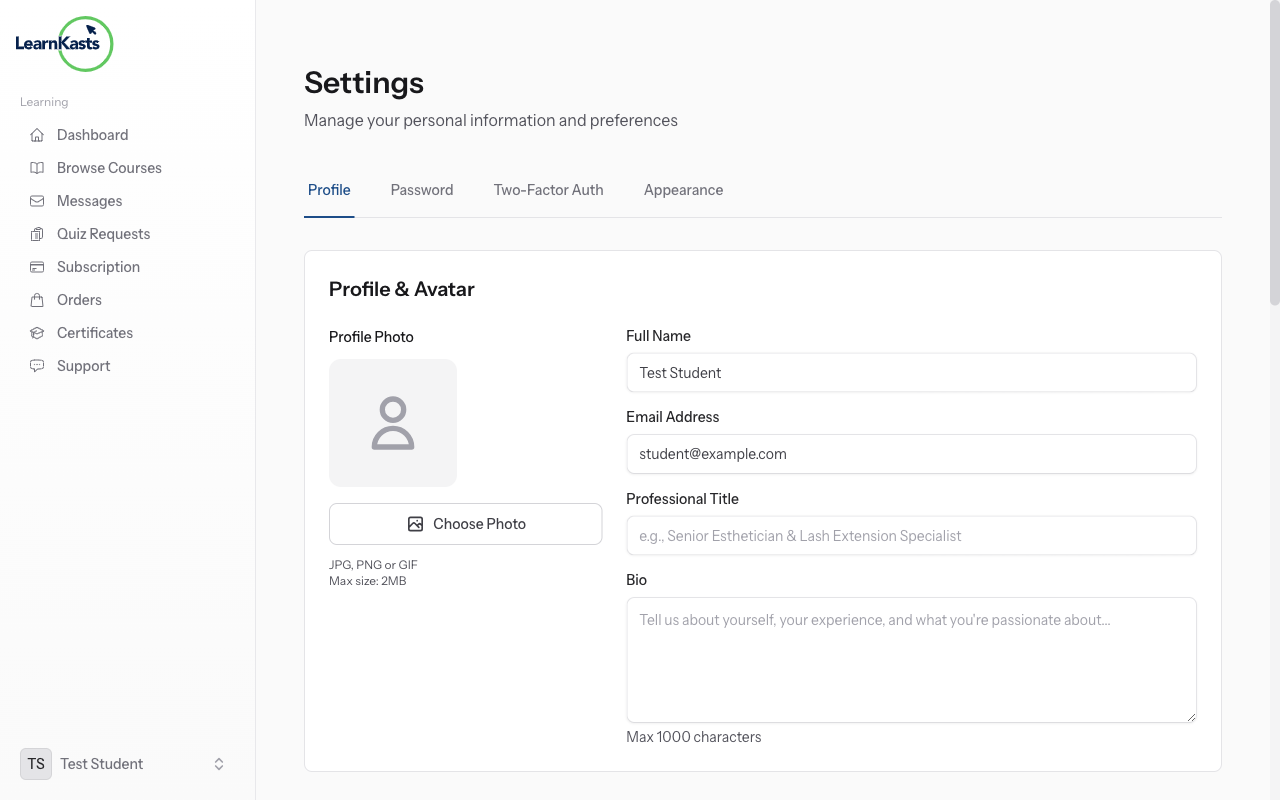
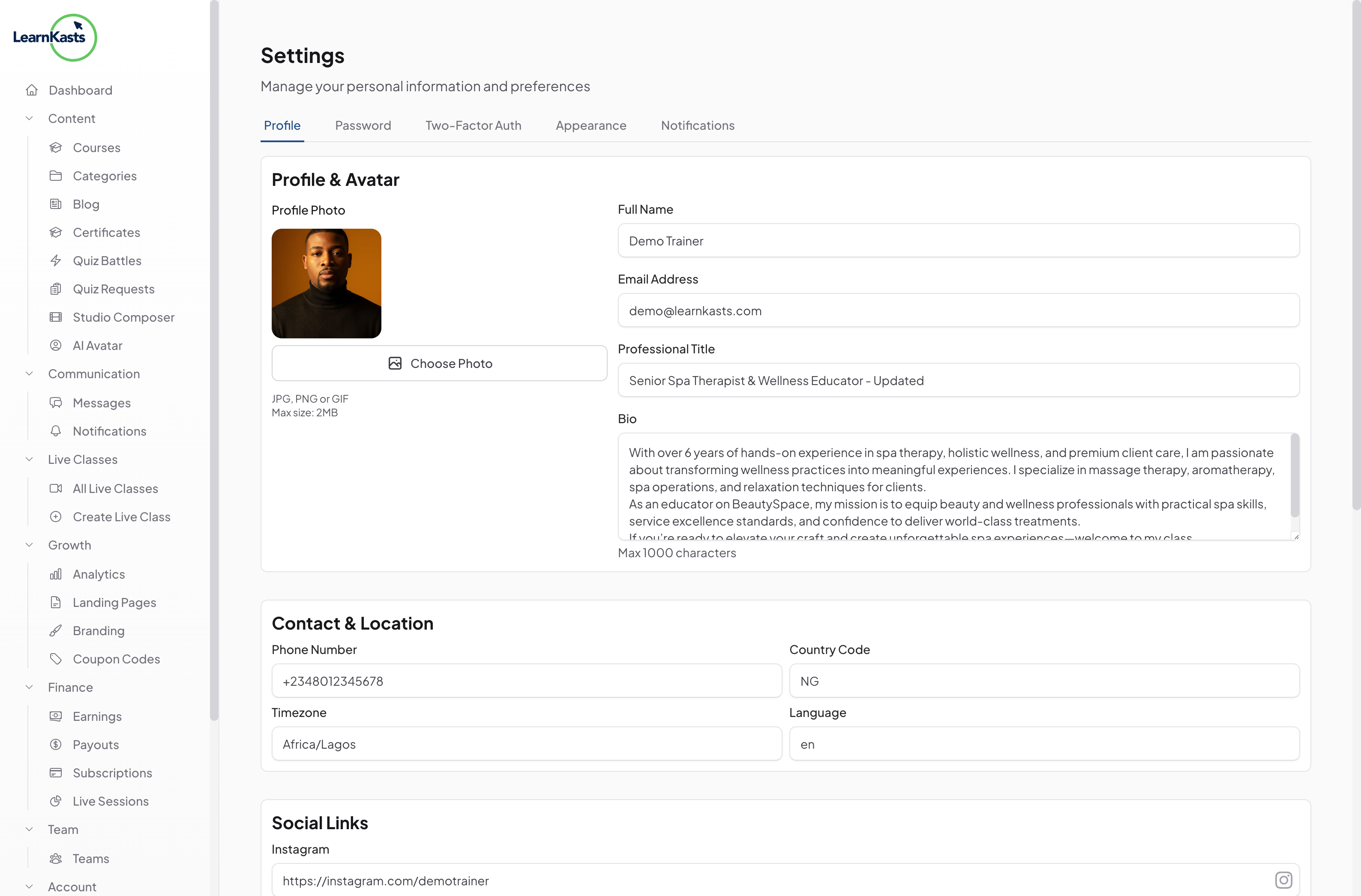
Complete your profile
After verification, log in and complete your profile. Add a profile photo, your location, phone number, and interests. This helps educators understand their students and personalize course recommendations for you.
-
07
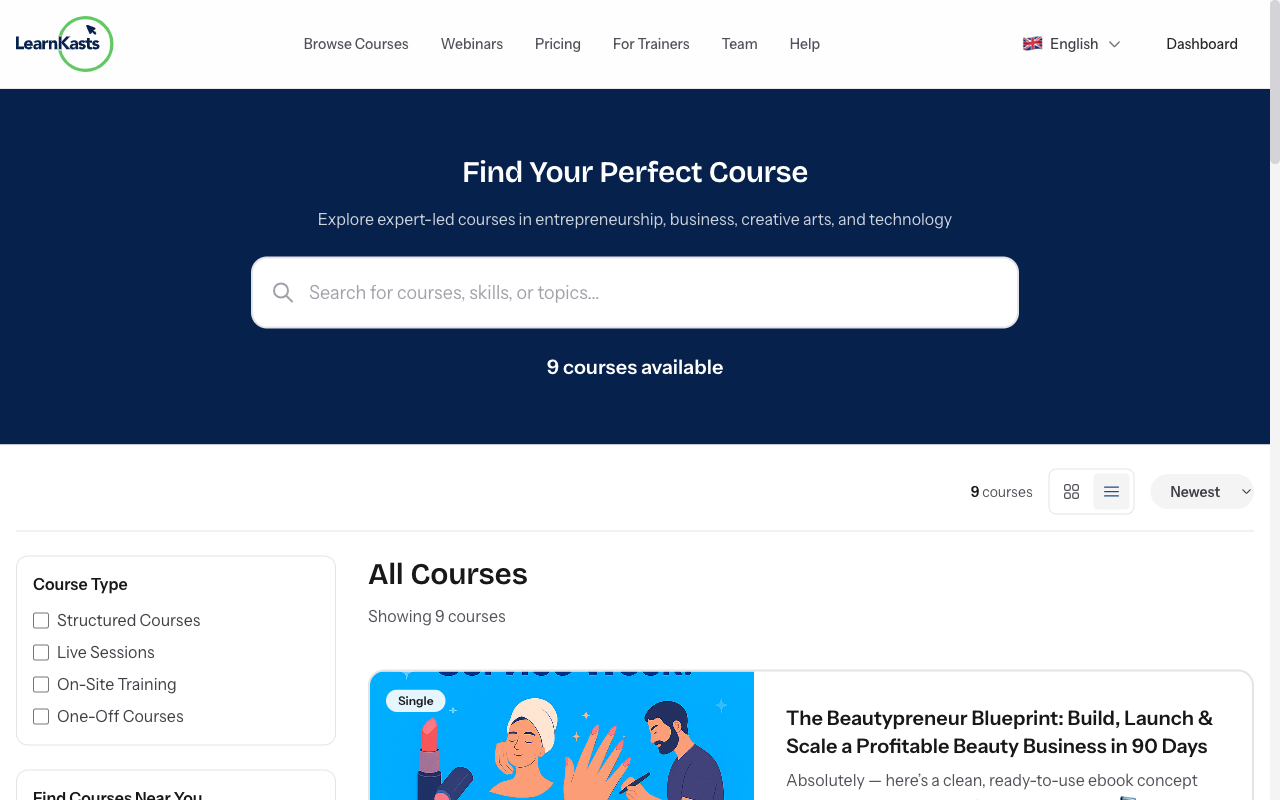
Start browsing courses
You're all set! Click "Browse Courses" to explore available courses. Use filters to find courses by category, price, difficulty level, or search for specific topics you want to learn.
Did this guide help?
If you need a real human, our support team replies in plain English within one working day. Faster on WhatsApp.