
-
01
Create a quiz lesson first
Go to Educator Dashboard → Courses → Edit your course → Curriculum tab. Click "Add Lesson" in a module and select "Quiz" as the lesson type. Enter a title like "Module 1 Quiz" and configure settings (time limit, passing score, attempts). Click "Create Lesson" to save.
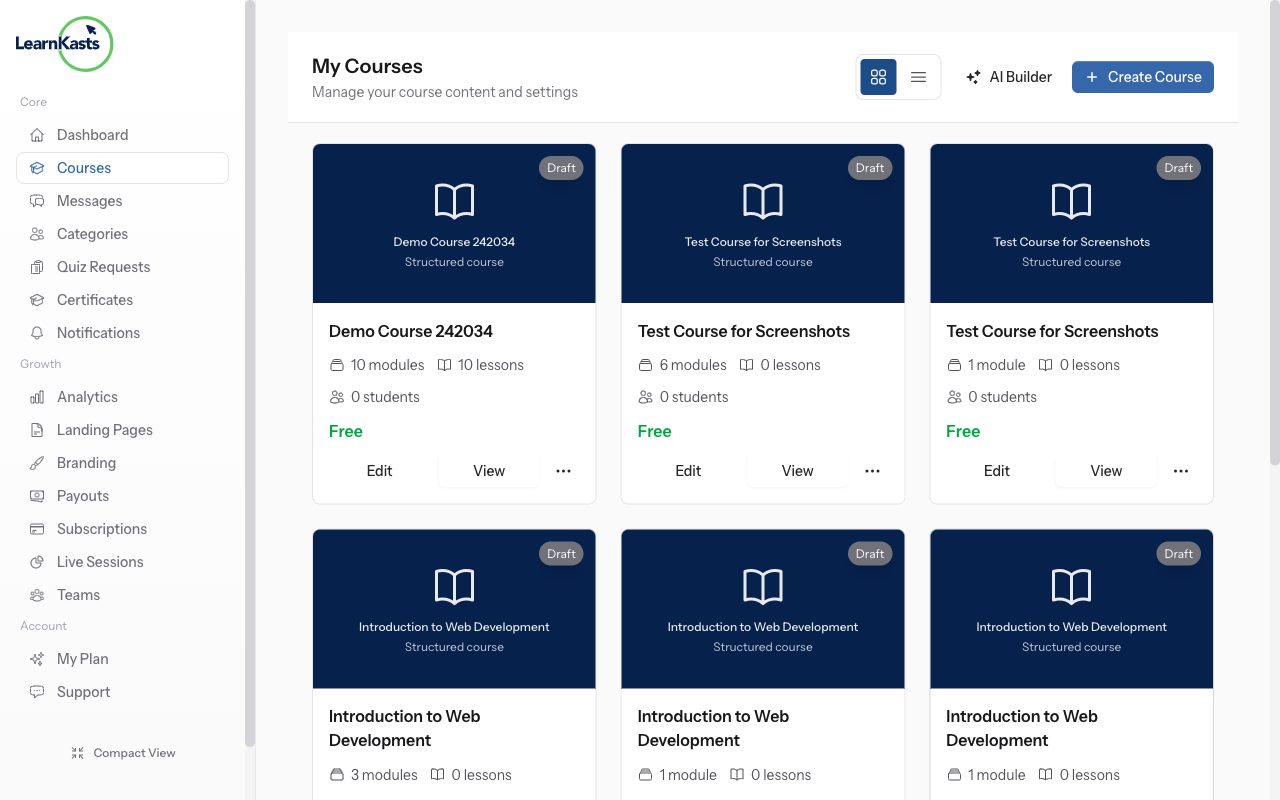
-
02
Open the quiz editor
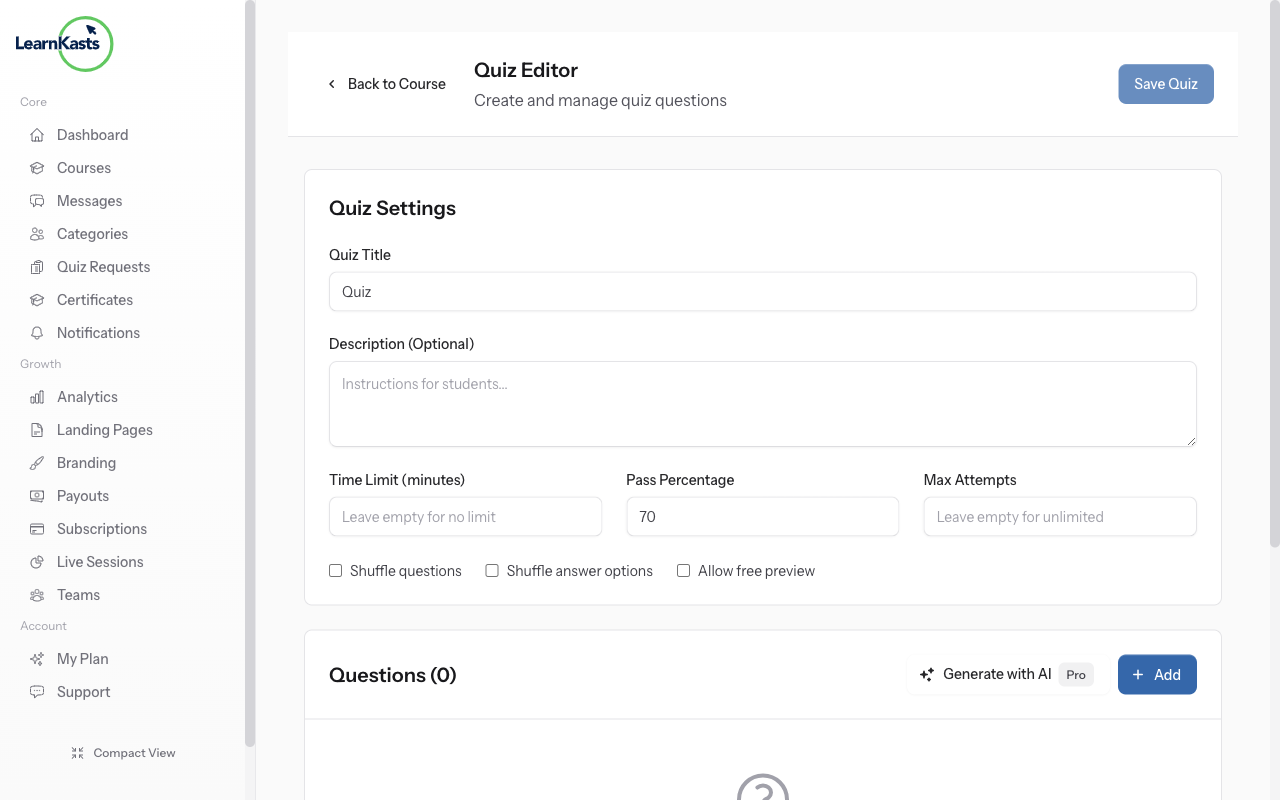
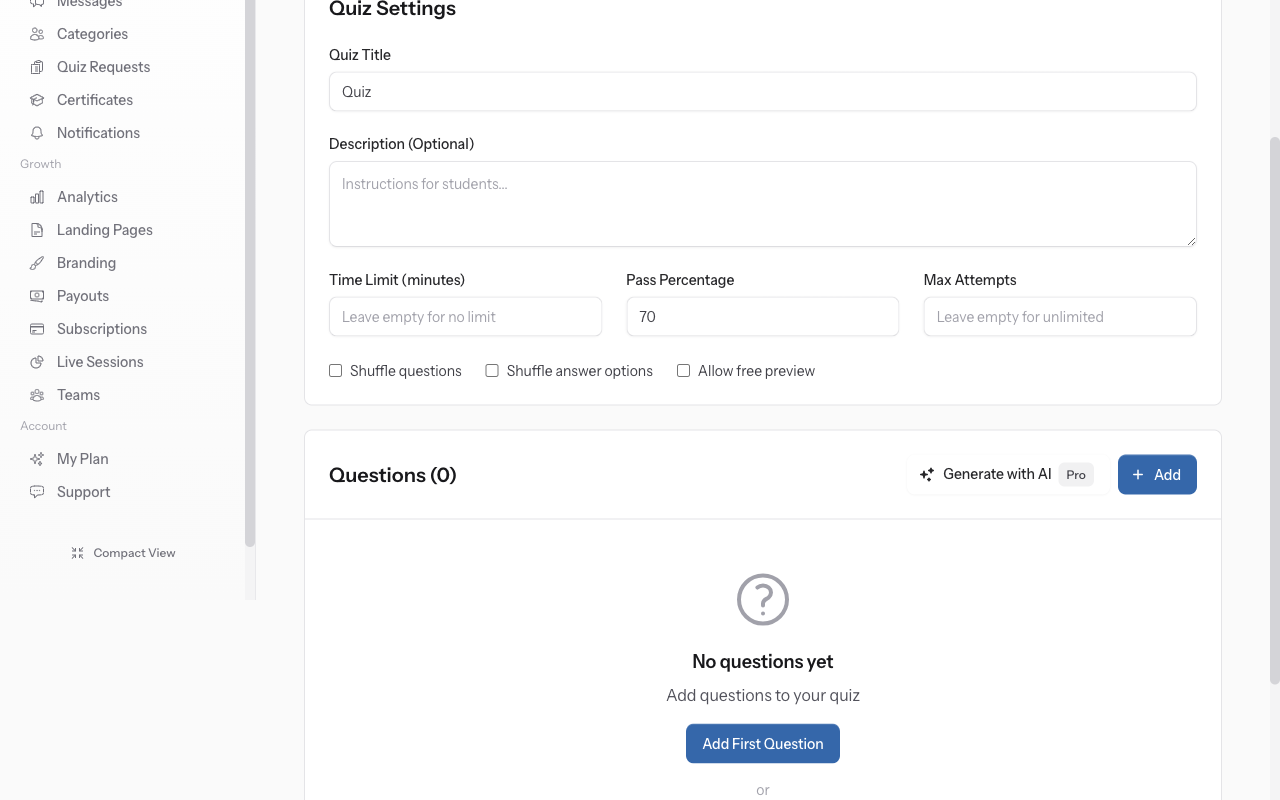
After creating the quiz lesson, you'll be redirected to the Quiz Editor page. This is where you add questions to your quiz. The page shows your quiz title at the top and an empty questions list.
-
03
Find the AI Generate button
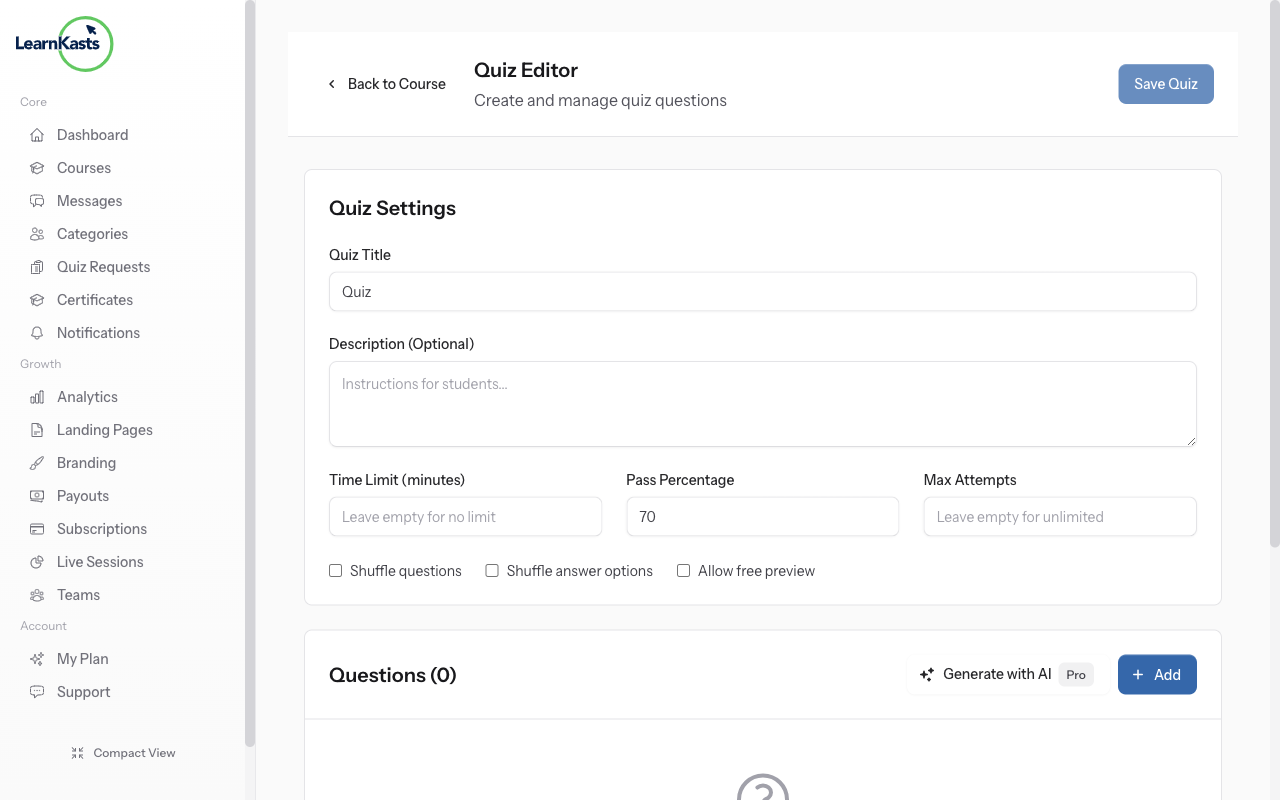
Look for the "Generate with AI" button (with sparkle icon) near the top of the Quiz Editor. This powerful feature uses AI to automatically create quiz questions based on your course content or a topic you specify.
-
04
Configure AI generation settings
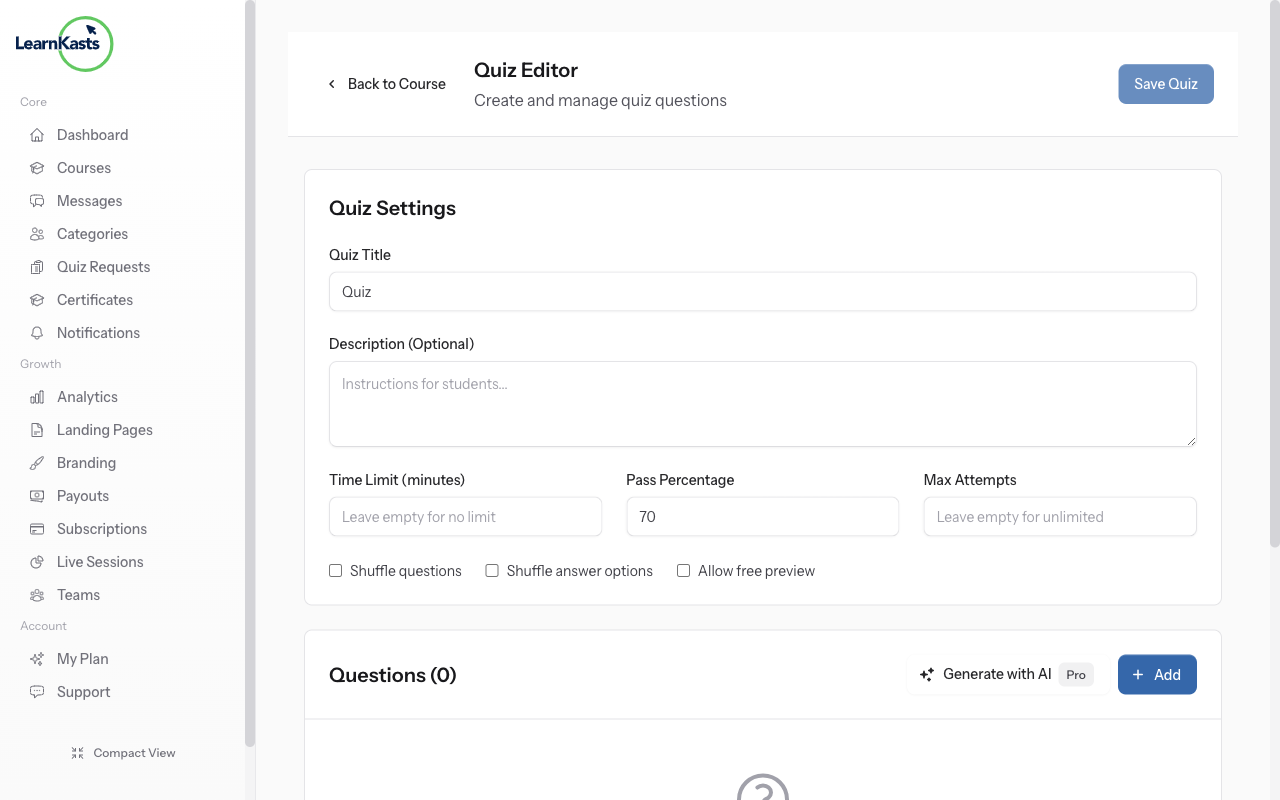
Click "Generate with AI" to open the generation modal. Enter a topic or paste content for the AI to generate questions from. Select the number of questions (5, 10, 15, or 20). Choose difficulty level (Easy, Medium, Hard). Select question types to include (Multiple Choice, True/False).
-
05
Generate and review questions
Click "Generate Questions" and wait a few seconds. AI creates questions with answer options and correct answers marked. Review each question - you can edit text, change answers, or delete questions that don't fit. Each question shows a preview of how students will see it.
-
06
Save your AI-generated quiz
After reviewing all questions, click "Save Quiz" to finalize. Questions are saved to your quiz lesson. Students enrolled in the course can now access this quiz from the curriculum. You can always edit questions later by returning to the Quiz Editor.
Did this guide help?
If you need a real human, our support team replies in plain English within one working day. Faster on WhatsApp.