
-
01
Complete course requirements
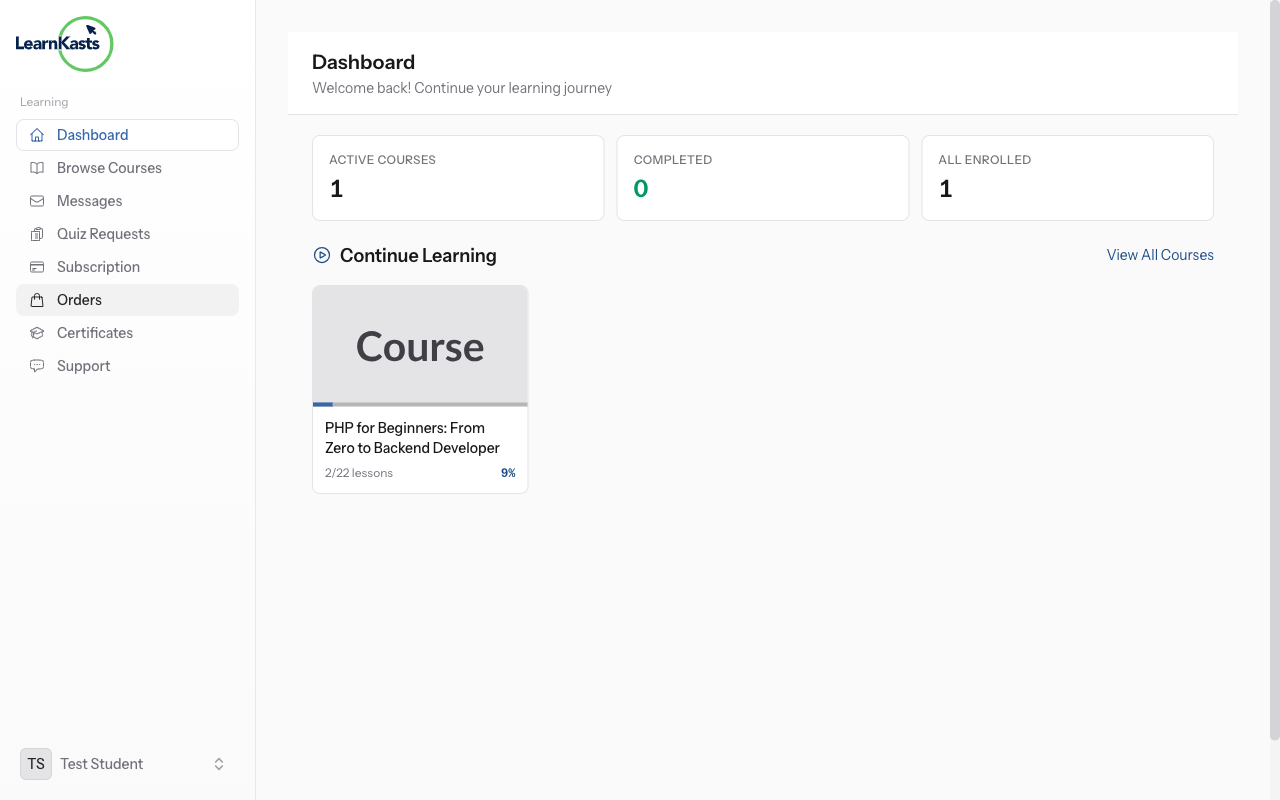
To earn a certificate, you must complete all the requirements set by the educator. This typically includes finishing all lessons, passing quizzes with the minimum score, and completing any required assignments. Your progress bar shows how close you are to completion.
-
02
Access your certificates
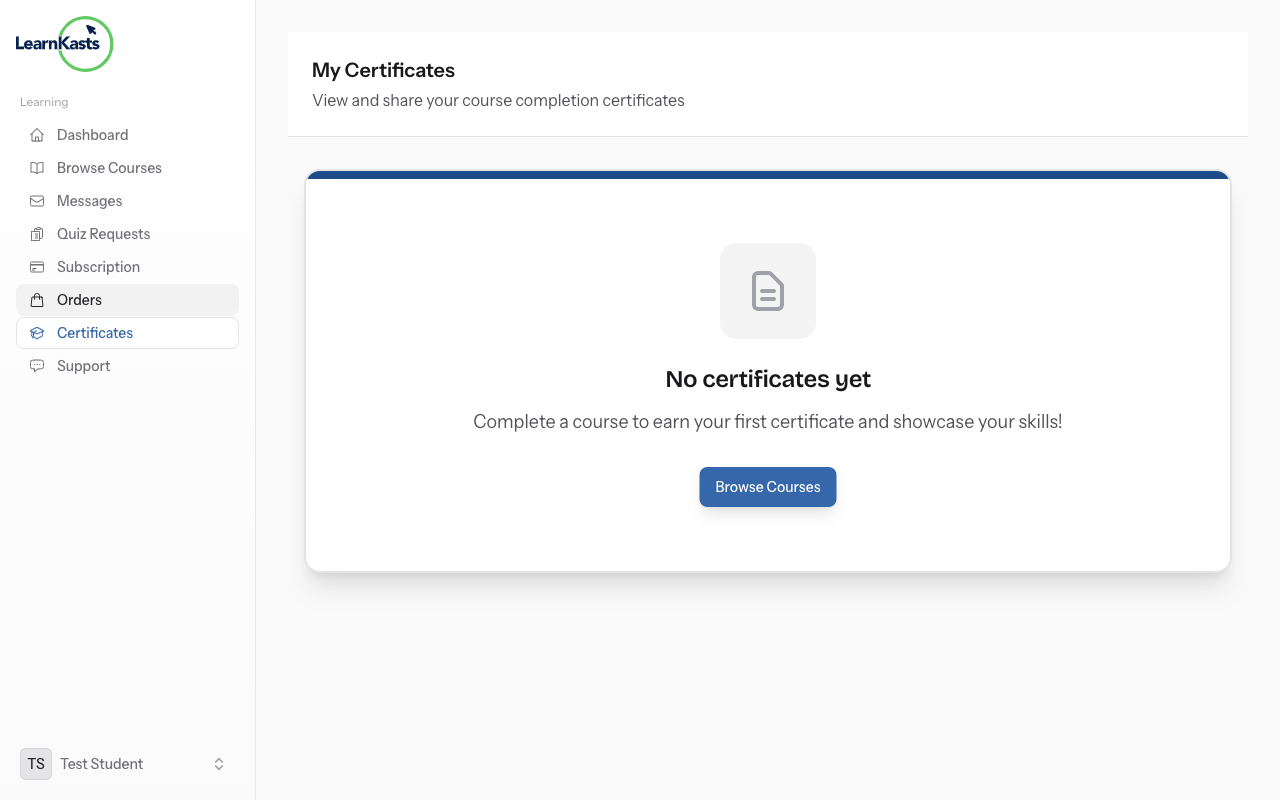
Once you meet the requirements, your certificate is automatically generated. Go to your Dashboard and look for "Certificates" or "My Certificates". Click on any certificate to view, download as PDF, or get a shareable verification link.
-
03
Share your achievement
Each certificate has a unique verification URL that employers can use to confirm authenticity. You can share this link on LinkedIn, add it to your resume, or embed the certificate badge on your website. The verification page shows your name, course, and completion date.
Did this guide help?
If you need a real human, our support team replies in plain English within one working day. Faster on WhatsApp.