
-
01
Access branding settings
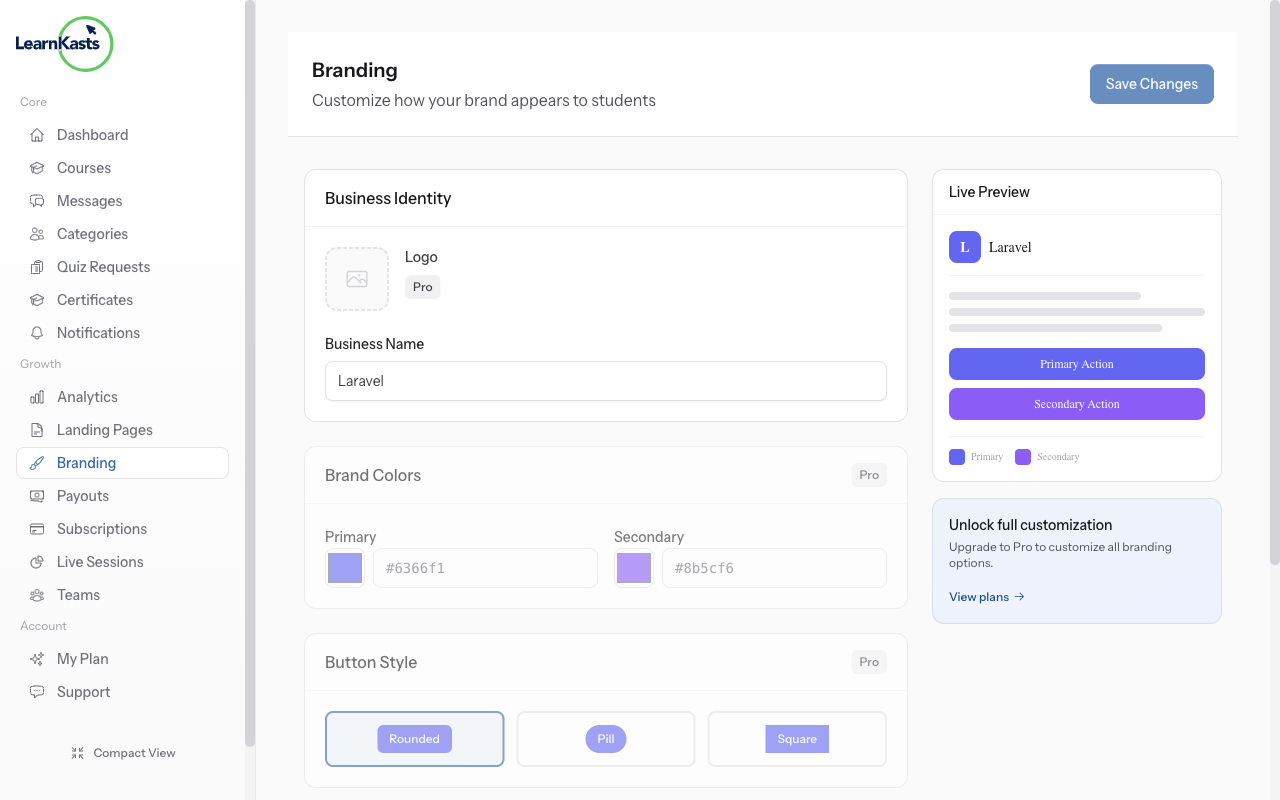
Go to Settings → Branding to customize your brand colors, logo, and fonts. These settings apply across all your pages and courses.
-
02
Customize your brand
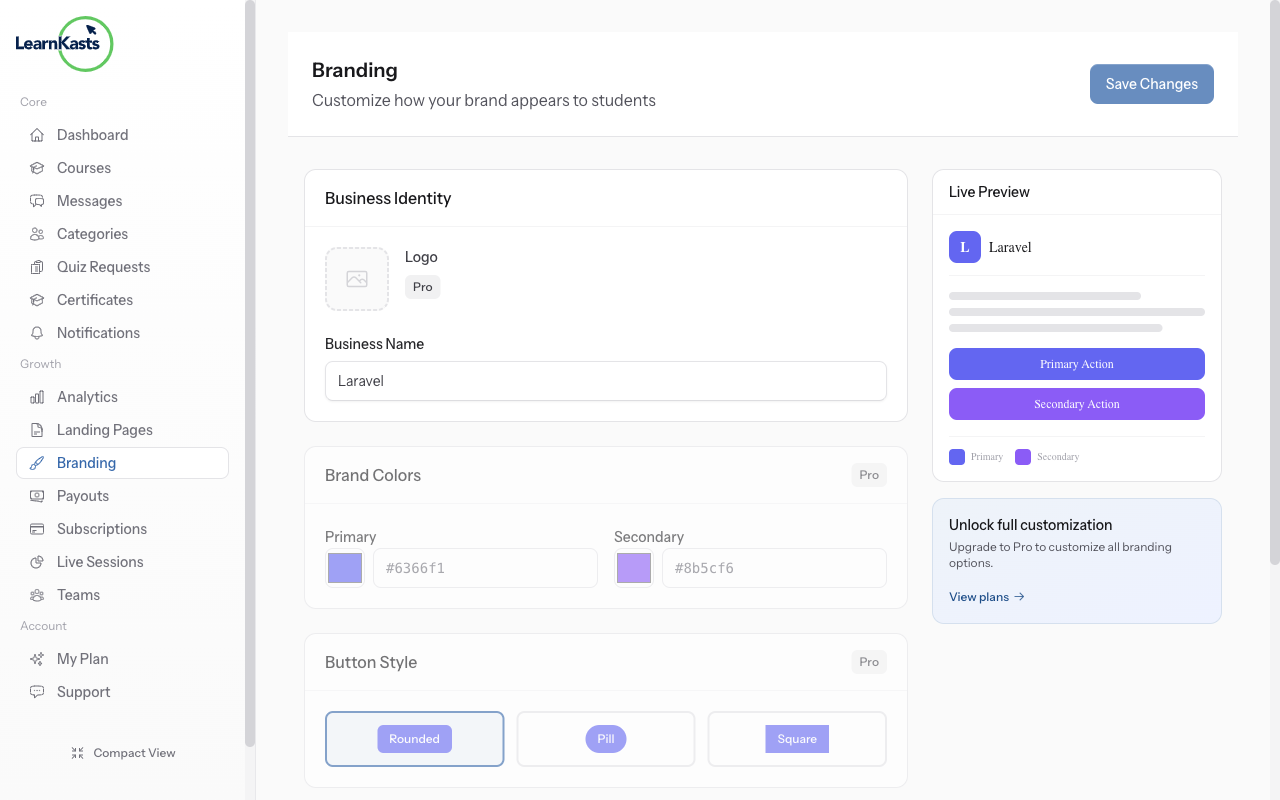
Upload your logo, choose primary and accent colors, and set your brand fonts. Preview how your branding looks before saving changes.
Did this guide help?
If you need a real human, our support team replies in plain English within one working day. Faster on WhatsApp.