
-
01
Team roles overview
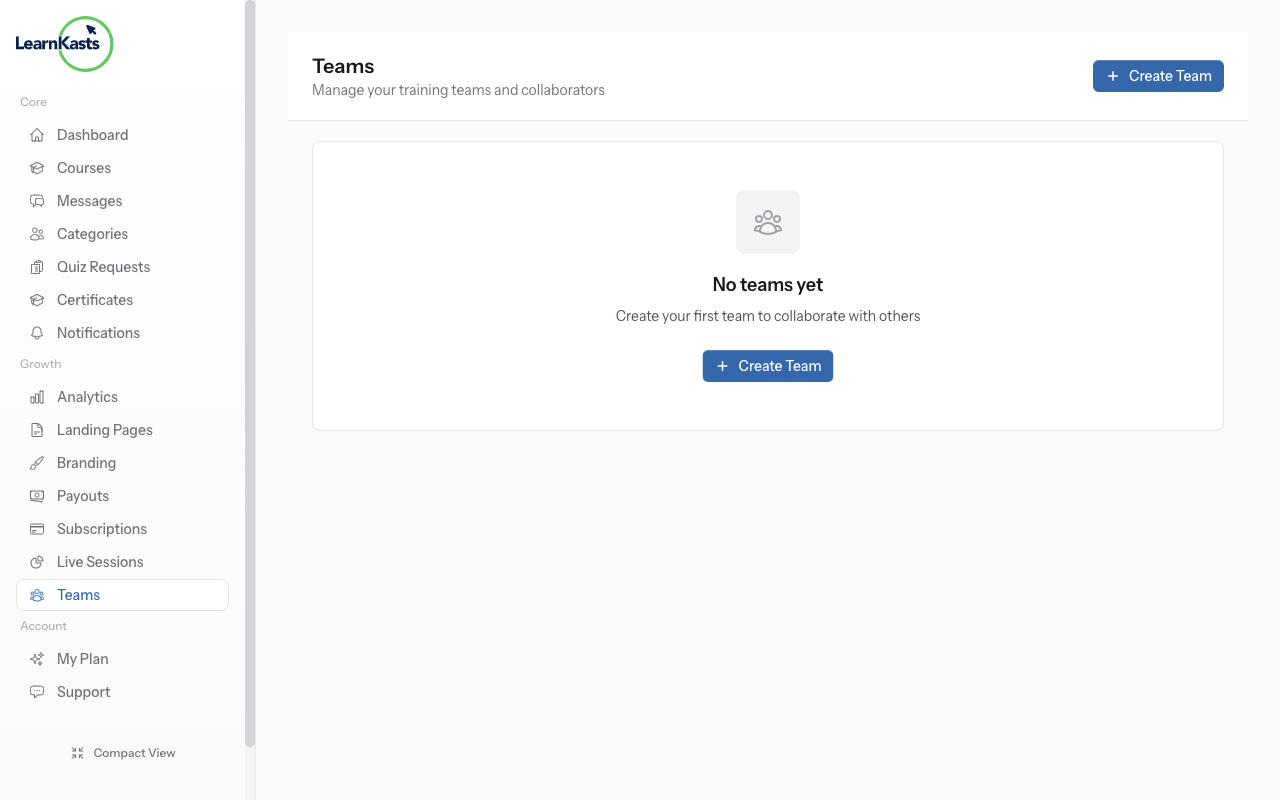
Learnkasts offers three team roles: Owner (full control over everything), Admin (can manage courses, students, and team members), and Teaching Assistant (can grade assignments and manage student interactions). Each role has specific permissions tailored to their responsibilities.
-
02
Owner permissions
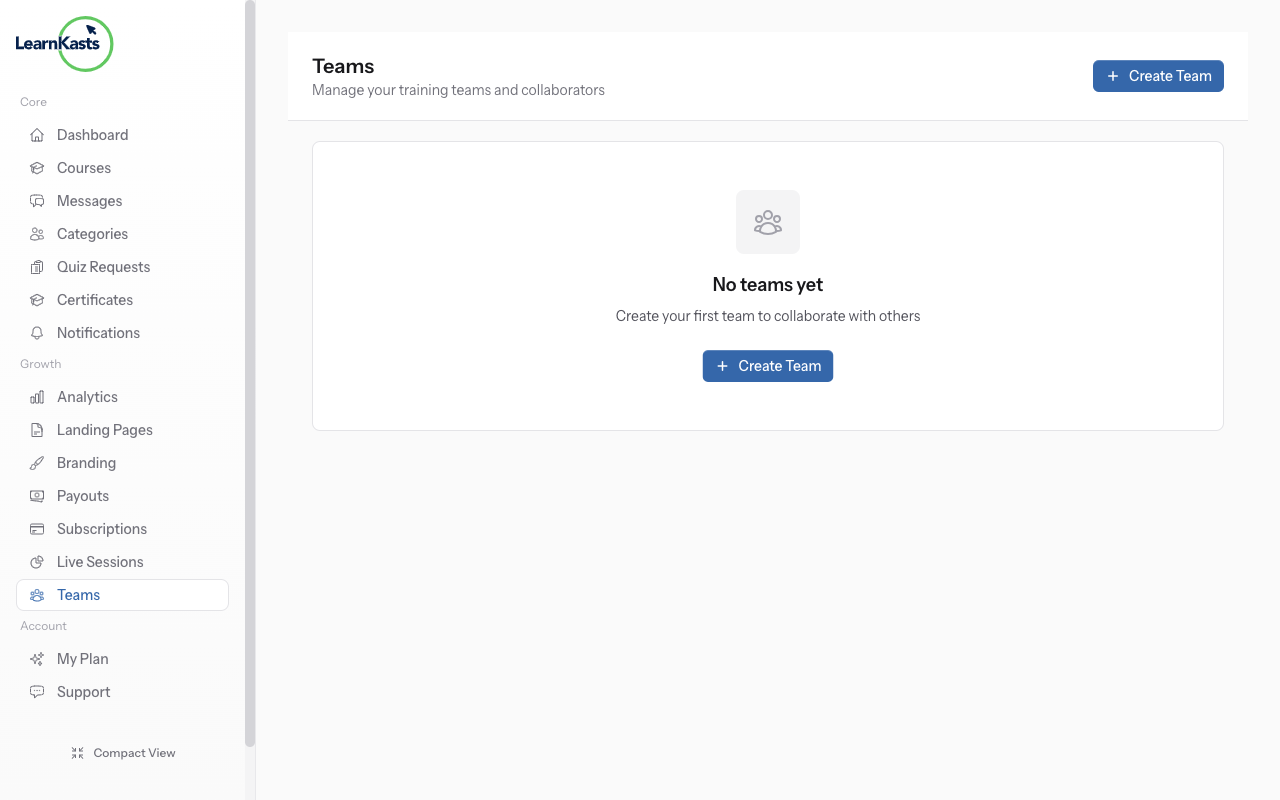
As the team Owner, you have full access to all features: create and delete courses, manage billing and payouts, invite and remove team members, access analytics, and configure account settings. There can only be one Owner per educator account.
-
03
Admin permissions
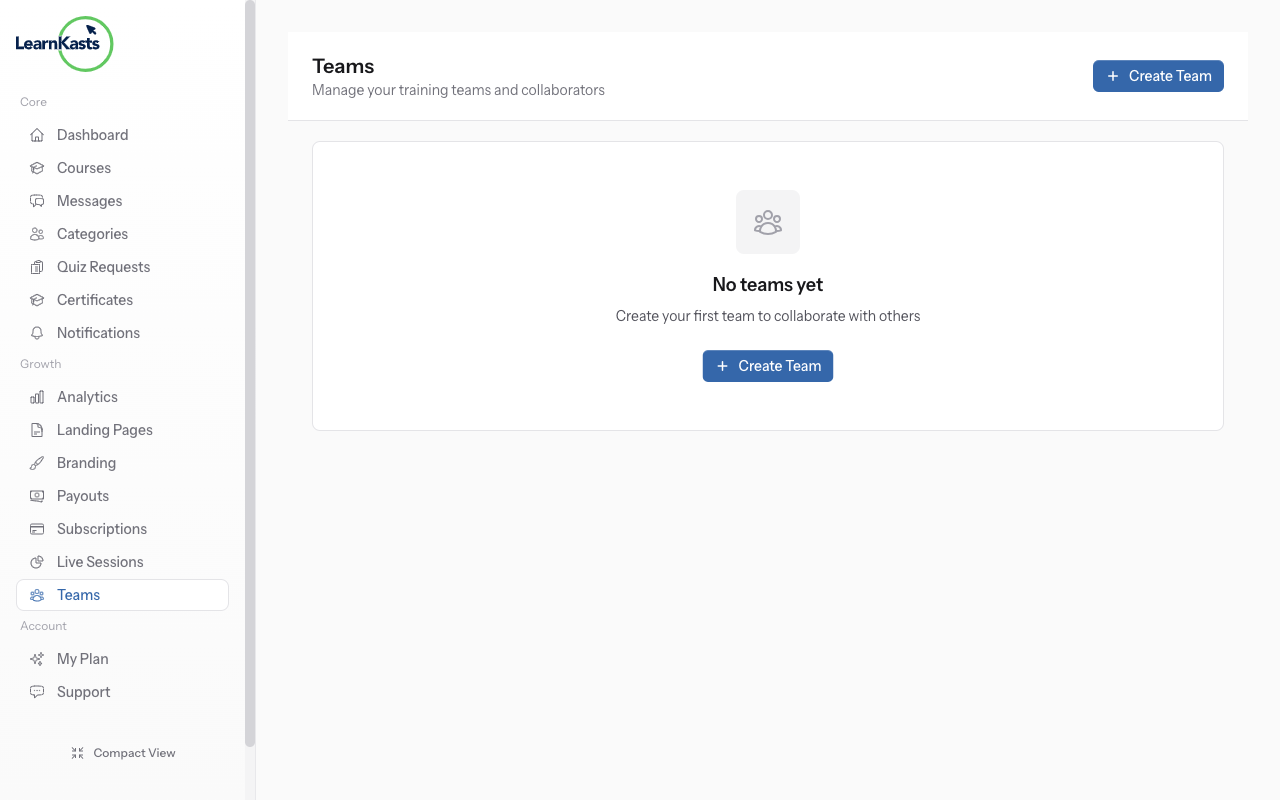
Admins can create and edit courses, manage curriculum and lessons, view analytics, handle student enrollments, and grade assignments. They cannot access payout settings or remove the Owner. This role is ideal for co-trainers or managers.
-
04
Teaching Assistant permissions
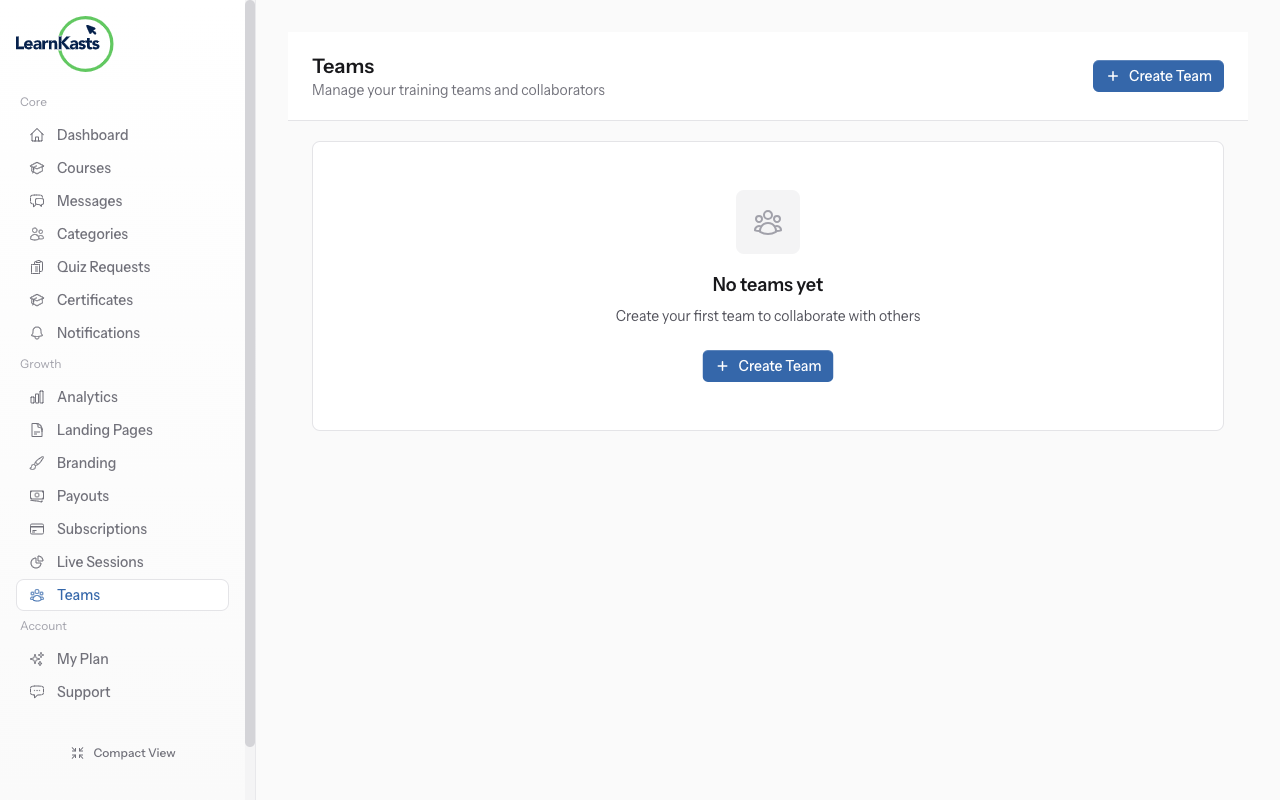
Teaching Assistants focus on student support: grading assignments, responding to discussions, and tracking student progress. They cannot create courses, access revenue data, or modify team settings. Perfect for graders and support staff.
Did this guide help?
If you need a real human, our support team replies in plain English within one working day. Faster on WhatsApp.