
-
01
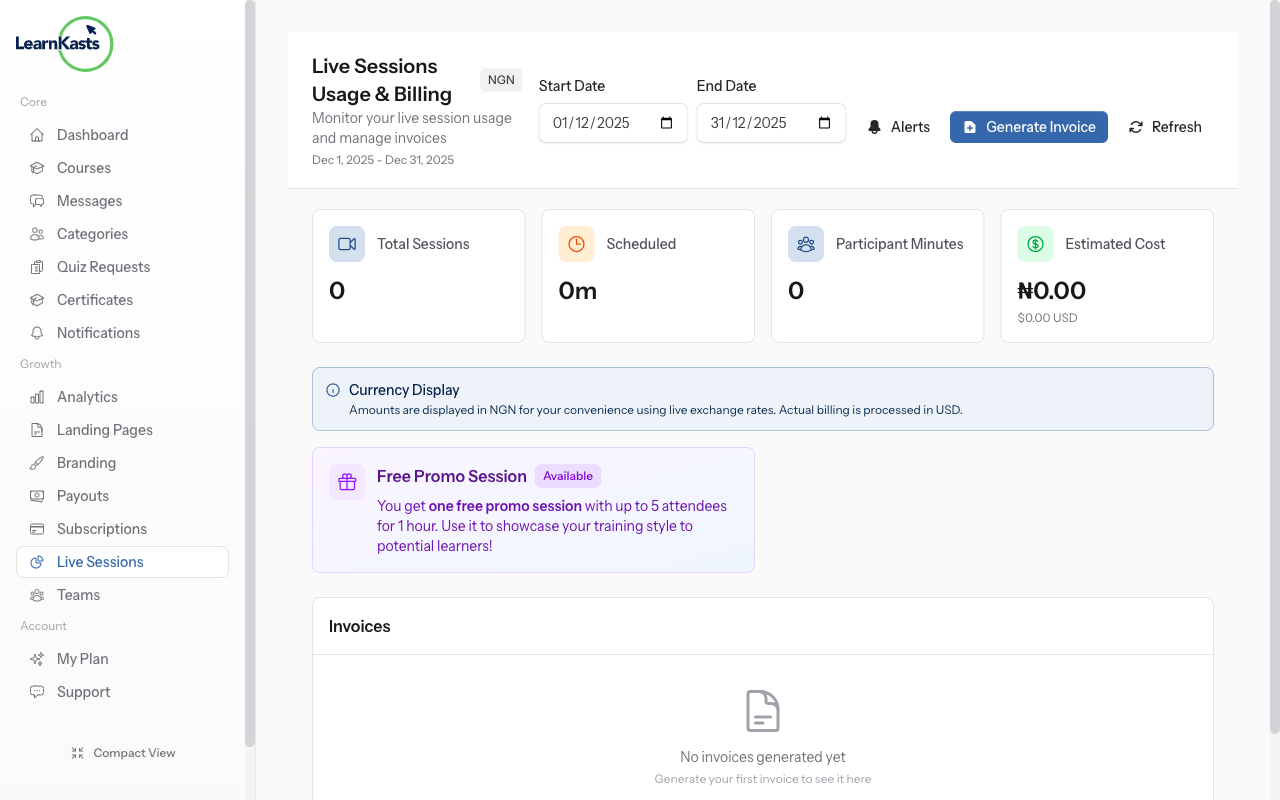
Access usage dashboard
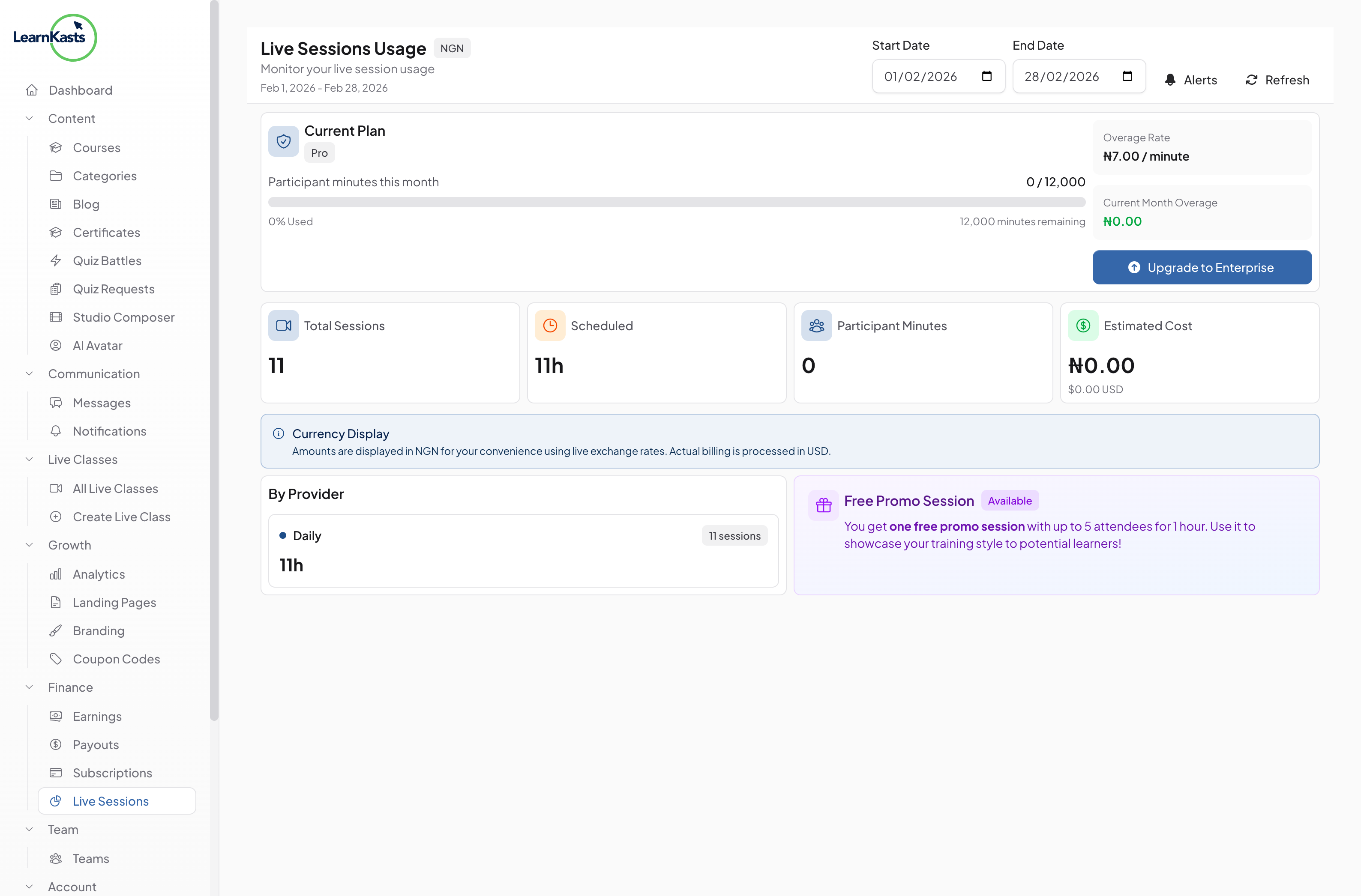
From Educator Dashboard, go to "Live Sessions" → "Usage & Billing". See your current period usage, remaining minutes, and billing history.
-
02
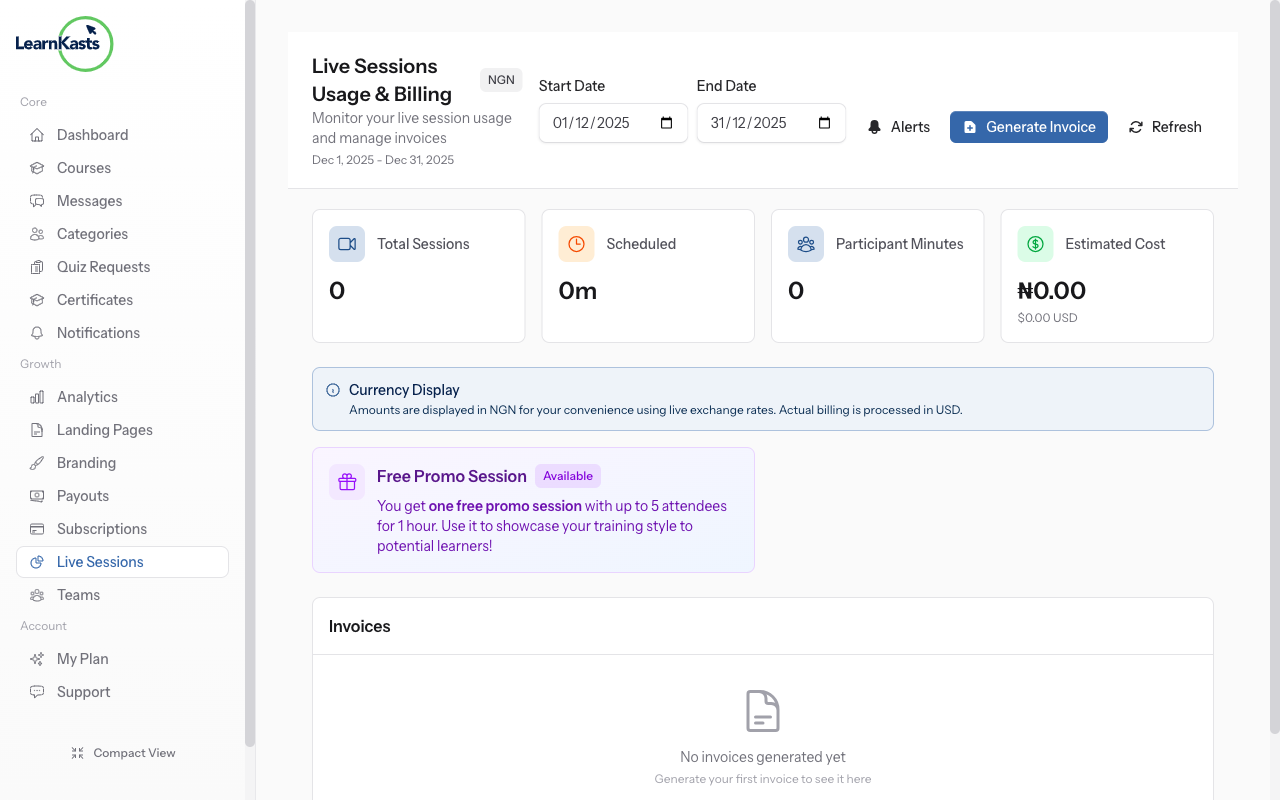
Understand participant minutes
Billing is based on participant minutes: number of participants × session duration. A 60-minute session with 10 attendees = 600 participant minutes.
-
03
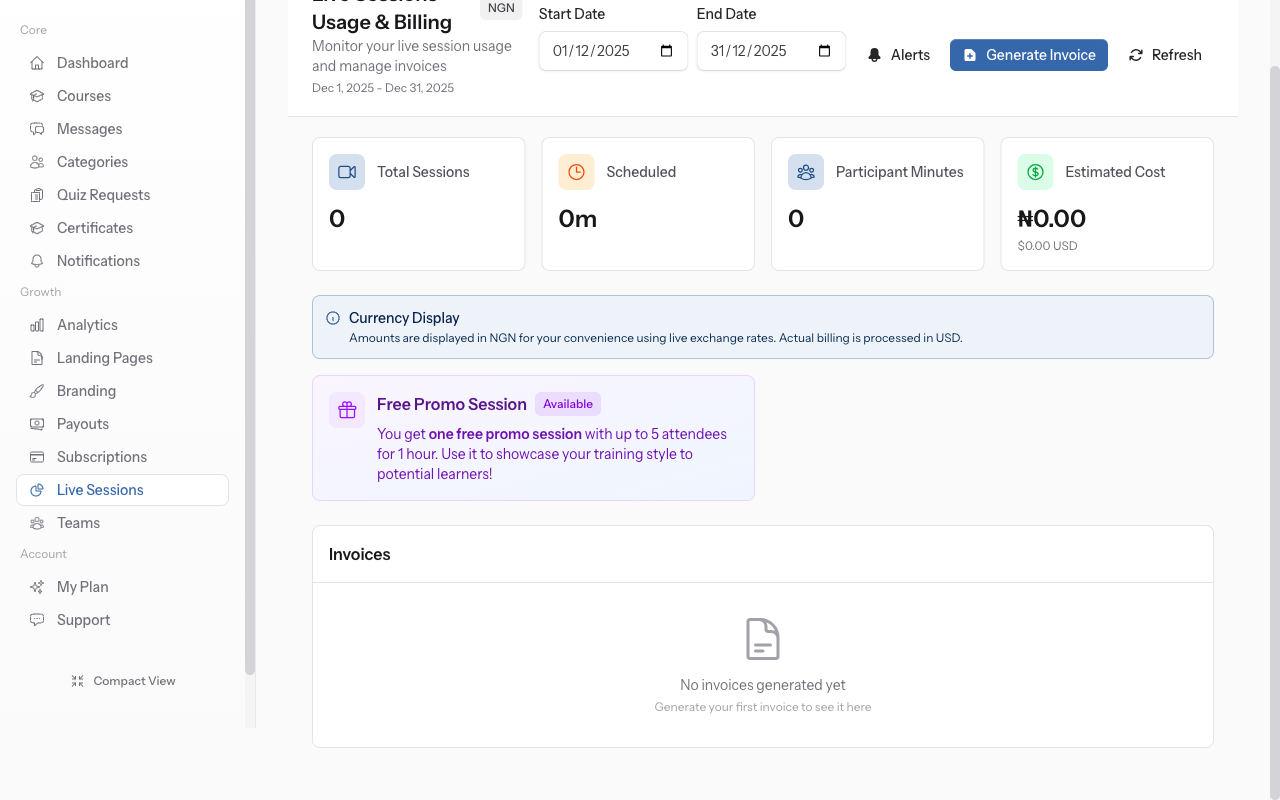
View session breakdown
Each educator gets free participant minutes monthly. The usage bar shows how much you've used. Stay within limits for no charges, or upgrade for more capacity.
-
04
Upgrade your plan
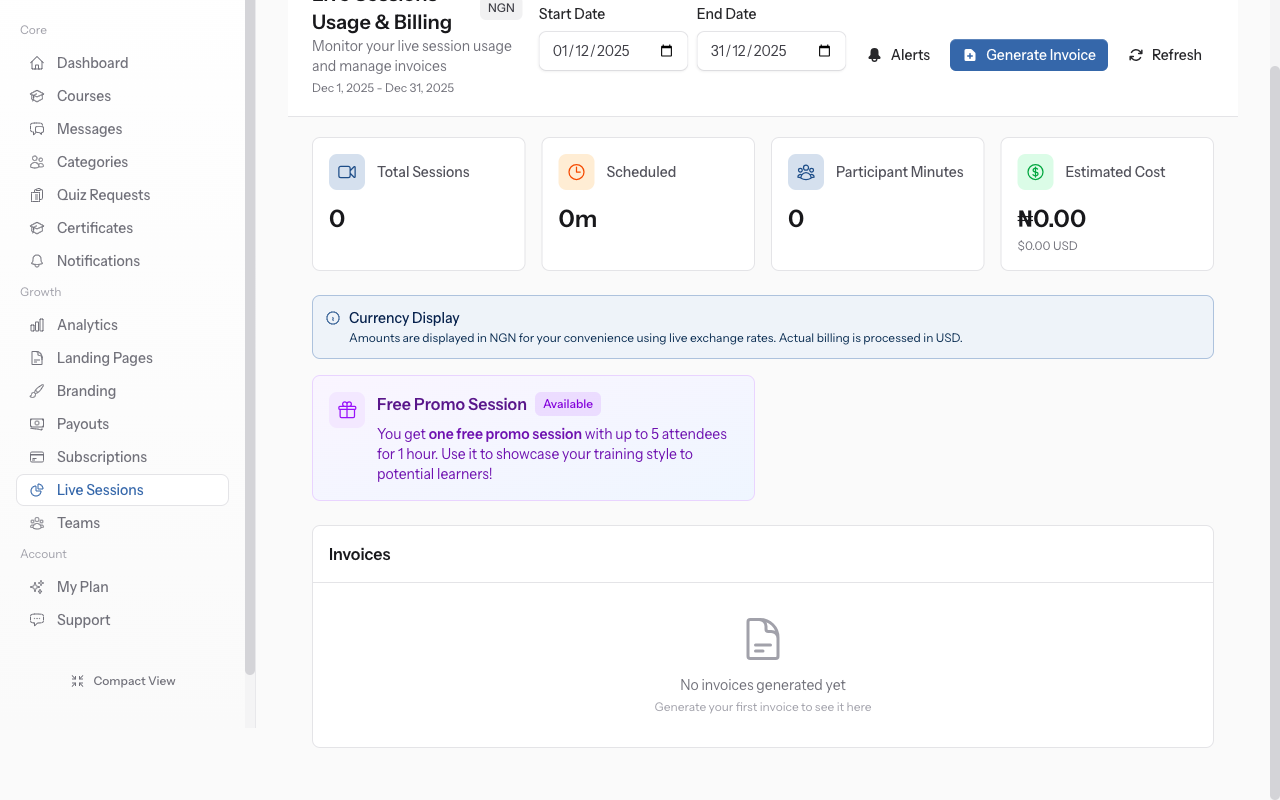
Click on any session to see detailed usage: start/end times, peak attendees, total participant minutes, and cost. Identify which sessions use the most resources.
-
05
Manage costs
Tips to optimize: limit session duration, cap attendees for smaller cohorts, use recordings for replay instead of repeat live sessions. Consider subscription plans for heavy usage.
-
06
Upgrade your plan
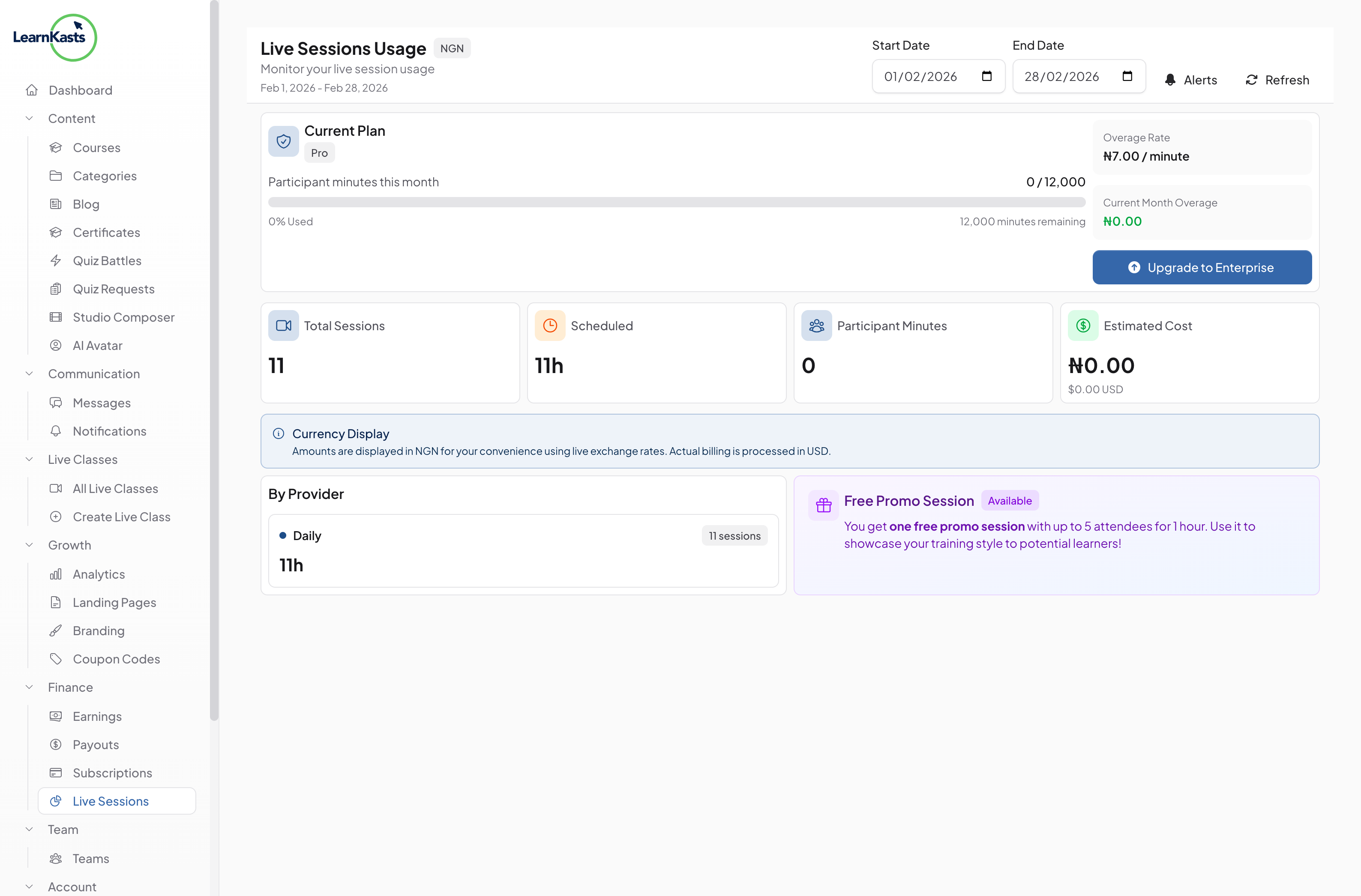
If you regularly exceed limits, click "Upgrade Plan" to get more participant minutes at better rates. Compare plans to find the best fit for your teaching volume.
Did this guide help?
If you need a real human, our support team replies in plain English within one working day. Faster on WhatsApp.