
-
01
Access your payouts dashboard
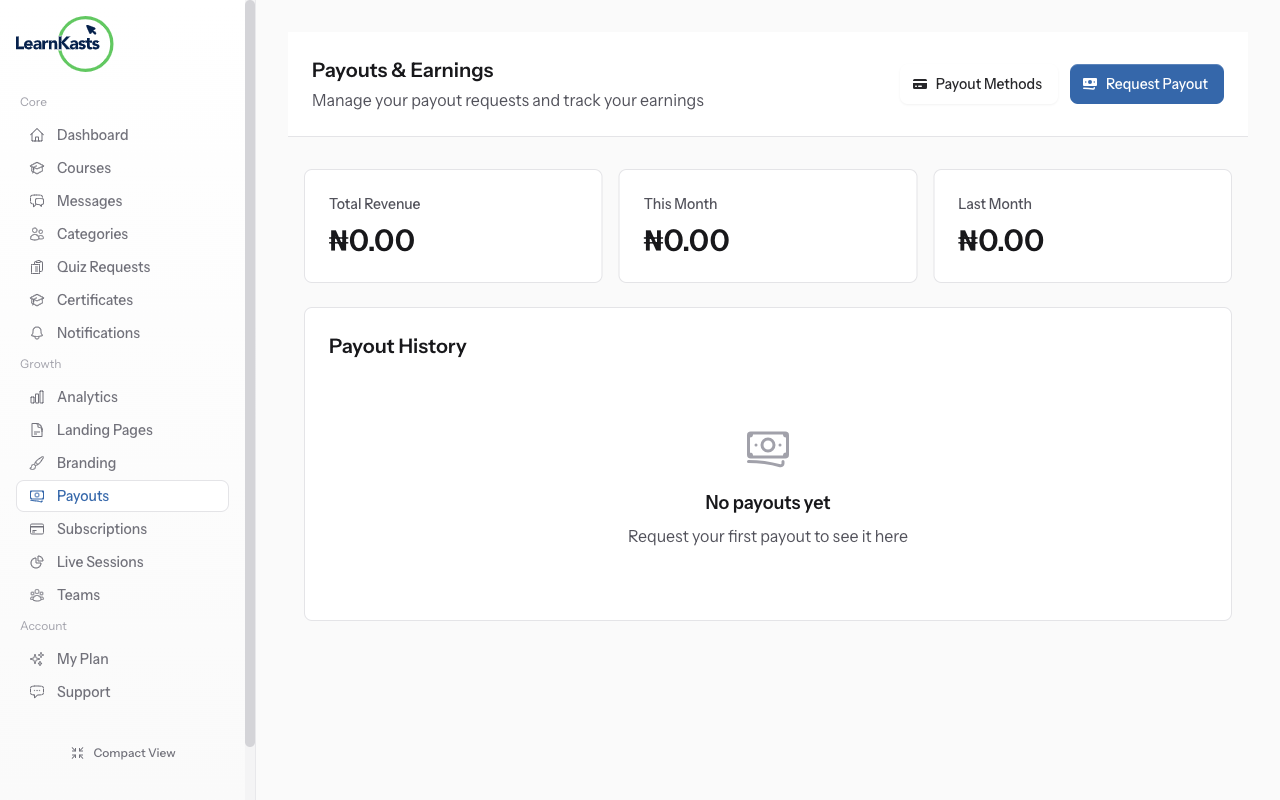
Go to Educator Dashboard → Payouts in the sidebar. Here you'll see your earnings overview, pending payouts, and payout history. The dashboard shows total revenue, platform fees, and your net earnings.
-
02
View earnings breakdown
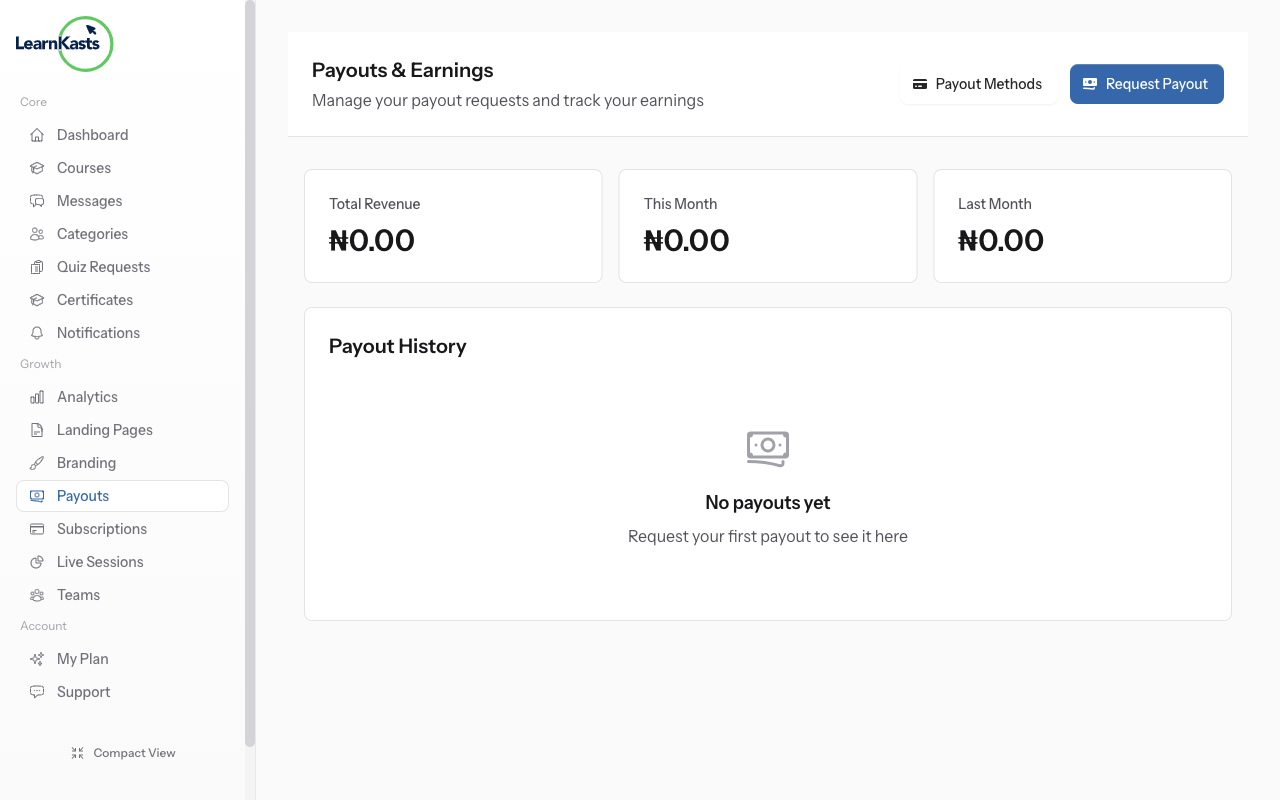
Click on "Earnings" or scroll down to see detailed revenue breakdown by course. You can see how much each course has earned, number of enrollments, and revenue trends over time. Filter by date range to analyze specific periods.
-
03
Track payout history
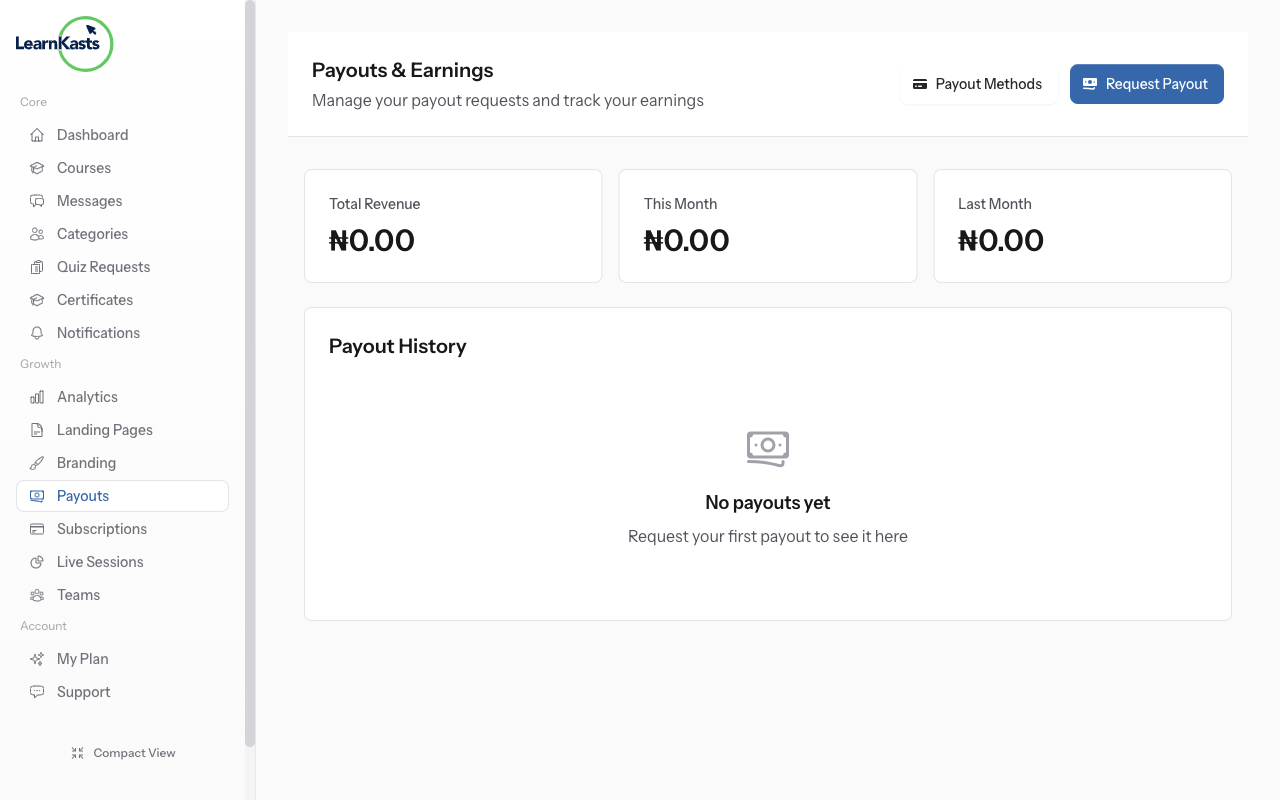
The Payout History section shows all past payouts with dates, amounts, and status (pending, processing, completed). Click on any payout to see which course sales were included in that payout batch.
-
04
Request manual payout
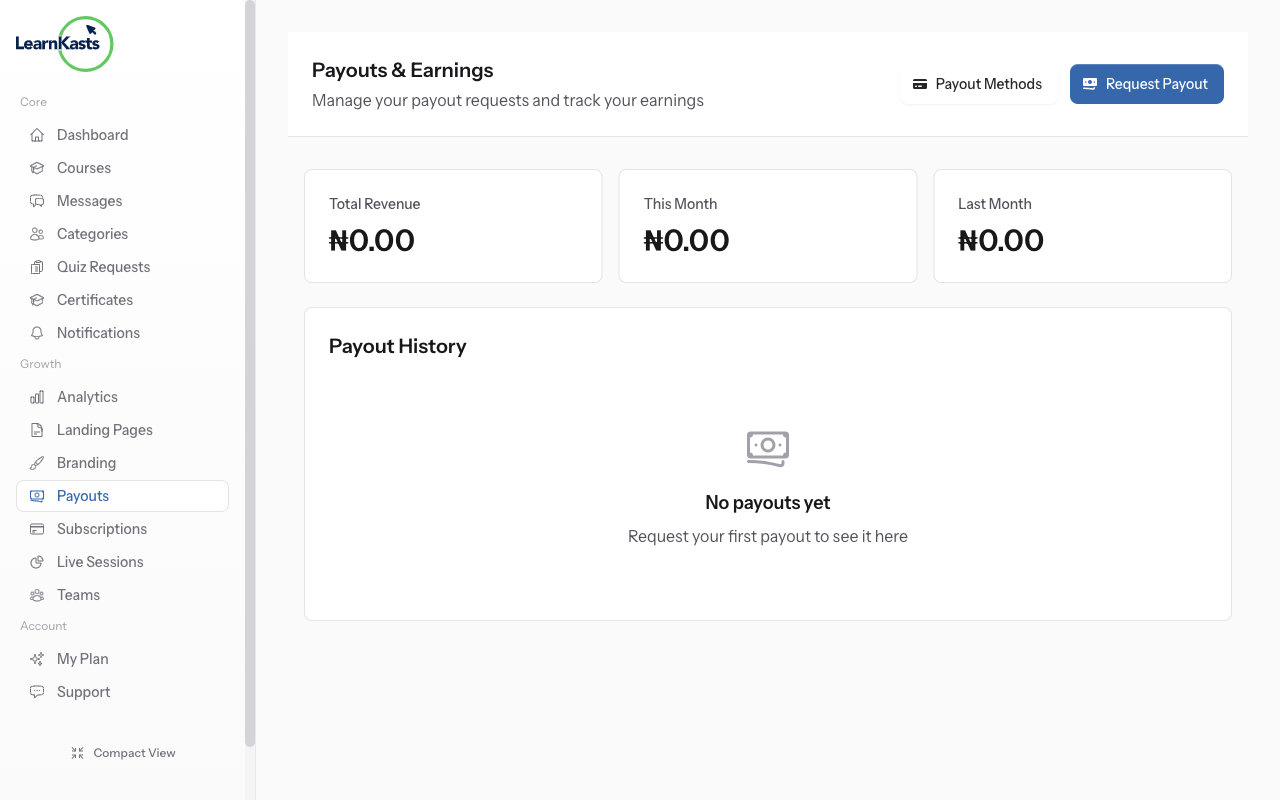
If you have available balance, you can request a manual payout by clicking "Request Payout". Payouts are processed to your connected payout method (bank account or mobile money) within 2-5 business days.
Did this guide help?
If you need a real human, our support team replies in plain English within one working day. Faster on WhatsApp.