Viewing Your Certificates
How to access, download, and share your course completion certificates.
-
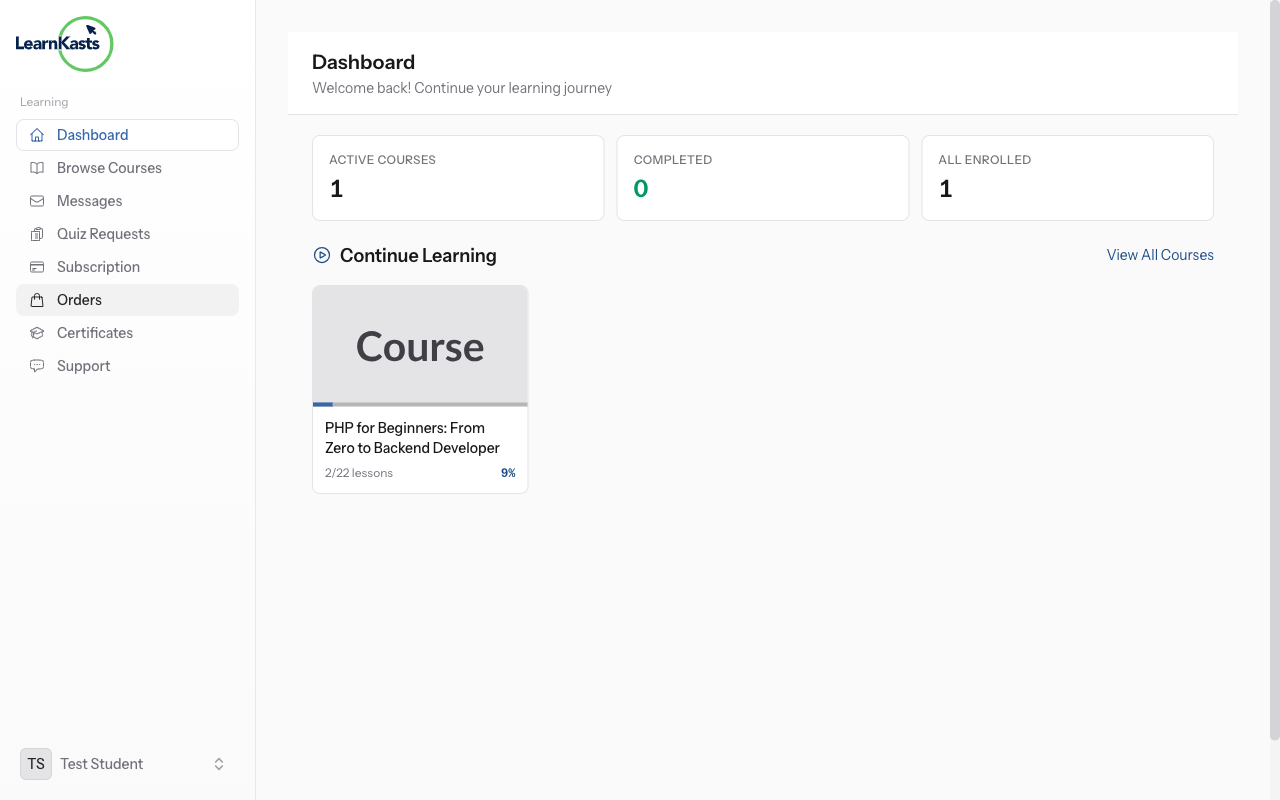
Complete course requirements
To earn a certificate, you must complete all the requirements set by the educator. This typically includes finishing all lessons, passing quizzes with the minimum score, and completing any required assignments. Your progress bar shows how close you are to completion.
-
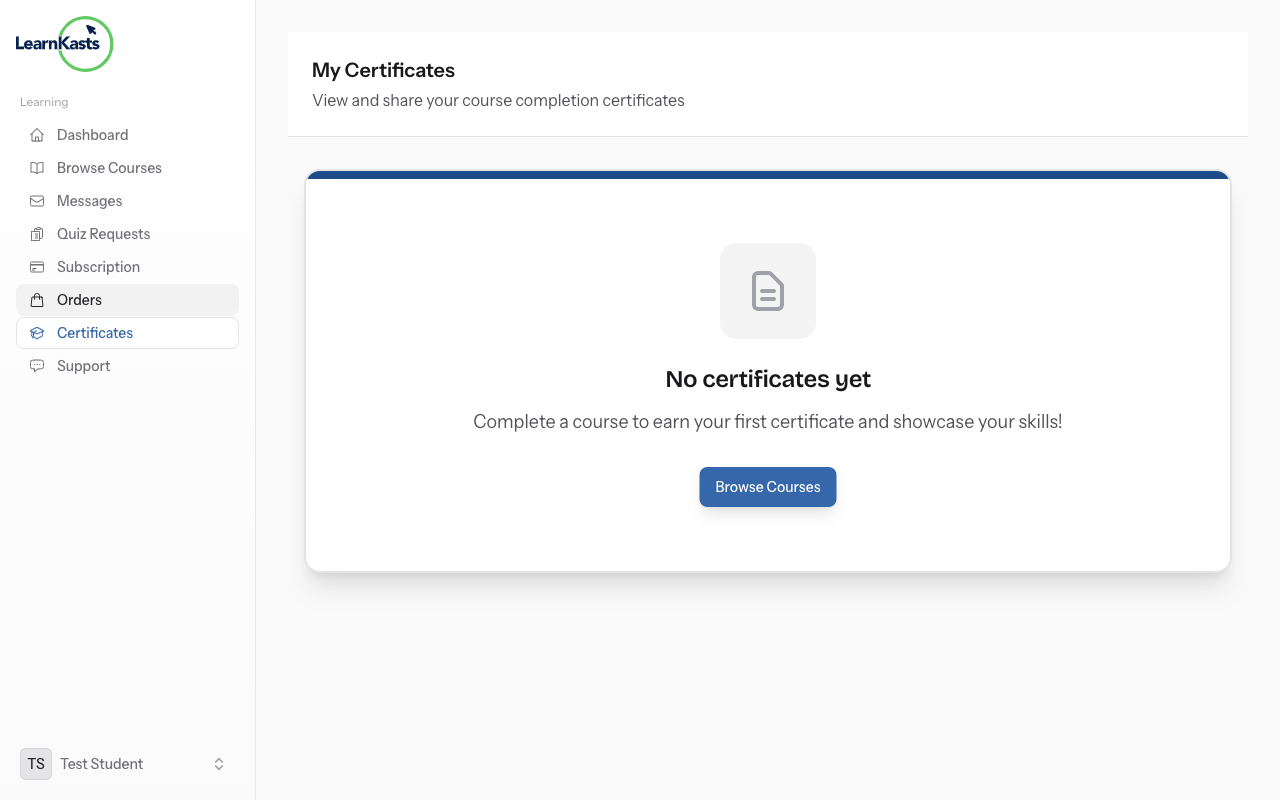
Access your certificates
Once you meet the requirements, your certificate is automatically generated. Go to your Dashboard and look for "Certificates" or "My Certificates". Click on any certificate to view, download as PDF, or get a shareable verification link.
-
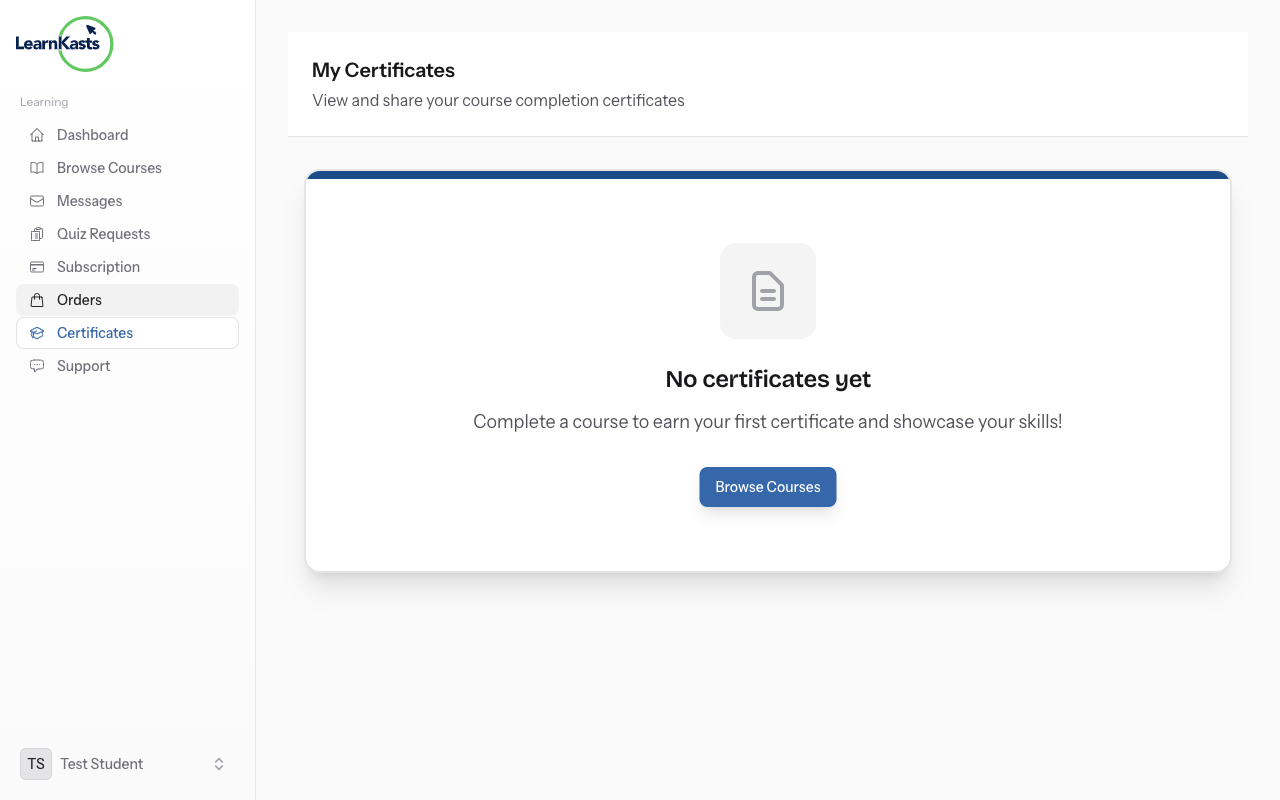
Share your achievement
Each certificate has a unique verification URL that employers can use to confirm authenticity. You can share this link on LinkedIn, add it to your resume, or embed the certificate badge on your website. The verification page shows your name, course, and completion date.
More guides
Educator guides
Step-by-step guides to create courses, run live sessions and grow your teaching business.
- Getting started as an educator
- Creating your first course
- Building course curriculum
- Uploading video lessons
- Using AI to generate quizzes
- Creating quizzes and assignments
- Assignments and grading queues
- Hosting live sessions
- Creating and managing webinars
- Managing course cohorts
- Adding students to cohorts
- Setting up subscriptions
- Course reviews and ratings
- Issuing certificates
- Understanding course analytics
- Live session usage and billing
- Setting up payout methods
- Viewing revenue and payouts
- Setting up your educator subdomain
- Creating landing pages
- Using the visual page editor
- Adding page sections
- Page styling and branding
- AI Studio Composer
- AI Voice Clone & Avatar
- Traffic sources & UTM attribution
Learner guides
Everything learners need to check courses, join live sessions and follow their progress.
- Creating an account
- Browsing and finding courses
- Enrolling in a course
- Watching video lessons
- Taking notes during lessons
- Submitting assignments
- Taking quizzes
- Joining live classes
- Attending webinars
- Managing your subscriptions
- Viewing your certificates
- Writing course reviews
- Managing your orders
- Updating your profile
Team & admin
Team management, permissions, billing and admin tools for organisations.
This guide help you?
If you need real human, our support team dey reply for plain English inside one working day. E faster for WhatsApp.