Using the Visual Page Editor
Design landing pages with the drag-and-drop visual editor.
-
Open the visual editor
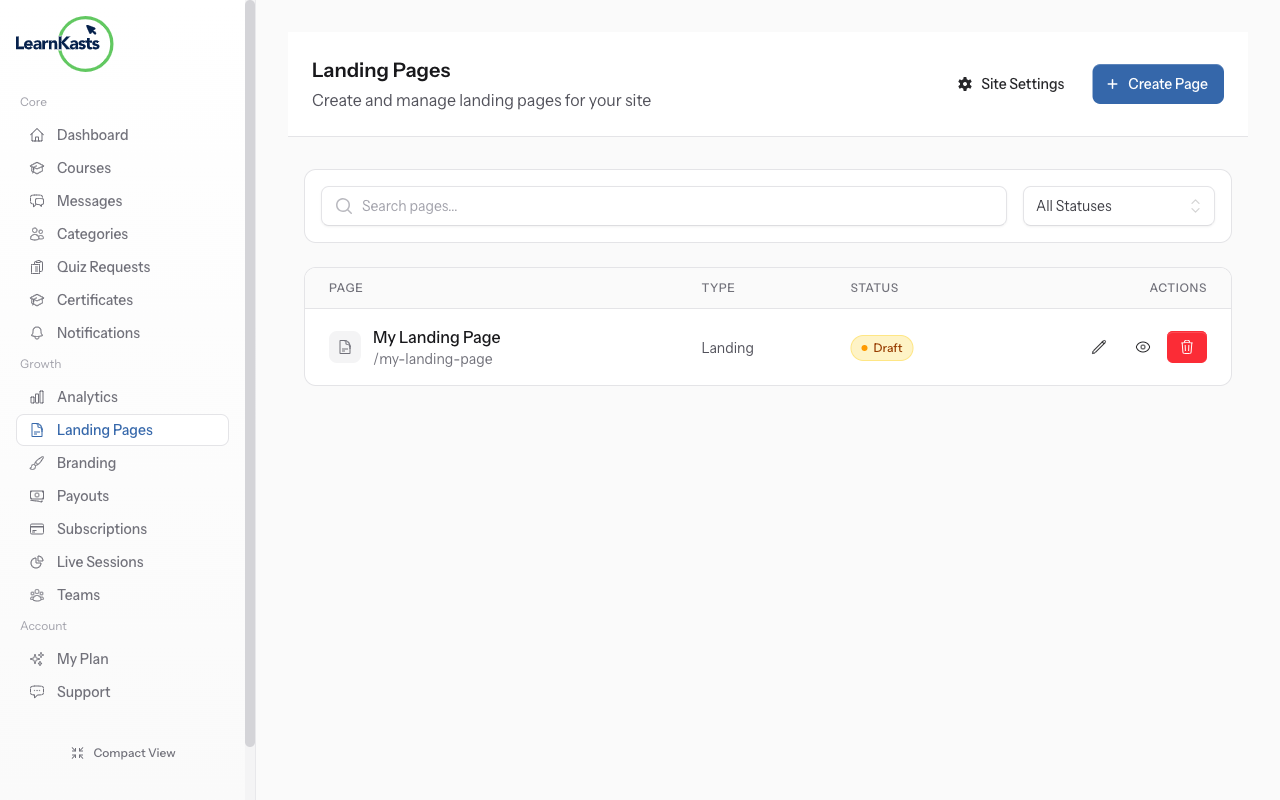
From your Pages list, click Edit on any page to open the visual editor. You'll see a drag-and-drop interface for building your page.
-
Edit your page
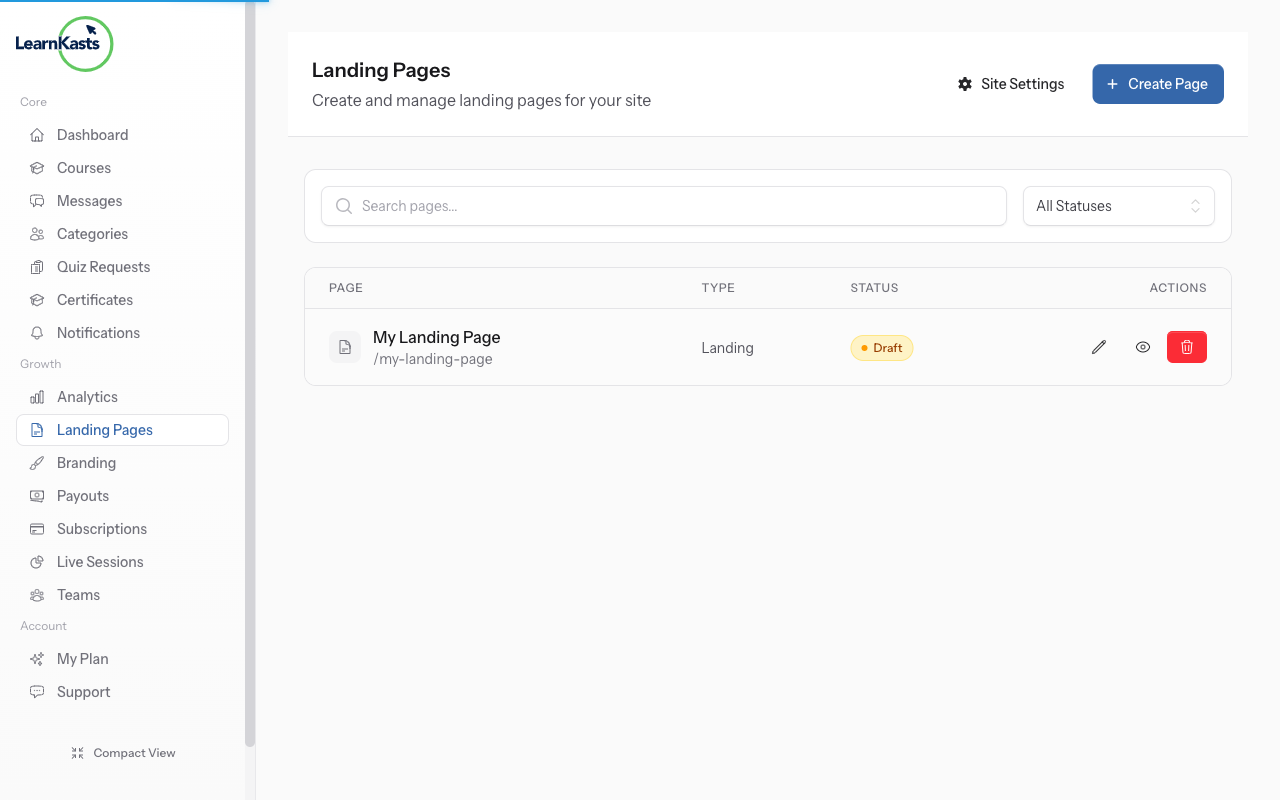
Use the visual editor to add sections, text, images, and more. Drag elements to rearrange them. Preview your changes in real-time before publishing.
Ƙarin jagorori
Jagororin malamai
Jagorori mataki-mataki don ƙirƙirar kwasakwasai, gudanar da zaman kai tsaye da bunƙasa sana'ar koyarwarka.
- Getting started as an educator
- Creating your first course
- Building course curriculum
- Uploading video lessons
- Using AI to generate quizzes
- Creating quizzes and assignments
- Assignments and grading queues
- Hosting live sessions
- Creating and managing webinars
- Managing course cohorts
- Adding students to cohorts
- Setting up subscriptions
- Course reviews and ratings
- Issuing certificates
- Understanding course analytics
- Live session usage and billing
- Setting up payout methods
- Viewing revenue and payouts
- Setting up your educator subdomain
- Creating landing pages
- Using the visual page editor
- Adding page sections
- Page styling and branding
- AI Studio Composer
- AI Voice Clone & Avatar
- Traffic sources & UTM attribution
Jagororin ɗalibai
Duk abin da ɗalibai ke buƙata don duba kwasakwasai, shiga zaman kai tsaye da bin diddigin ci gabansu.
- Creating an account
- Browsing and finding courses
- Enrolling in a course
- Watching video lessons
- Taking notes during lessons
- Submitting assignments
- Taking quizzes
- Joining live classes
- Attending webinars
- Managing your subscriptions
- Viewing your certificates
- Writing course reviews
- Managing your orders
- Updating your profile
Ƙungiya da gudanarwa
Gudanar da ƙungiya, izini, biyan kuɗi da kayan aikin gudanarwa ga ƙungiyoyi.
Shin wannan jagorar ta taimaka?
Idan kana buƙatar mutum na gaske, ƙungiyar tallafinmu tana amsawa cikin sauƙaƙan harshe a cikin ranar aiki ɗaya. Ya fi sauri a WhatsApp.