Ibùdó ìrànlọ́wọ́
Using the Visual Page Editor
Design landing pages with the drag-and-drop visual editor.
-
Open the visual editor
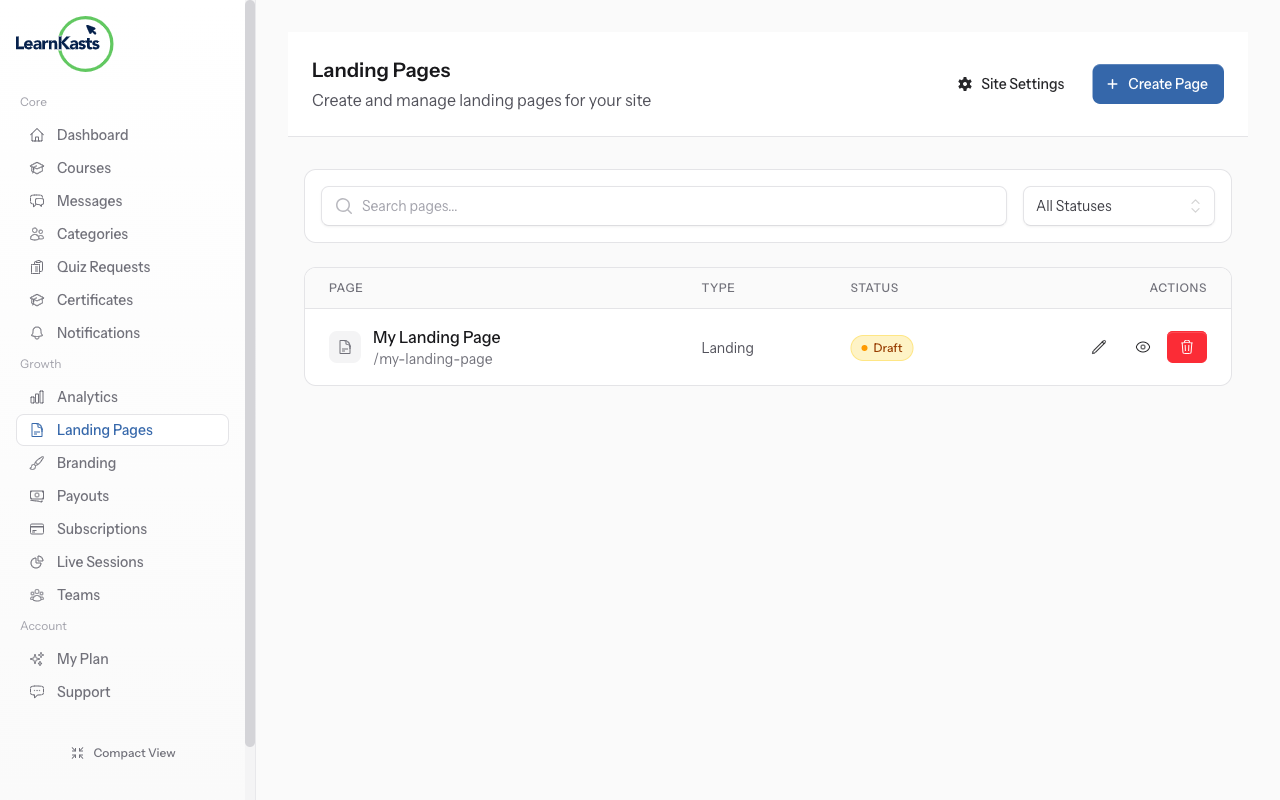
From your Pages list, click Edit on any page to open the visual editor. You'll see a drag-and-drop interface for building your page.
-
Edit your page
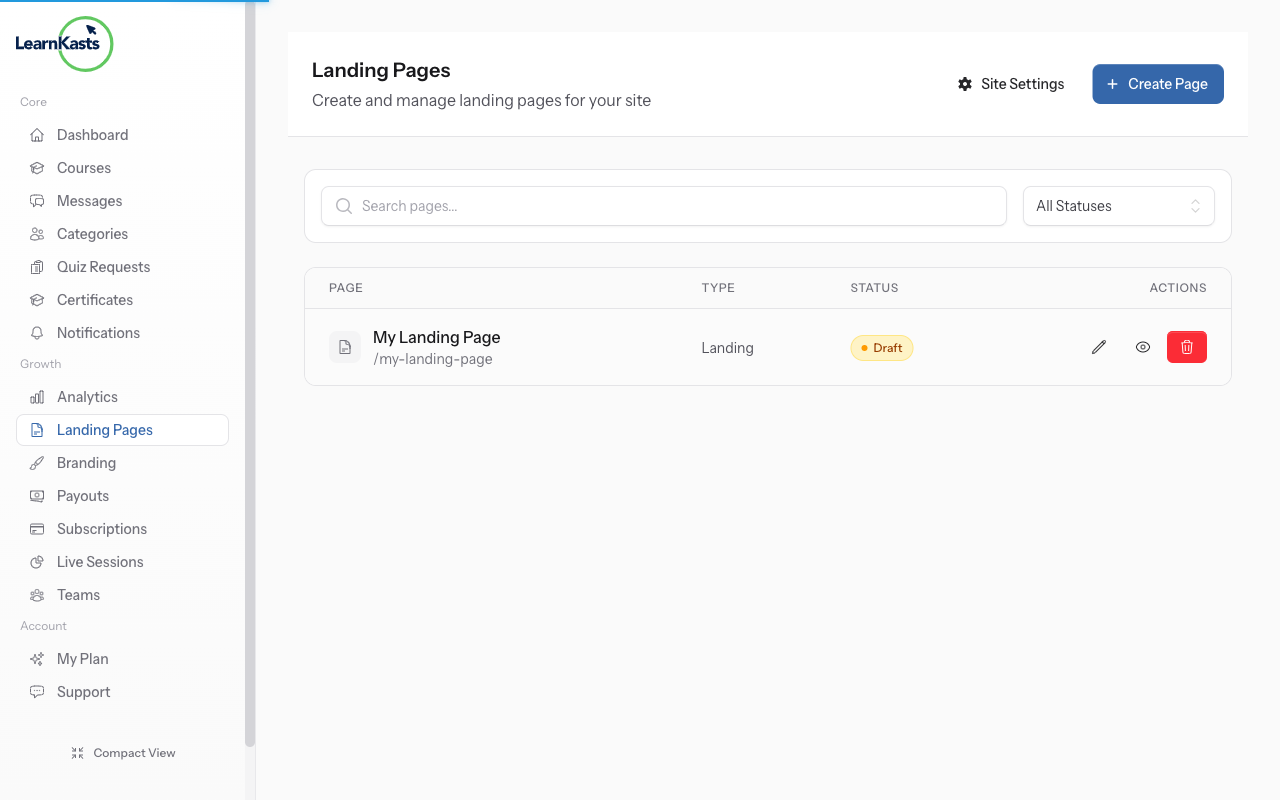
Use the visual editor to add sections, text, images, and more. Drag elements to rearrange them. Preview your changes in real-time before publishing.
Àwọn ìtọ́sọ́nà mìíràn
Ìtọ́sọ́nà fún olùkọ́
Ìtọ́sọ́nà ìgbésẹ̀-sí-ìgbésẹ̀ fún ṣíṣẹ̀dá ẹ̀kọ́, ṣíṣe ìpàdé tààrà àti mímú iṣẹ́ ìkọ́ni rẹ dàgbà.
- Getting started as an educator
- Creating your first course
- Building course curriculum
- Uploading video lessons
- Using AI to generate quizzes
- Creating quizzes and assignments
- Assignments and grading queues
- Hosting live sessions
- Creating and managing webinars
- Managing course cohorts
- Adding students to cohorts
- Setting up subscriptions
- Course reviews and ratings
- Issuing certificates
- Understanding course analytics
- Live session usage and billing
- Setting up payout methods
- Viewing revenue and payouts
- Setting up your educator subdomain
- Creating landing pages
- Using the visual page editor
- Adding page sections
- Page styling and branding
- AI Studio Composer
- AI Voice Clone & Avatar
- Traffic sources & UTM attribution
Ìtọ́sọ́nà fún akẹ́kọ̀ọ́
Gbogbo ohun tí akẹ́kọ̀ọ́ nílò láti wo ẹ̀kọ́, darapọ̀ mọ́ ìpàdé tààrà àti tẹ̀lé ìlọsíwájú wọn.
- Creating an account
- Browsing and finding courses
- Enrolling in a course
- Watching video lessons
- Taking notes during lessons
- Submitting assignments
- Taking quizzes
- Joining live classes
- Attending webinars
- Managing your subscriptions
- Viewing your certificates
- Writing course reviews
- Managing your orders
- Updating your profile
Ẹgbẹ́ àti ìṣàkóso
Ìṣàkóso ẹgbẹ́, àṣẹ, ìsanwó àti irinṣẹ́ ìṣàkóso fún àwọn àjọ.
Ṣé ìtọ́sọ́nà yìí ràn ọ́ lọ́wọ́?
Bí o bá nílò ènìyàn gidi, ẹgbẹ́ ìrànlọ́wọ́ wa ń dáhùn ní èdè tó yé láàrin ọjọ́ iṣẹ́ kan. Ó yára jù lórí WhatsApp.