Managing Your Subscriptions
View, upgrade, downgrade, or cancel your course subscriptions.
-
Access subscription management
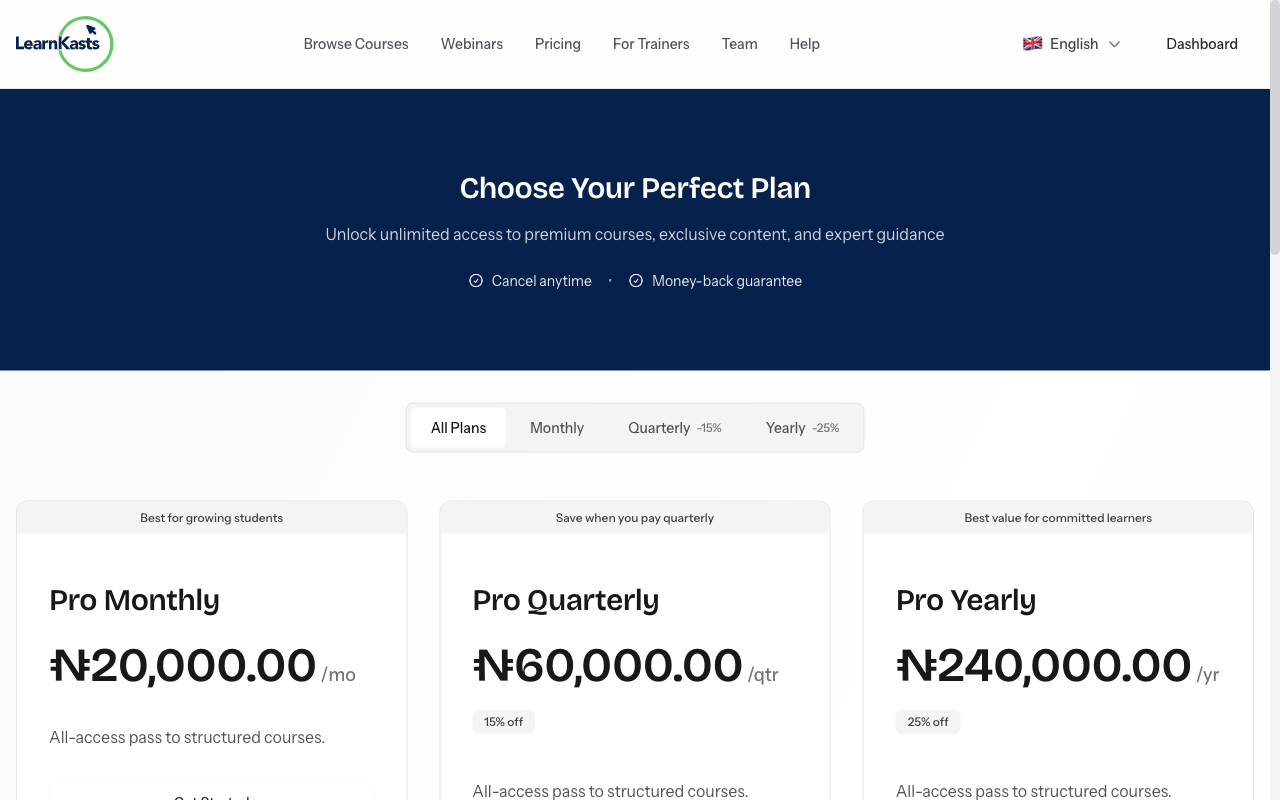
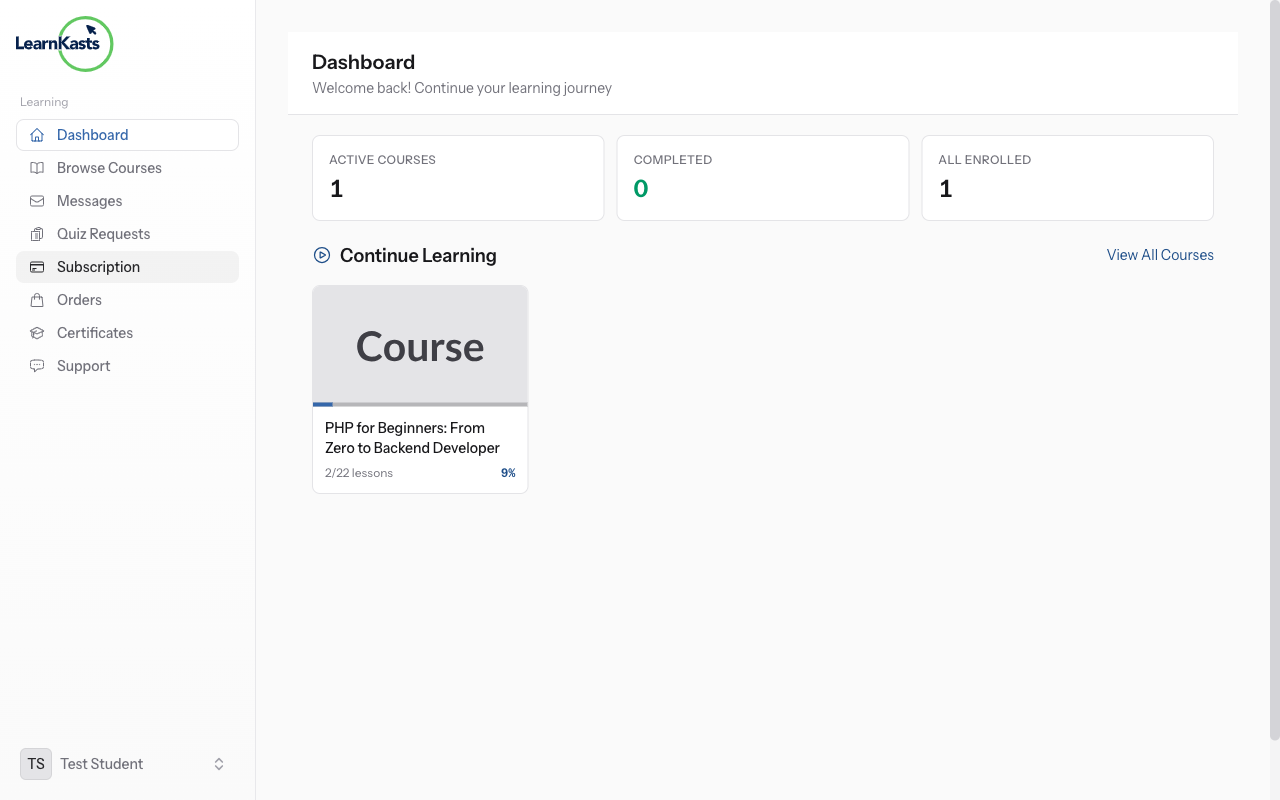
Click your profile icon → "Subscriptions" or go to your Student Dashboard → "My Subscriptions". See all your active and past subscriptions.
-
View subscription details
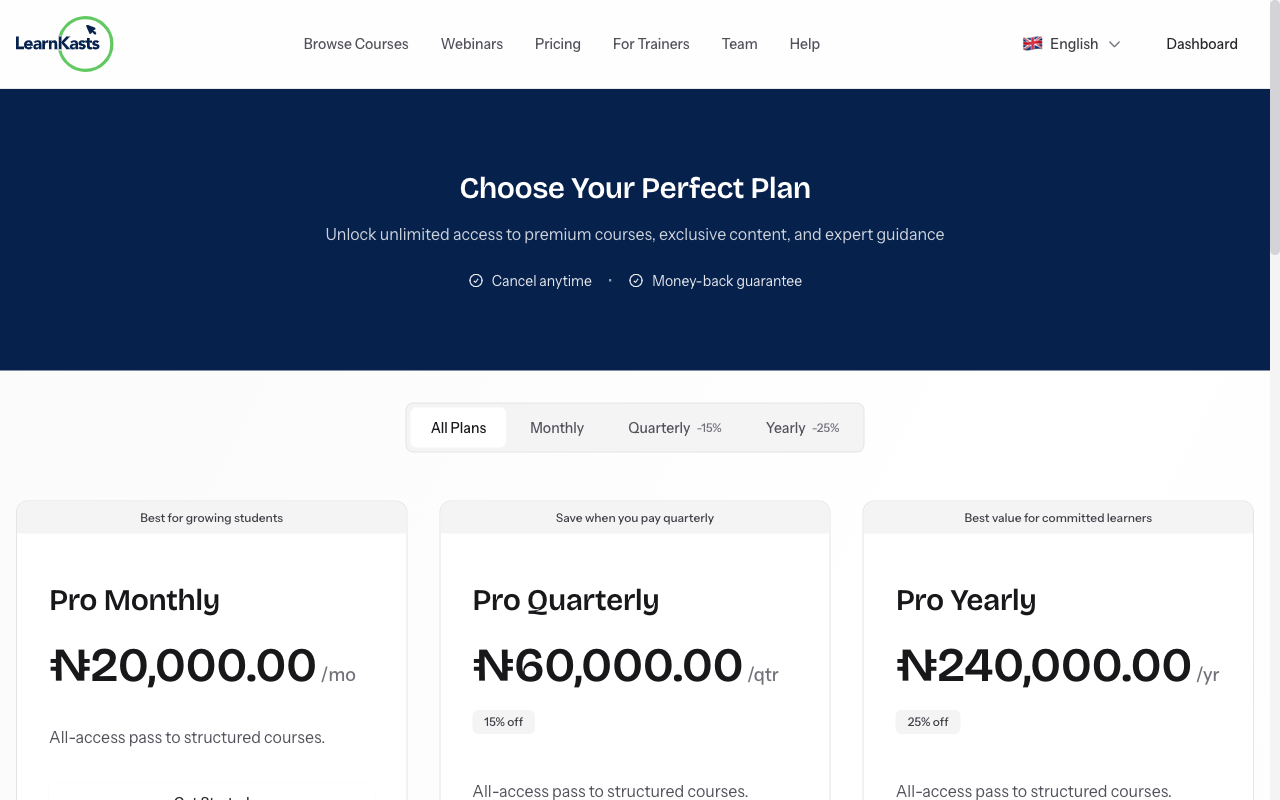
Click on any subscription to see: what's included, billing amount, next billing date, payment method, and subscription history.
-
Access included content
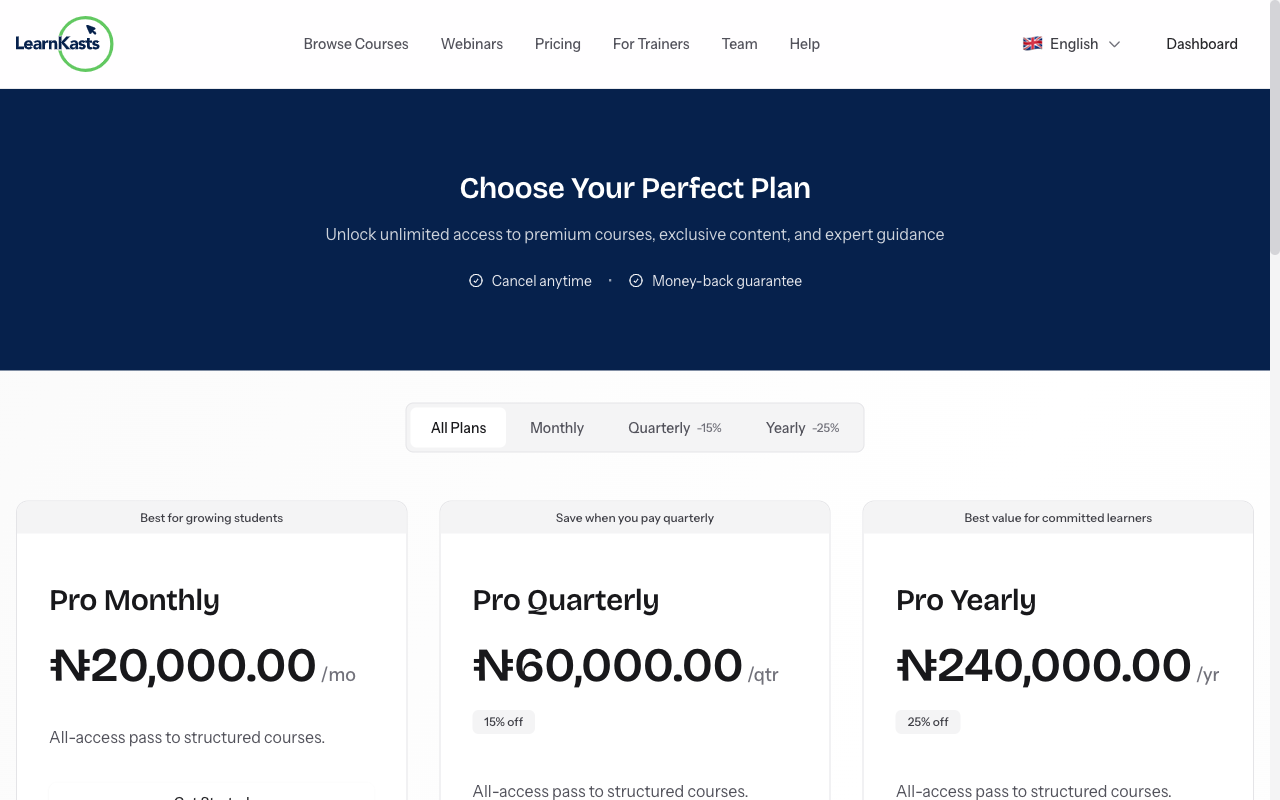
Your subscription gives access to specific courses or all courses from a educator. Click "View Courses" to see everything included. Start learning any included course immediately.
-
Update payment method
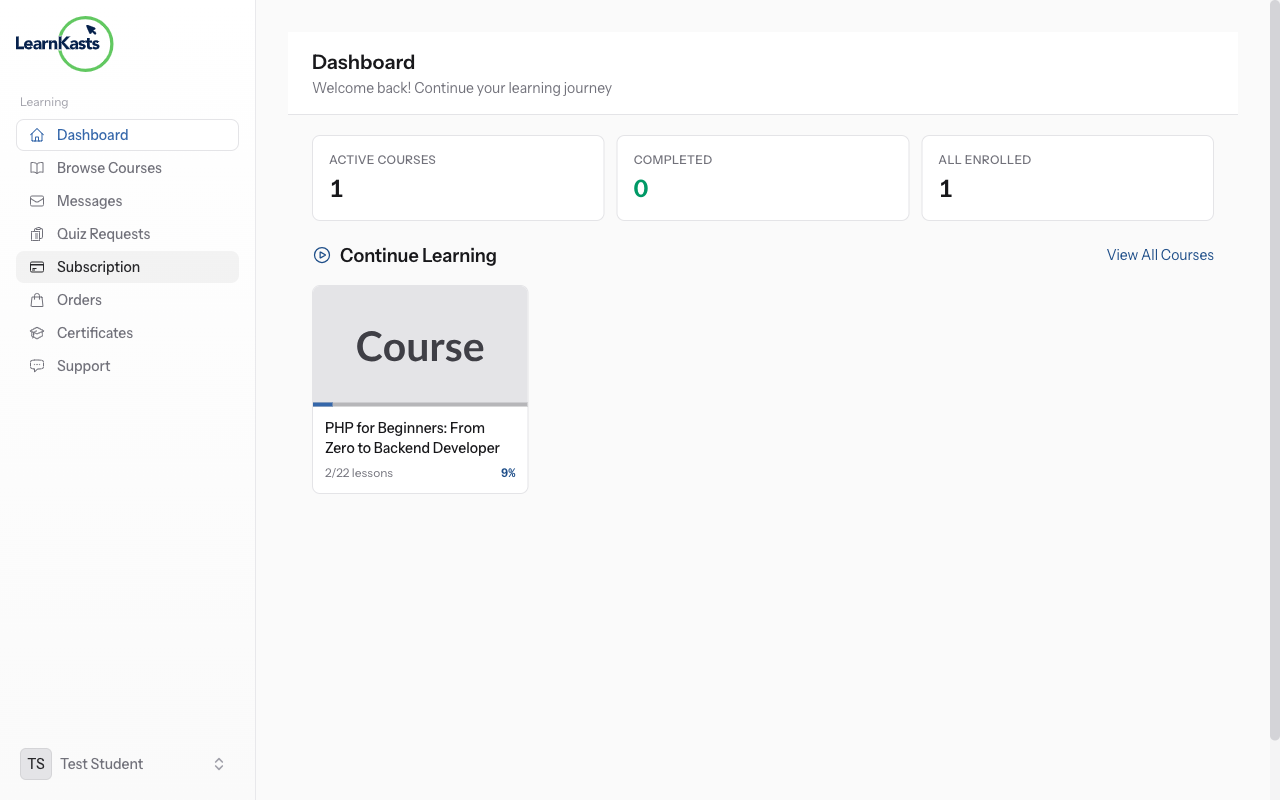
To change your payment card, click "Payment Method" → "Update". Enter new card details. The new card will be charged on your next billing date.
-
Upgrade or downgrade
To change your plan, click "Change Plan". Compare available options. Upgrades apply immediately (prorated). Downgrades apply at the next billing cycle.
-
Cancel subscription
To cancel, click "Cancel Subscription". You'll keep access until the current period ends. You can resubscribe anytime. Consider pausing instead of cancelling if temporary.
Ntuziaka ndị ọzọ
Ntuziaka ndị nkuzi
Ntuziaka nzọụkwụ-na-nzọụkwụ maka imepụta ọmụmụ, ịme nzukọ ndụ na ito azụmahịa nkuzi gị.
- Getting started as an educator
- Creating your first course
- Building course curriculum
- Uploading video lessons
- Using AI to generate quizzes
- Creating quizzes and assignments
- Assignments and grading queues
- Hosting live sessions
- Creating and managing webinars
- Managing course cohorts
- Adding students to cohorts
- Setting up subscriptions
- Course reviews and ratings
- Issuing certificates
- Understanding course analytics
- Live session usage and billing
- Setting up payout methods
- Viewing revenue and payouts
- Setting up your educator subdomain
- Creating landing pages
- Using the visual page editor
- Adding page sections
- Page styling and branding
- AI Studio Composer
- AI Voice Clone & Avatar
- Traffic sources & UTM attribution
Ntuziaka ụmụ akwụkwọ
Ihe niile ụmụ akwụkwọ chọrọ iji lelee ọmụmụ, sonye na nzukọ ndụ ma soro ọganihu ha.
- Creating an account
- Browsing and finding courses
- Enrolling in a course
- Watching video lessons
- Taking notes during lessons
- Submitting assignments
- Taking quizzes
- Joining live classes
- Attending webinars
- Managing your subscriptions
- Viewing your certificates
- Writing course reviews
- Managing your orders
- Updating your profile
Otu na nchịkwa
Njikwa otu, ikike, ịkwụ ụgwọ na ngwaọrụ nchịkwa maka nzukọ.
Ntuziaka a ọ nyeere gị aka?
Ọ bụrụ na ịchọrọ mmadụ n'ezie, ndị otu nkwado anyị na-aza n'asụsụ doro anya n'ime otu ụbọchị ọrụ. Ọ dị ngwa karịa na WhatsApp.