


1
Access branding settings
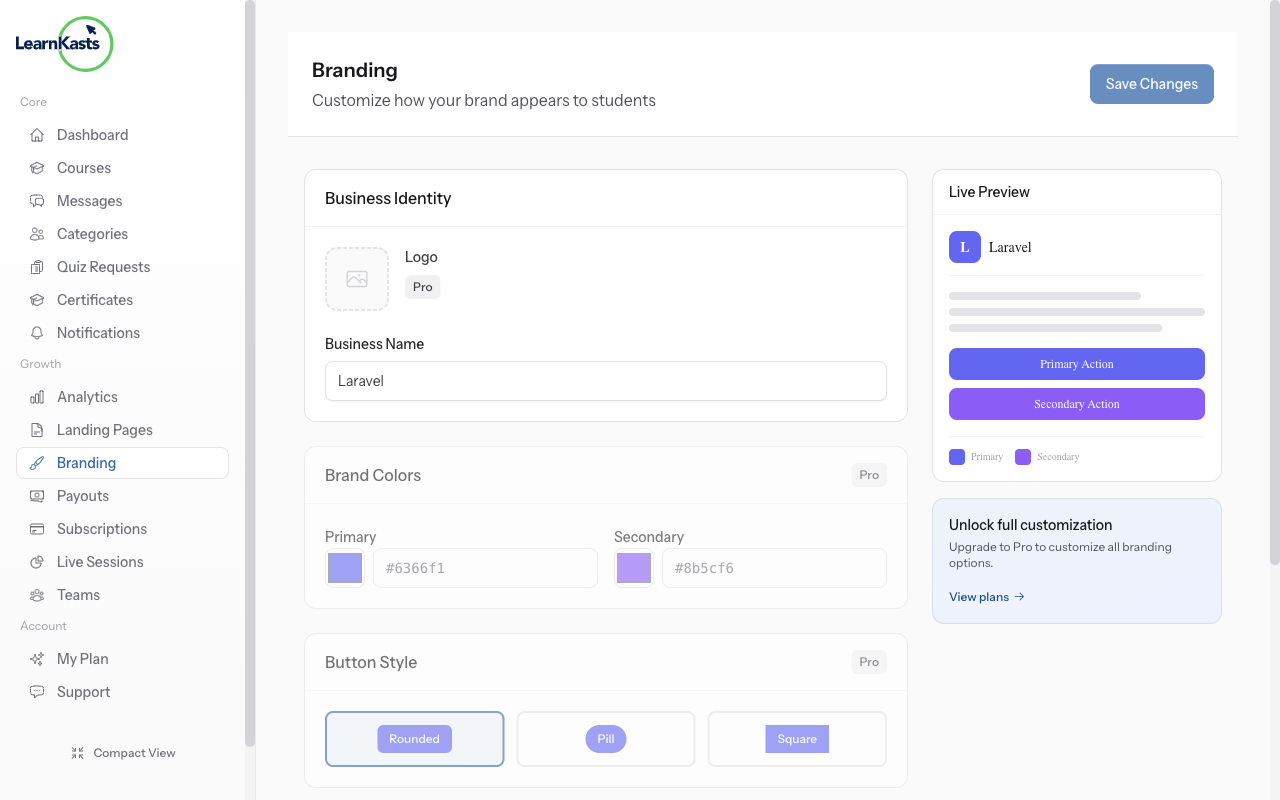
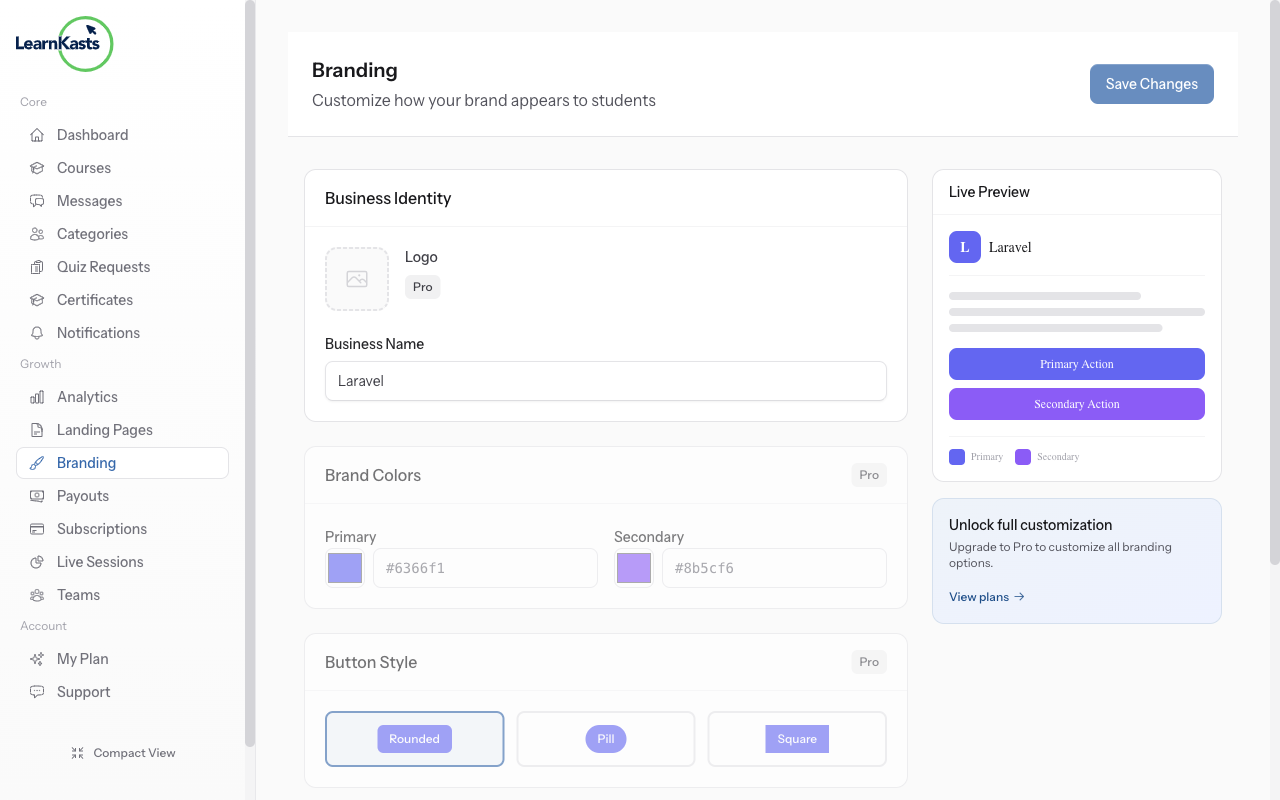
Go to Settings → Branding to customize your brand colors, logo, and fonts. These settings apply across all your pages and courses.

Company & More
Customize colors, fonts, and branding for your pages.
Go to Settings → Branding to customize your brand colors, logo, and fonts. These settings apply across all your pages and courses.
Upload your logo, choose primary and accent colors, and set your brand fonts. Preview how your branding looks before saving changes.
Our support team is here to assist you with any questions.