Account Security Best Practices
Keep your Learnkasts account secure with these recommended practices.
-
Use a strong password
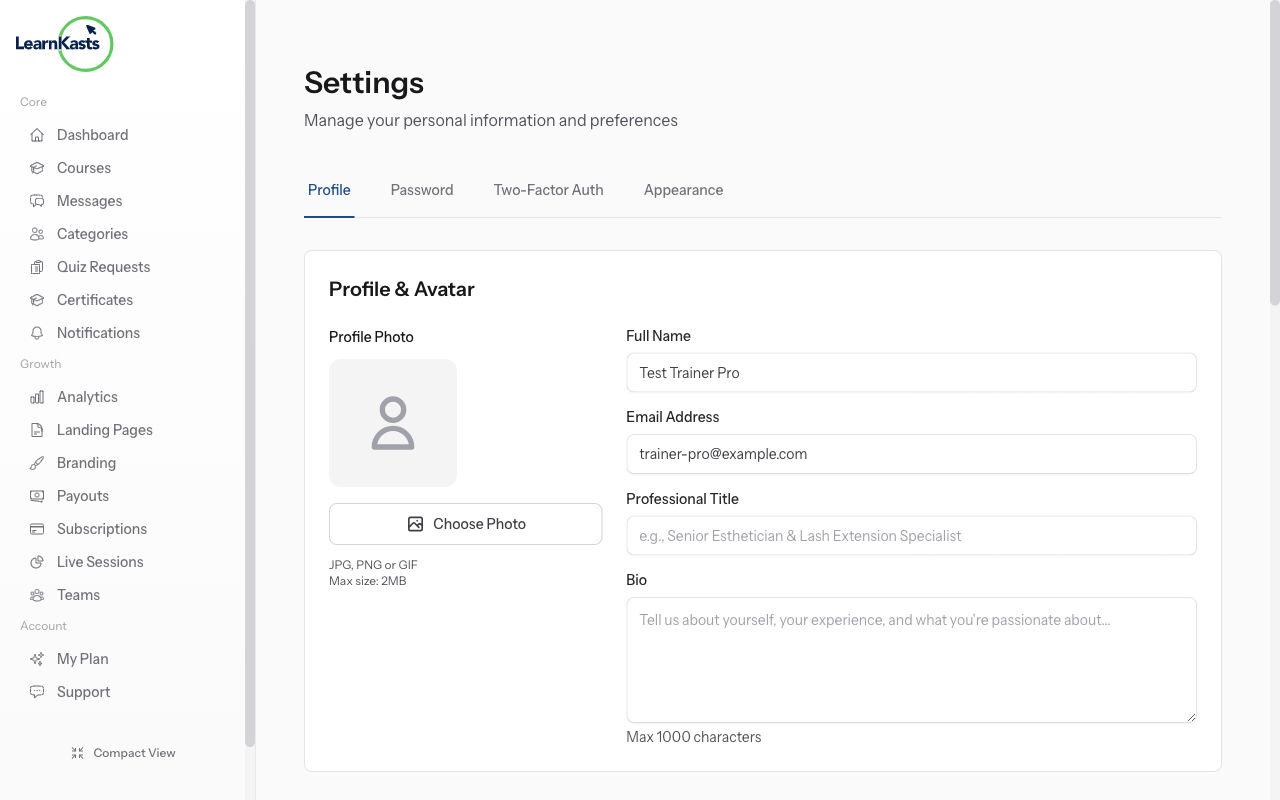
Create a unique, strong password for your Learnkasts account. Use a mix of uppercase, lowercase, numbers, and symbols. Avoid using the same password you use for other services. Consider using a password manager to generate and store secure passwords.
-
Enable two-factor authentication
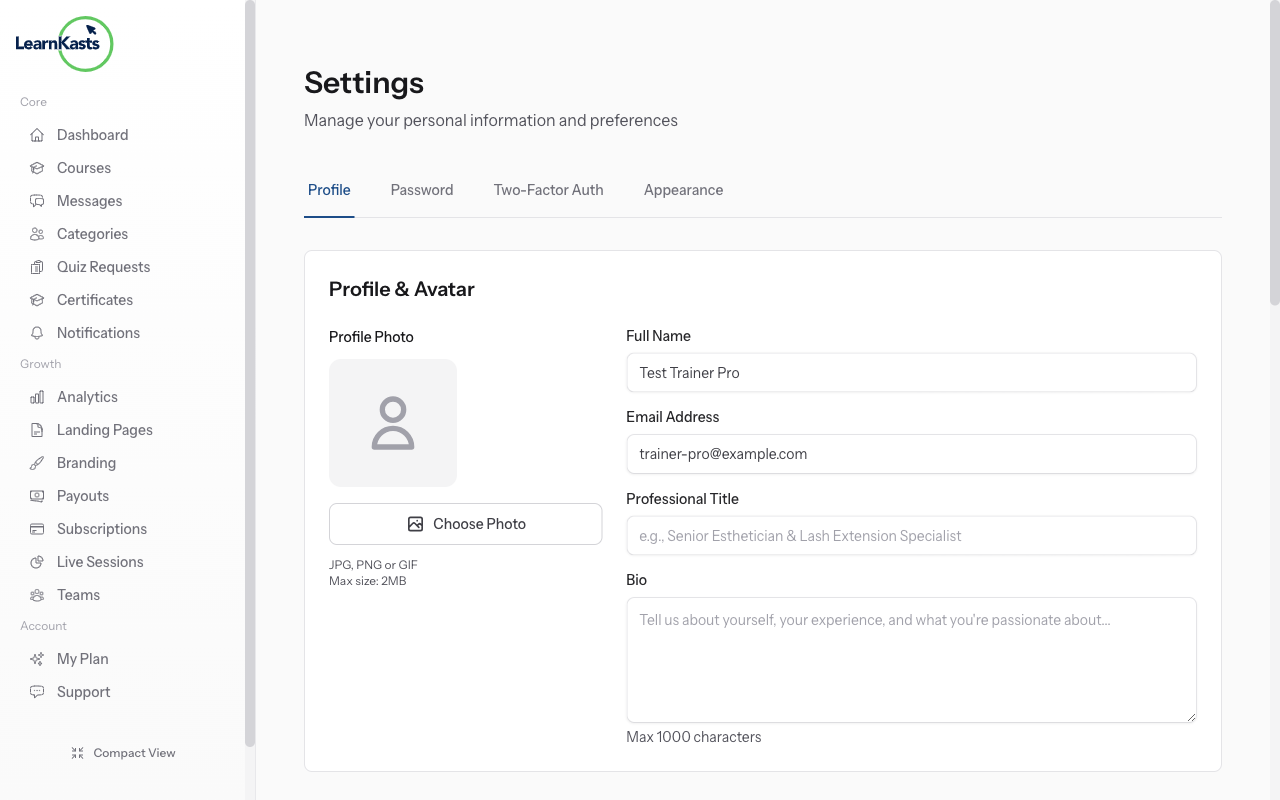
Add an extra layer of security by enabling 2FA. Go to Settings → Security and enable two-factor authentication. You'll need an authenticator app (like Google Authenticator or Authy) to generate verification codes when logging in.
-
Review account activity
Regularly check your account for any suspicious activity. Look for unfamiliar login locations, unexpected changes to your courses, or enrollments you don't recognize. If you notice anything unusual, change your password immediately.
-
Manage team access carefully
If you have team members, only grant the permissions they need for their role. Remove access promptly when someone leaves your team. Review your team members list periodically to ensure only authorized people have access.
More guides
Educator guides
Step-by-step guides to create courses, run live sessions and grow your teaching business.
- Getting started as an educator
- Creating your first course
- Building course curriculum
- Uploading video lessons
- Using AI to generate quizzes
- Creating quizzes and assignments
- Assignments and grading queues
- Hosting live sessions
- Creating and managing webinars
- Managing course cohorts
- Adding students to cohorts
- Setting up subscriptions
- Course reviews and ratings
- Issuing certificates
- Understanding course analytics
- Live session usage and billing
- Setting up payout methods
- Viewing revenue and payouts
- Setting up your educator subdomain
- Creating landing pages
- Using the visual page editor
- Adding page sections
- Page styling and branding
- AI Studio Composer
- AI Voice Clone & Avatar
- Traffic sources & UTM attribution
Learner guides
Everything learners need to check courses, join live sessions and follow their progress.
- Creating an account
- Browsing and finding courses
- Enrolling in a course
- Watching video lessons
- Taking notes during lessons
- Submitting assignments
- Taking quizzes
- Joining live classes
- Attending webinars
- Managing your subscriptions
- Viewing your certificates
- Writing course reviews
- Managing your orders
- Updating your profile
Team & admin
Team management, permissions, billing and admin tools for organisations.
This guide help you?
If you need real human, our support team dey reply for plain English inside one working day. E faster for WhatsApp.