Setting Up Venues
Create and manage physical training locations for in-person courses.
-
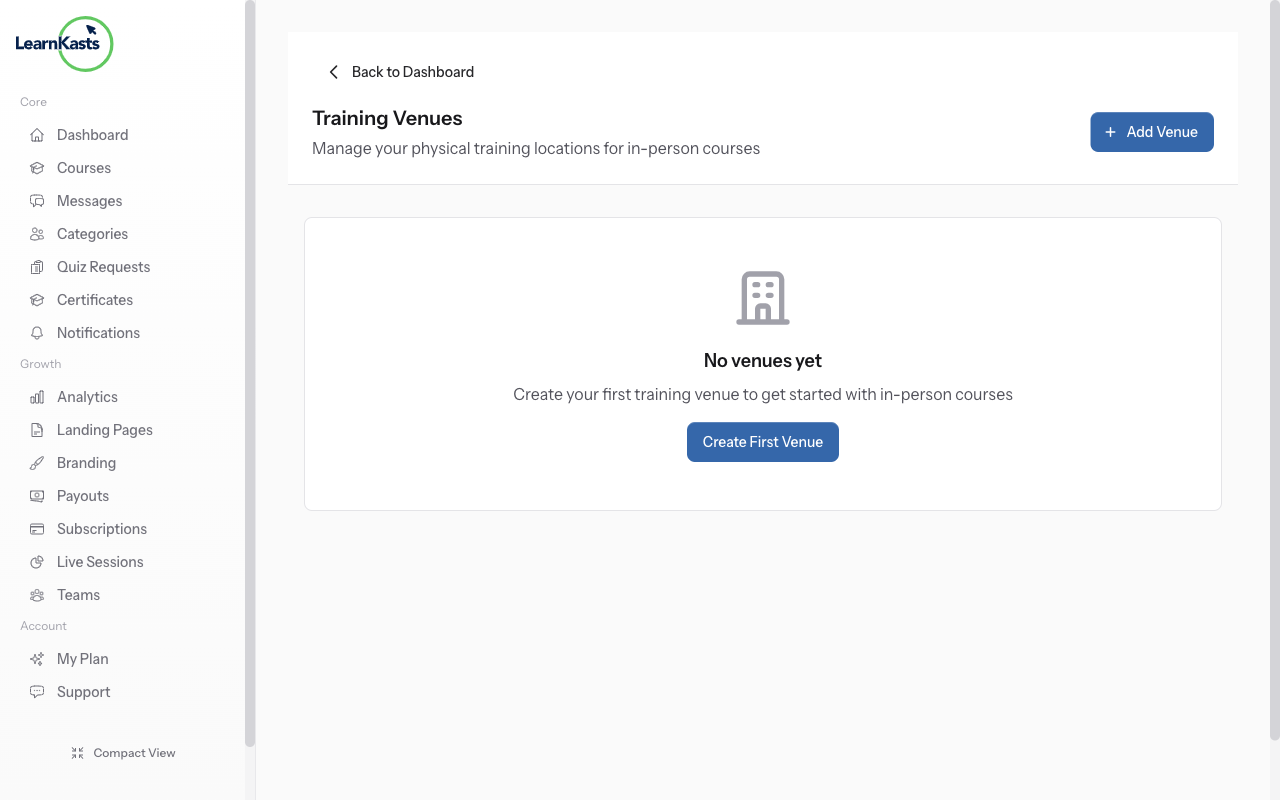
Access venue management
Go to Educator Dashboard → Venues in the sidebar. This is where you create and manage physical locations for in-person training sessions. Venues can be assigned to cohorts and sessions.
-
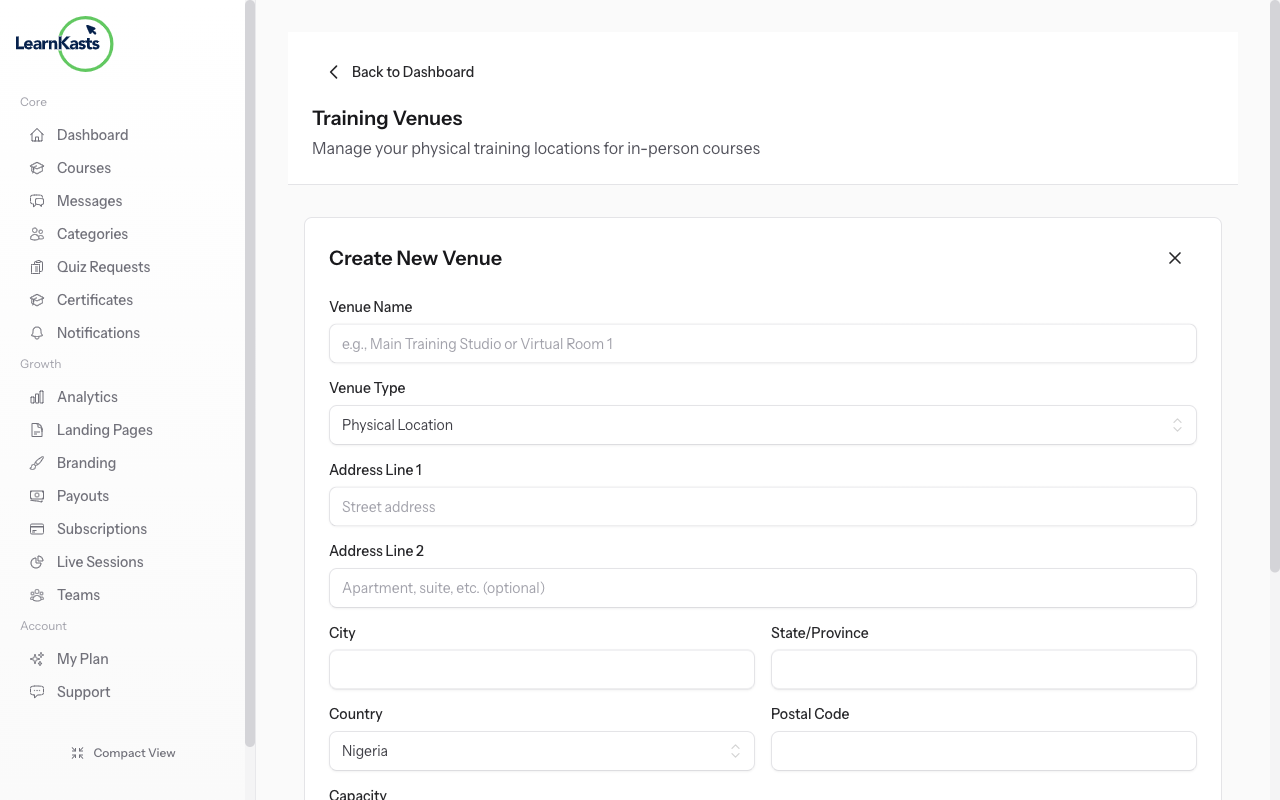
Add a new venue
Click "Add Venue" to create a new location. Enter the venue name (e.g., "Lagos Training Center"), full address, capacity (maximum attendees), and any special instructions or amenities. You can also set the timezone for accurate session scheduling.
-
Assign venues to sessions
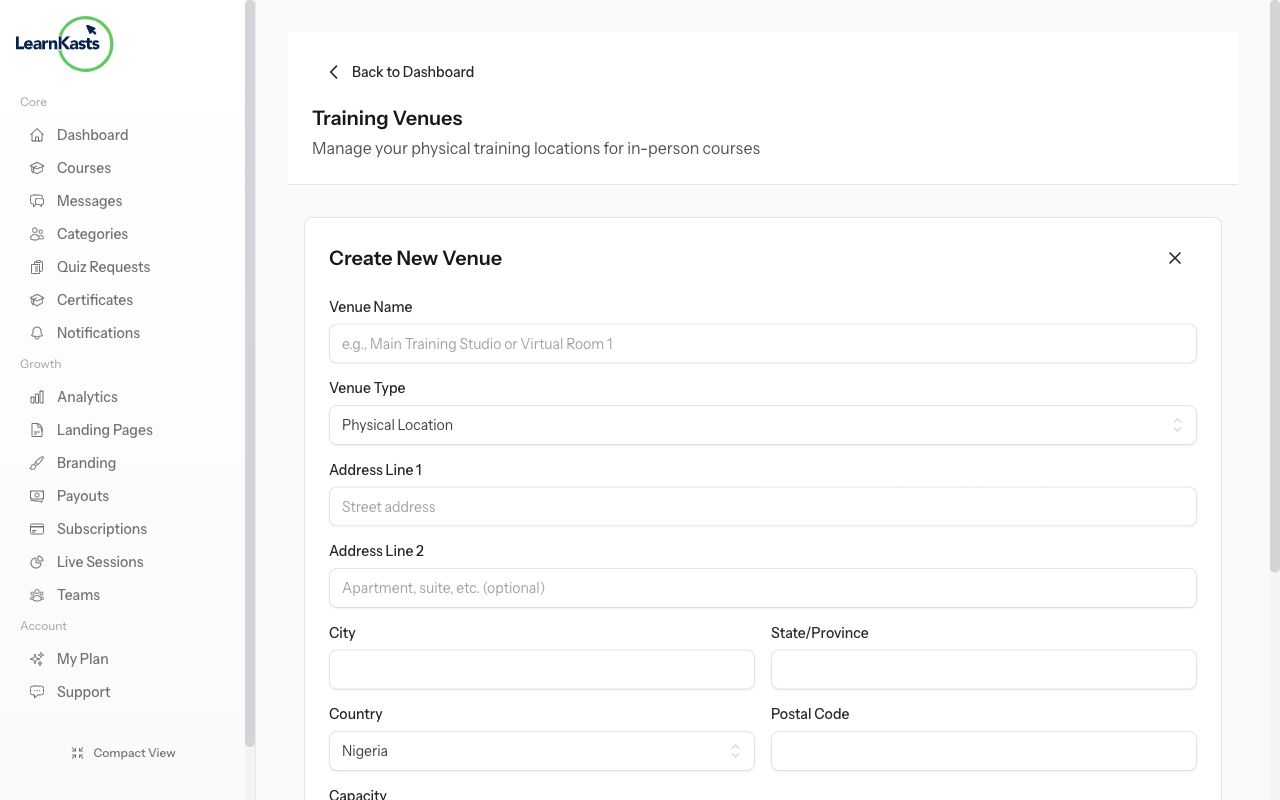
When creating cohort sessions for in-person courses, select the venue from the dropdown. Students will see the venue details including address and directions when they view the session in their dashboard.
-
Track attendance
During in-person sessions, use the attendance feature to mark which students showed up. This helps track participation and can be tied to completion requirements for certificates.
Ƙarin jagorori
Jagororin malamai
Jagorori mataki-mataki don ƙirƙirar kwasakwasai, gudanar da zaman kai tsaye da bunƙasa sana'ar koyarwarka.
- Getting started as an educator
- Creating your first course
- Building course curriculum
- Uploading video lessons
- Using AI to generate quizzes
- Creating quizzes and assignments
- Assignments and grading queues
- Hosting live sessions
- Creating and managing webinars
- Managing course cohorts
- Adding students to cohorts
- Setting up subscriptions
- Course reviews and ratings
- Issuing certificates
- Understanding course analytics
- Live session usage and billing
- Setting up payout methods
- Viewing revenue and payouts
- Setting up your educator subdomain
- Creating landing pages
- Using the visual page editor
- Adding page sections
- Page styling and branding
- AI Studio Composer
- AI Voice Clone & Avatar
- Traffic sources & UTM attribution
Jagororin ɗalibai
Duk abin da ɗalibai ke buƙata don duba kwasakwasai, shiga zaman kai tsaye da bin diddigin ci gabansu.
- Creating an account
- Browsing and finding courses
- Enrolling in a course
- Watching video lessons
- Taking notes during lessons
- Submitting assignments
- Taking quizzes
- Joining live classes
- Attending webinars
- Managing your subscriptions
- Viewing your certificates
- Writing course reviews
- Managing your orders
- Updating your profile
Ƙungiya da gudanarwa
Gudanar da ƙungiya, izini, biyan kuɗi da kayan aikin gudanarwa ga ƙungiyoyi.
Shin wannan jagorar ta taimaka?
Idan kana buƙatar mutum na gaske, ƙungiyar tallafinmu tana amsawa cikin sauƙaƙan harshe a cikin ranar aiki ɗaya. Ya fi sauri a WhatsApp.